QR code generator

WhatsApp QR

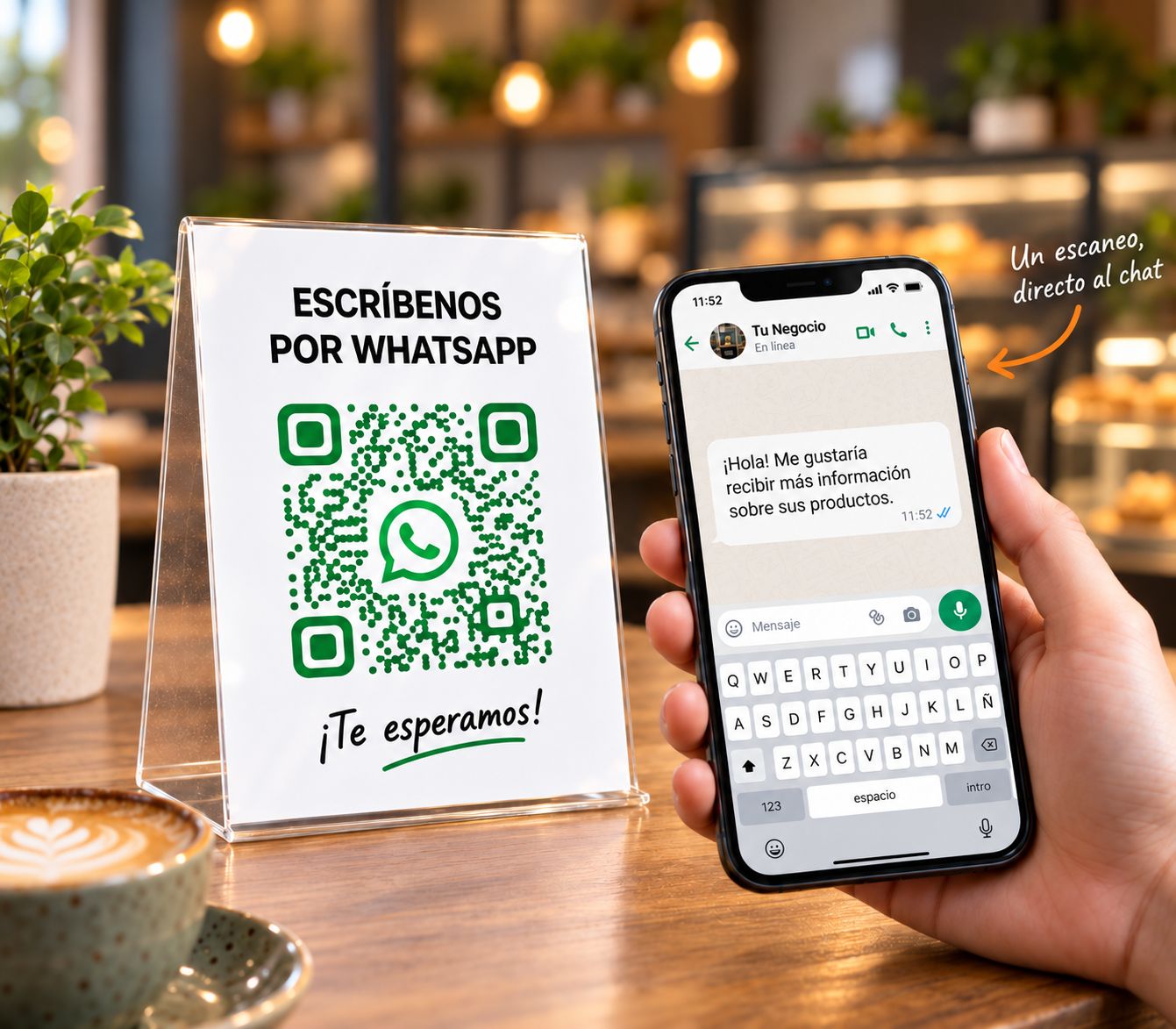
Open a conversation with your business from one scan, without typing or saving your number.
No signup to try
Customize it to your style
Ready to print or share

How it works

Create your WhatsApp QR in 3 steps

1

Add your number and message

Enter your WhatsApp number and, if you want, leave a message ready.

2

Personalize the design

Pick colors and shapes, add your logo, and match the QR to your brand.

3

Download and share it

Use it on posters, cards, packaging, ads, or wherever you want to receive inquiries.

Ideal for

Where to use your WhatsApp QR

Make it easier for people to reach you and write to you at different touchpoints.
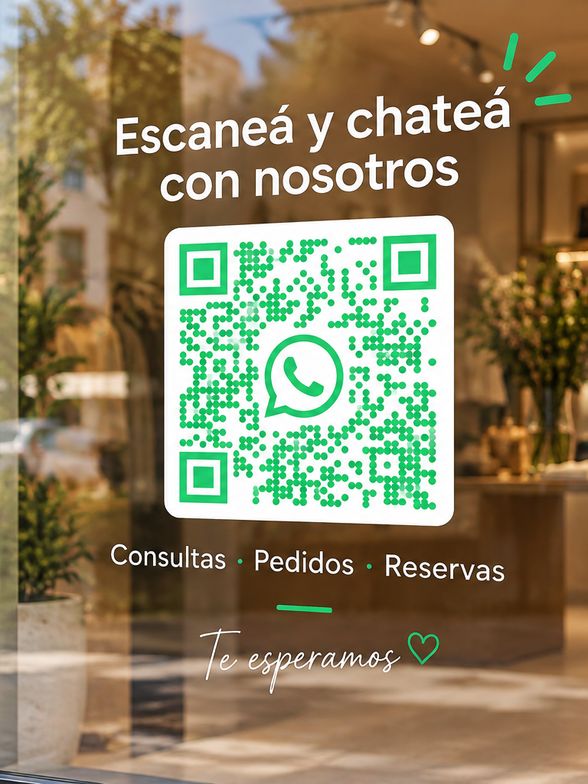
Shops and windows
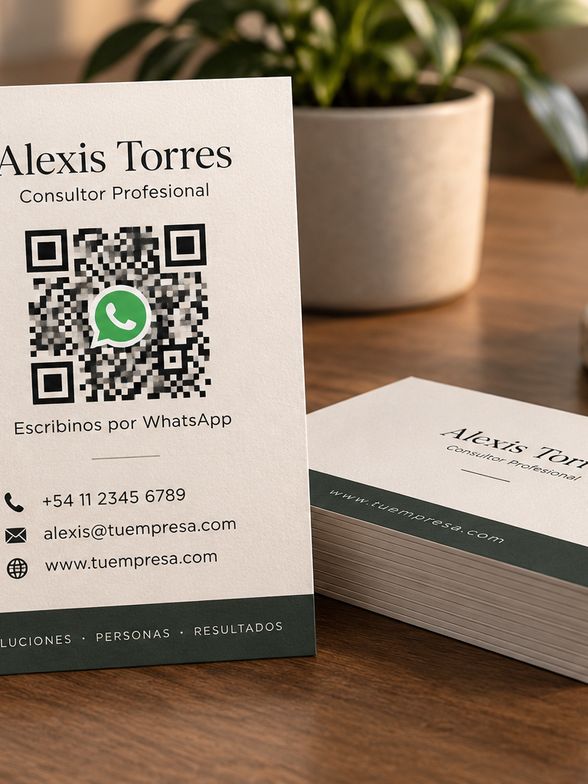
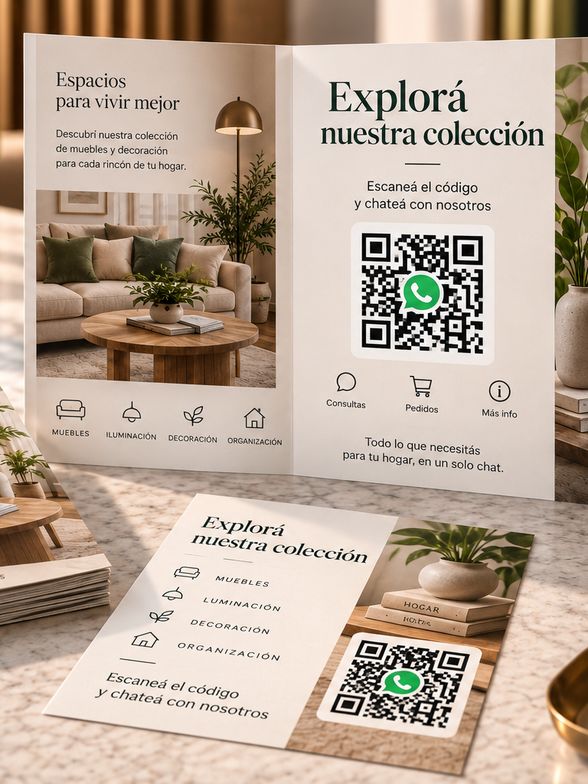
Cards and flyers
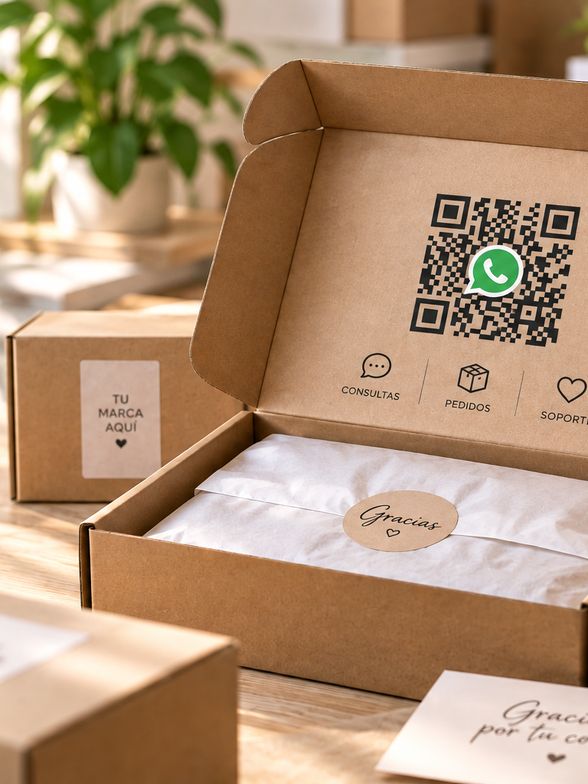
Packaging and labels
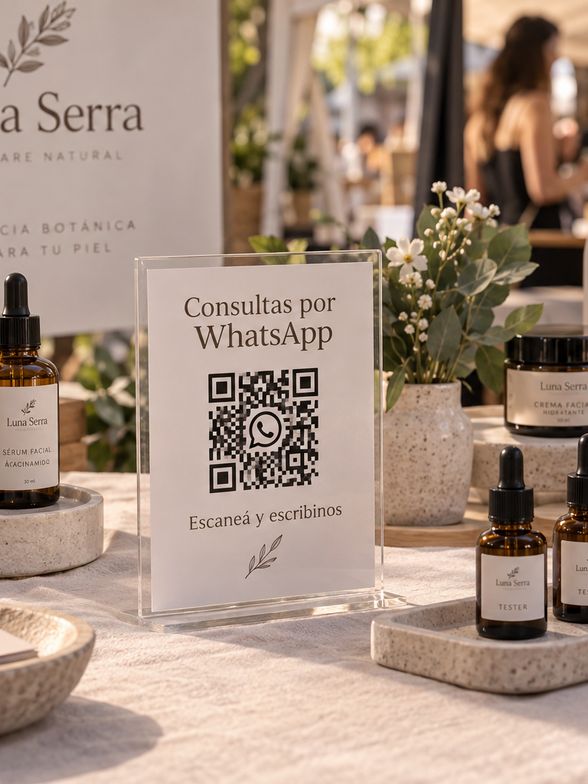
Events and fairs
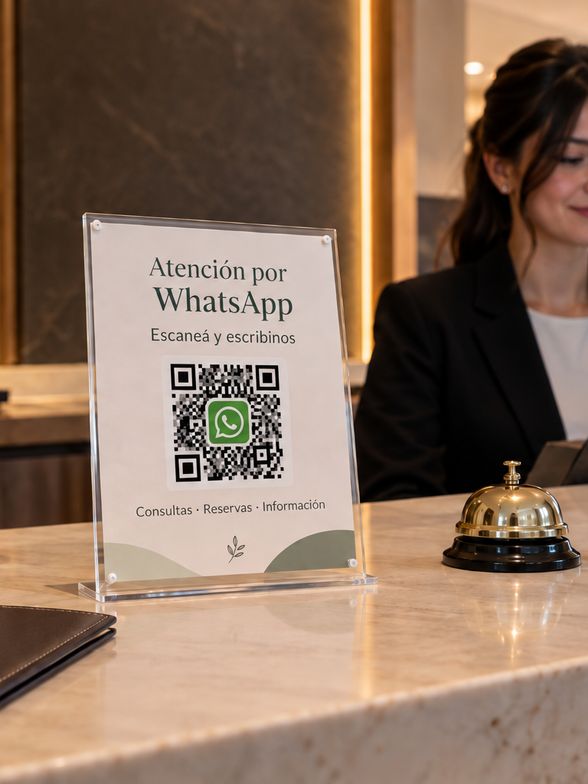
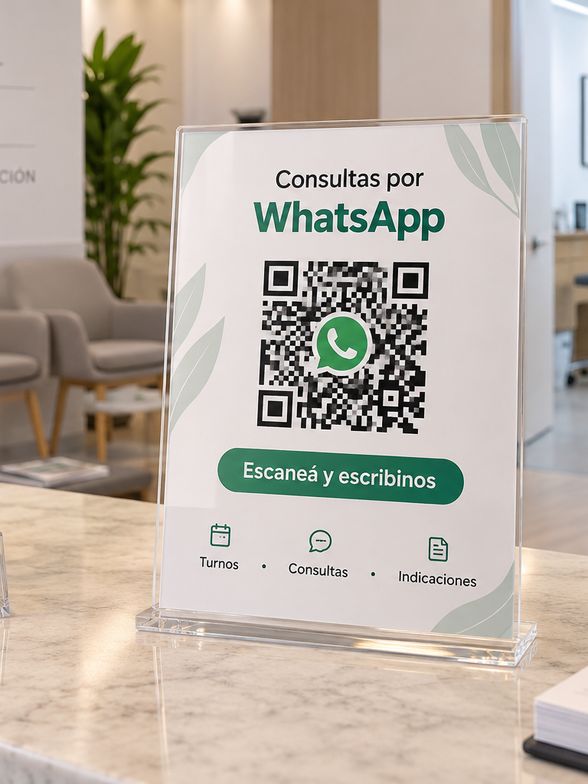
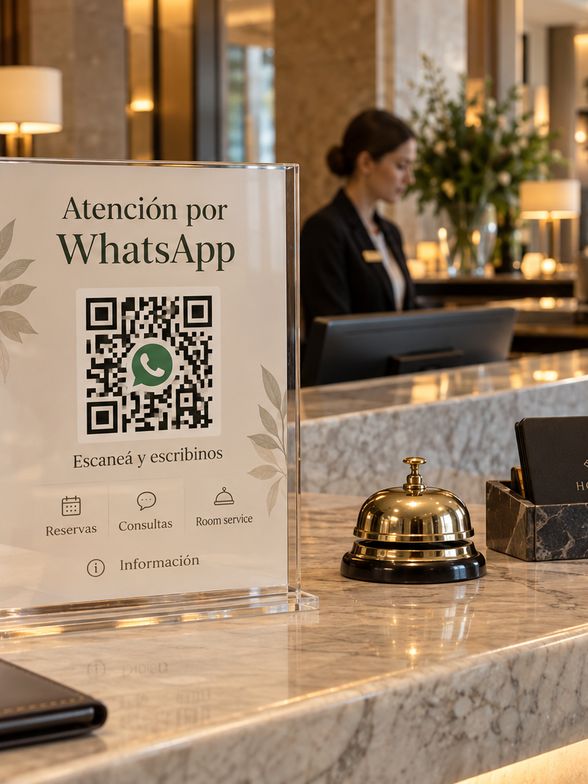
Reception desks
Clinics and waiting rooms
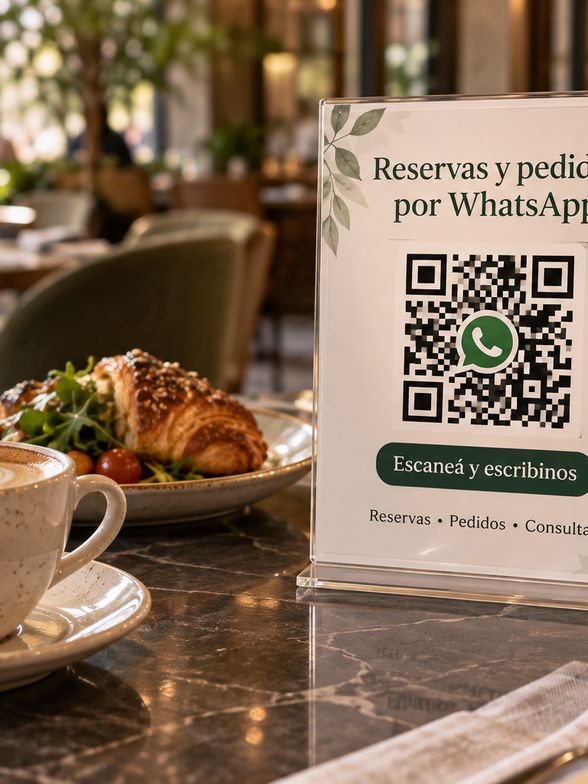
Restaurants and cafés
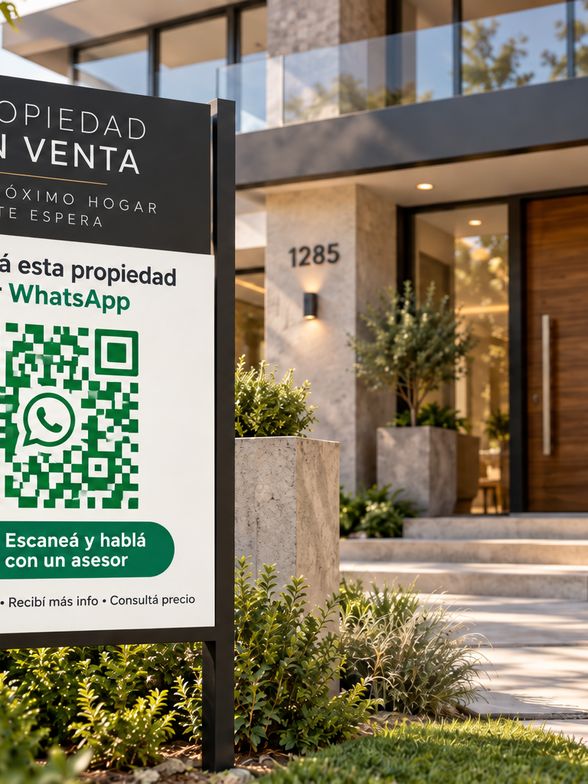
Real estate
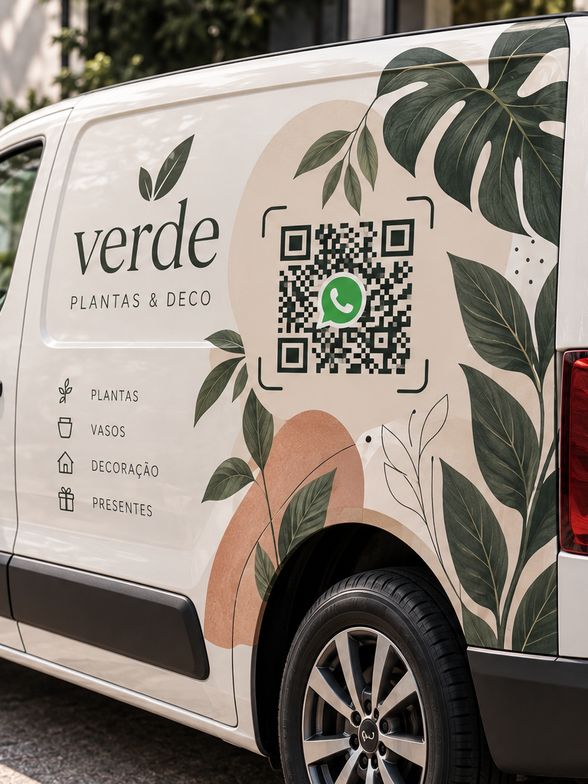
Commercial vehicles
Catalogs and brochures
Hotels and lodging
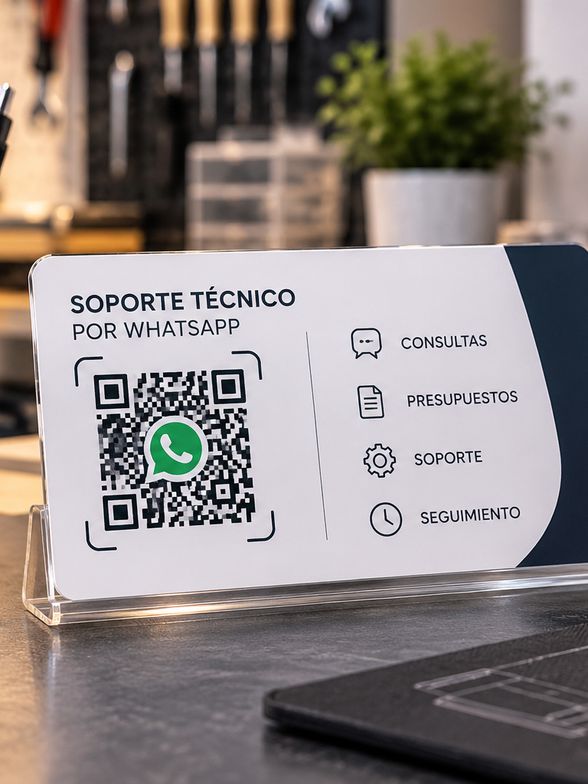
Technical and professional services

Customize it

A QR that also
belongs to your brand

Bring the design into your visual identity. Change colors and shapes, add your logo, and pick from our ready-made styles.

Create my WhatsApp QR →

Main benefits

More than a
plain QR code

Straight to the chat

Open a conversation with your business without typing or saving your number.

Styled your way

Customize it so it matches your brand.

Measure the scans

See how many times people use your QR.

Update it whenever you want

Change the number or the message without printing again.

Analytics

Understand the impact
of your QR

See how many people scan your code, where they are, which devices they use, and more. Make better decisions with real data.

See plans →
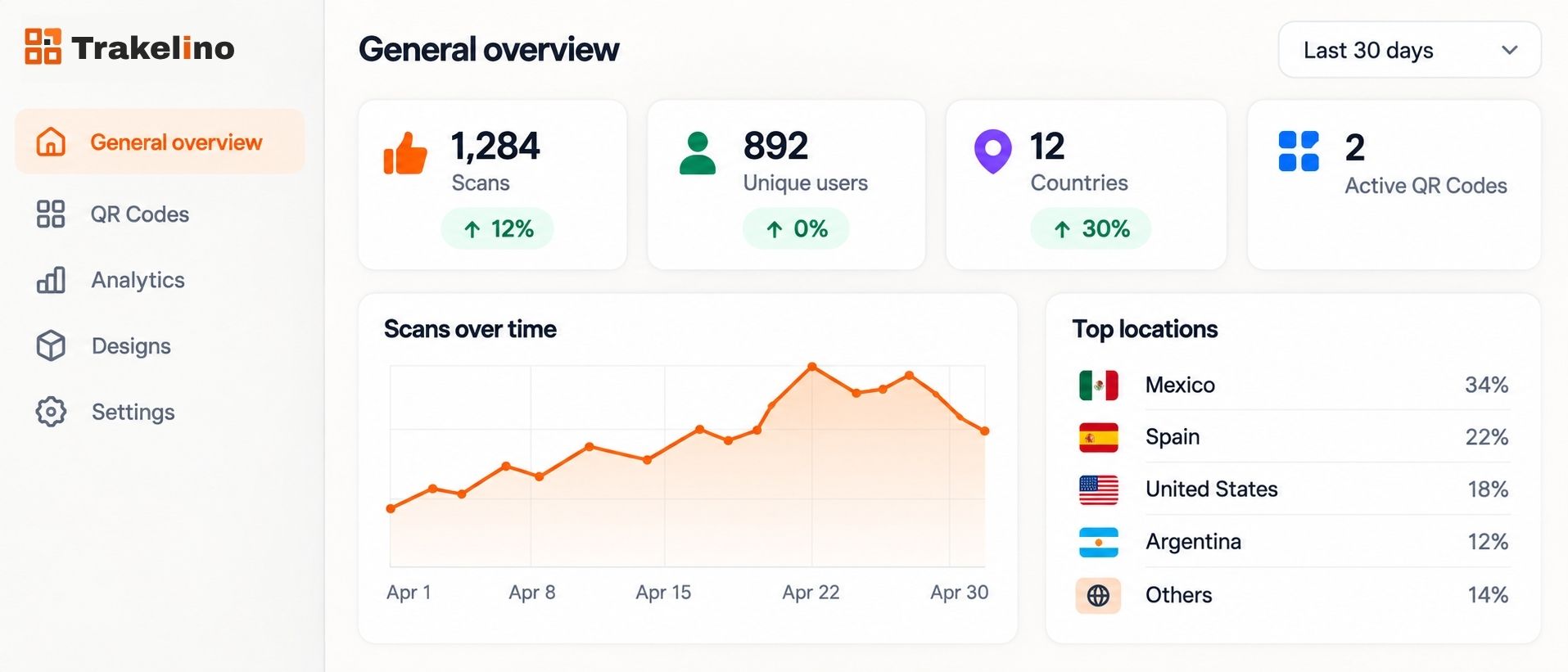
Trakelino analytics overview

Frequently asked questions

Common questions

See all questions →
No. The code opens a chat with your number. They do not need to save it first.
Yes. You can leave a message that is already written when the chat opens.
No. It sits written in the chat. The person sends it when they want.
No. The phone camera recognizes it and opens WhatsApp.
Yes. A dynamic code updates from your dashboard, without reprinting.
Yes. Analytics shows how many times it was scanned, from where, and on which devices.

Create your WhatsApp QR code

Customize it and try it free. No signup.

Create a WhatsApp QR →