1
Add your number and text
A scan opens a text message with your number, and the words if you set them.
QR code generator
A scan opens a text message, ready to send: your number and message pre-filled.
How it works
A scan opens a text message with your number, and the words if you set them.
Pick colors and shapes, add your logo, and match the QR to your brand.
Use it on tables, menus, posters, cards, or wherever you need it.
Ideal for
Collect a reply without making anyone type a number.
Customize it
Bring the design into your visual identity. Change colors and shapes, add your logo, and pick from our ready-made styles.
Create my SMS QR →Main benefits
No typing a phone number in by hand.
Set the starting text so replies come in with context already attached.
Uses whatever messaging app is already the phone's default.
Analytics
See how many people scan your code, where they are, which devices they use, and more. Make better decisions with real data.
See plans →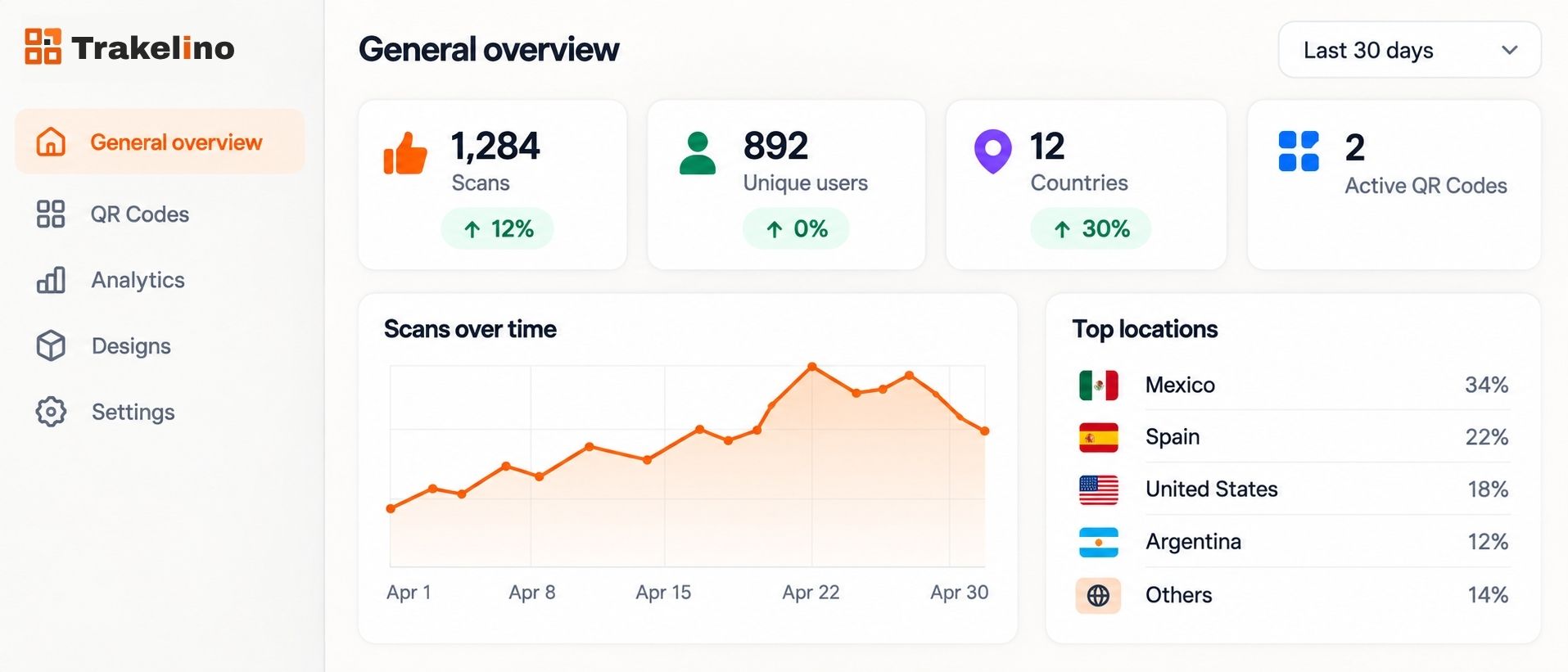
Frequently asked questions