1
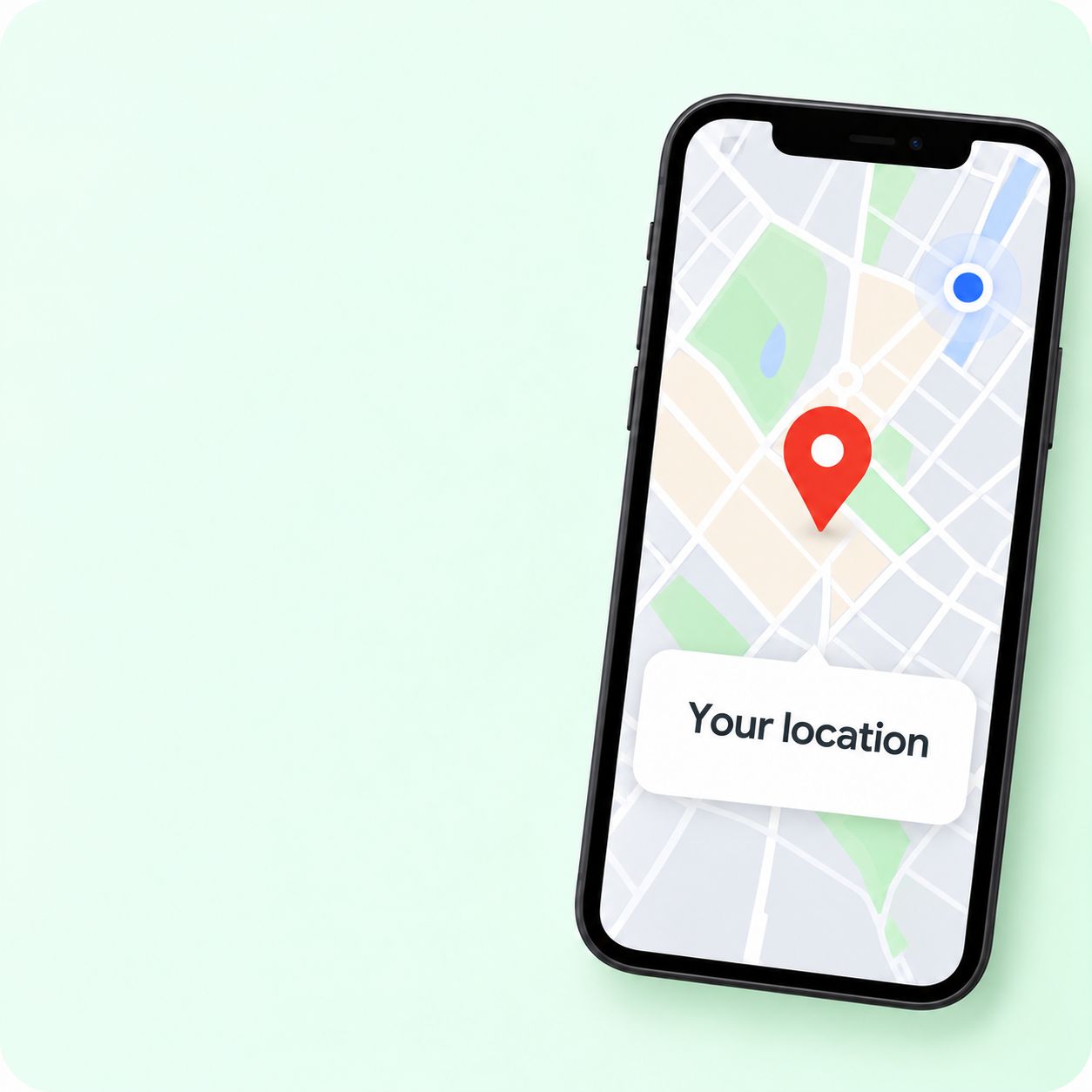
Add your location
Enter the address or the exact pin you want to share.
QR code generator for Google Maps
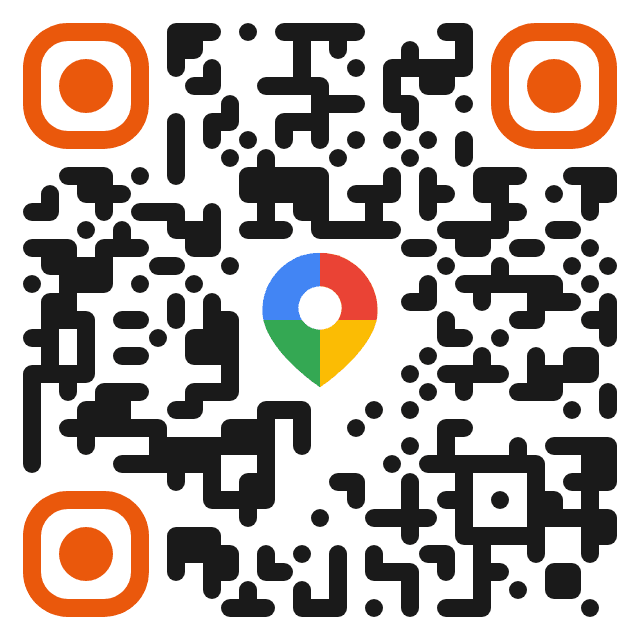
Take people straight to your location with one scan, without typing the address or relying on a search.
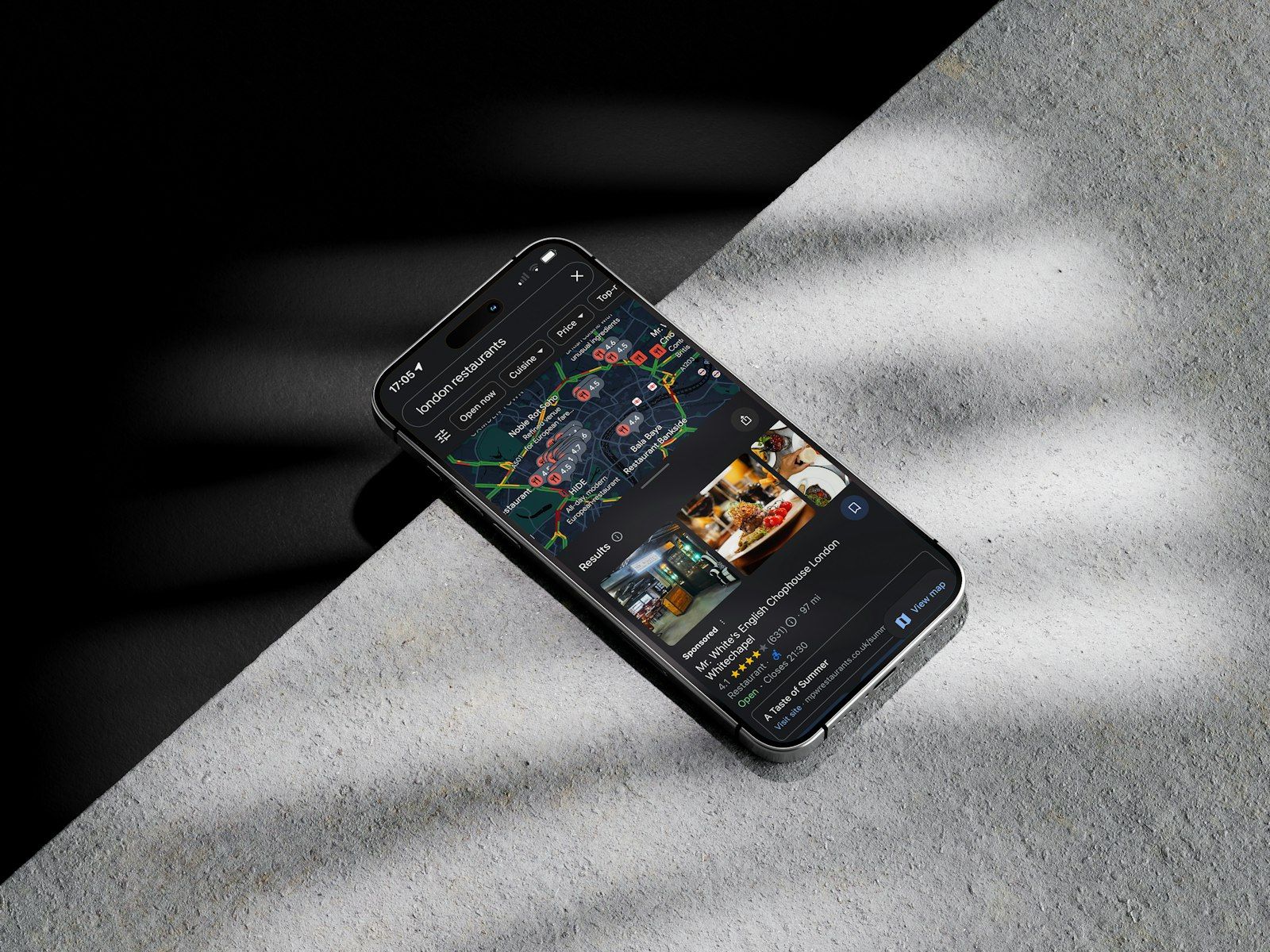
How it works
Enter the address or the exact pin you want to share.
Pick colors and shapes, add your logo, and match the QR to your brand.
Use it on posters, cards, flyers, or wherever you want to make it easy to get there.
Ideal for
Make it easier to reach your location at different touchpoints.






Customize it
Bring the design into your visual identity. Change colors and shapes, add your logo, and pick from our ready-made styles.
Create my Maps QR →Visit us
Trakelino
Our location
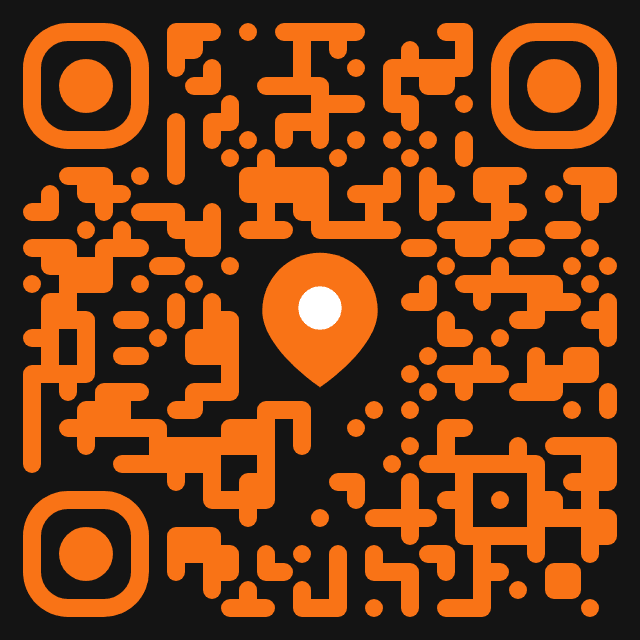
Trakelino
Find us here
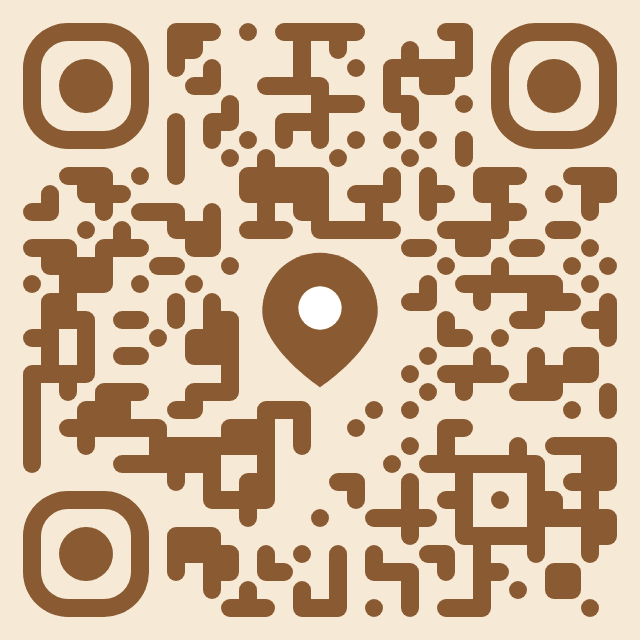
Good coffee better meetings
How to get here
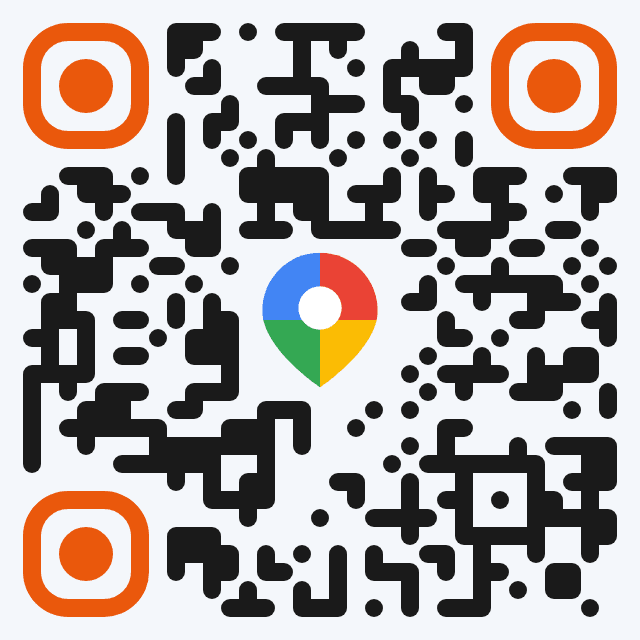
Trakelino Always close to you
Main benefits
Opens directions directly, skipping the search-and-hope-its-right step.
Points at your specific location, not whatever a text search happens to match.
A dynamic code can point to a new address without reprinting existing signage.
Analytics
See how many people scan your code, where they are, which devices they use, and more. Make better decisions with real data.
See plans →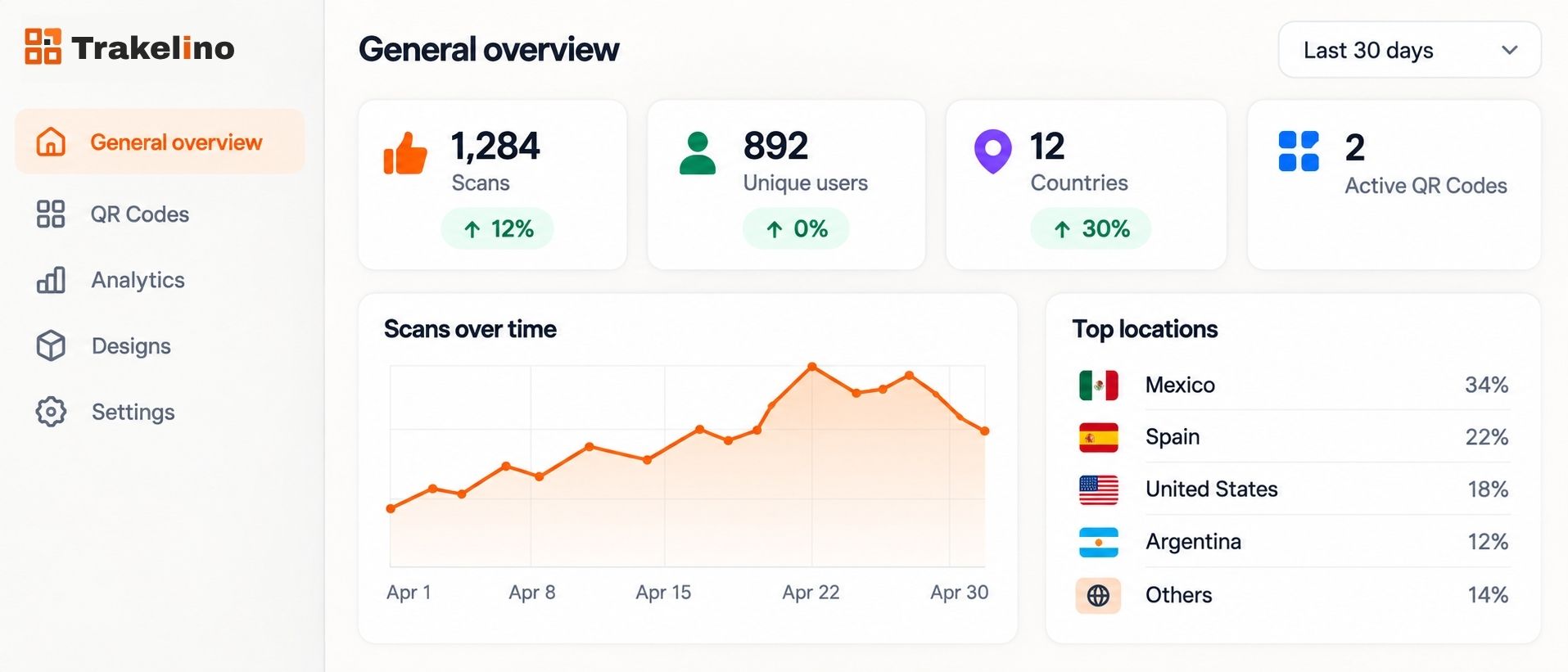
More possibilities
Besides the QR for Google Maps, on Trakelino you can create QR codes for many other tools. Pick the one you need and start in seconds.

Frequently asked questions