Skip the search
Take people straight to your YouTube video or channel, without asking them to type long titles or search through similar results.
YouTube QR code
Connect your products, signs, or packaging to your YouTube channel, videos, or Shorts. One quick scan opens your content right away, without searching for your channel.
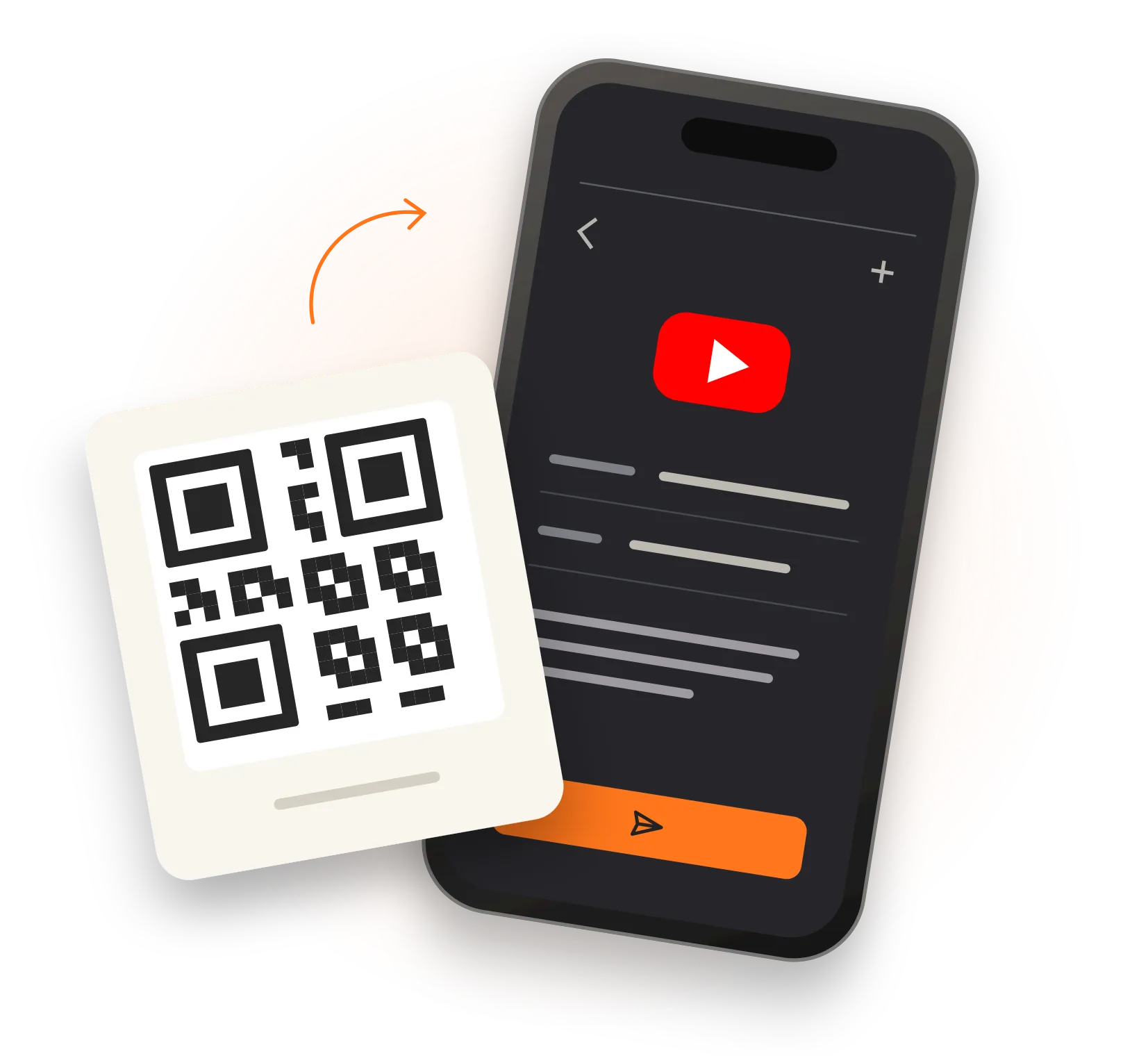
A more direct link to your YouTube
Share your videos from packaging, signs, or cards so customers and followers can watch them easily.
Take people straight to your YouTube video or channel, without asking them to type long titles or search through similar results.
Add tutorials, demos, or video reviews to give customers more information about your products and brochures.
Put it on your counter, labels, or guides so anyone can scan and watch your YouTube videos on their phone.
Set it up in three steps
Copy the link to your YouTube channel, video, or playlist and paste it into Trakelino.
Customize the design with your brand colors and logo. Download a high-quality version that’s ready to use.
Add it to your packaging, signs, or guides so customers can scan and watch your videos right away.
One QR code, more ways to connect
Here are three practical ways to add your QR code and share your YouTube videos with more people.
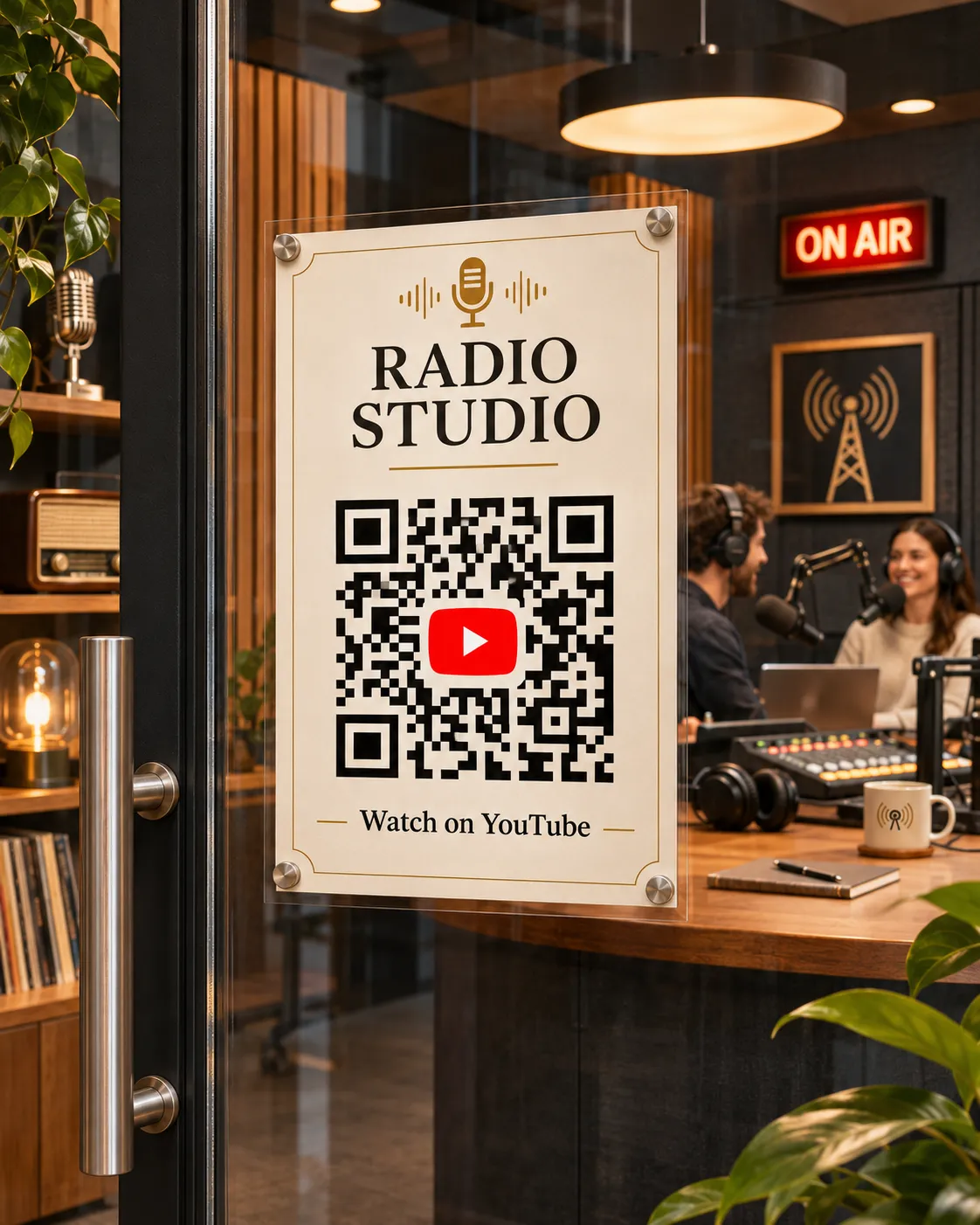
Put it on the glass or microphones to take listeners straight to your YouTube channel for interviews, livestreams, and behind-the-scenes videos.
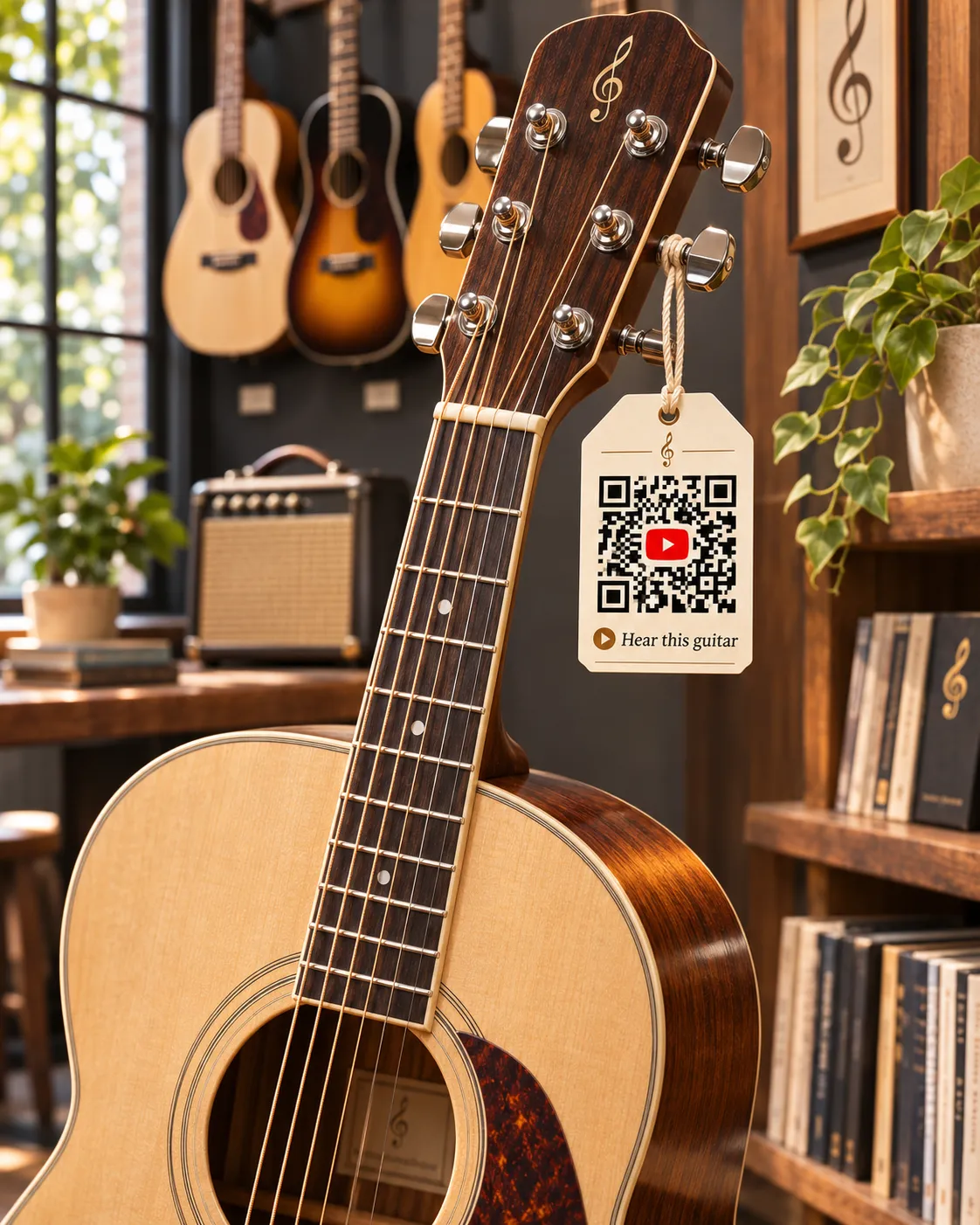
Add a QR code to your product labels to show how your products work in action.
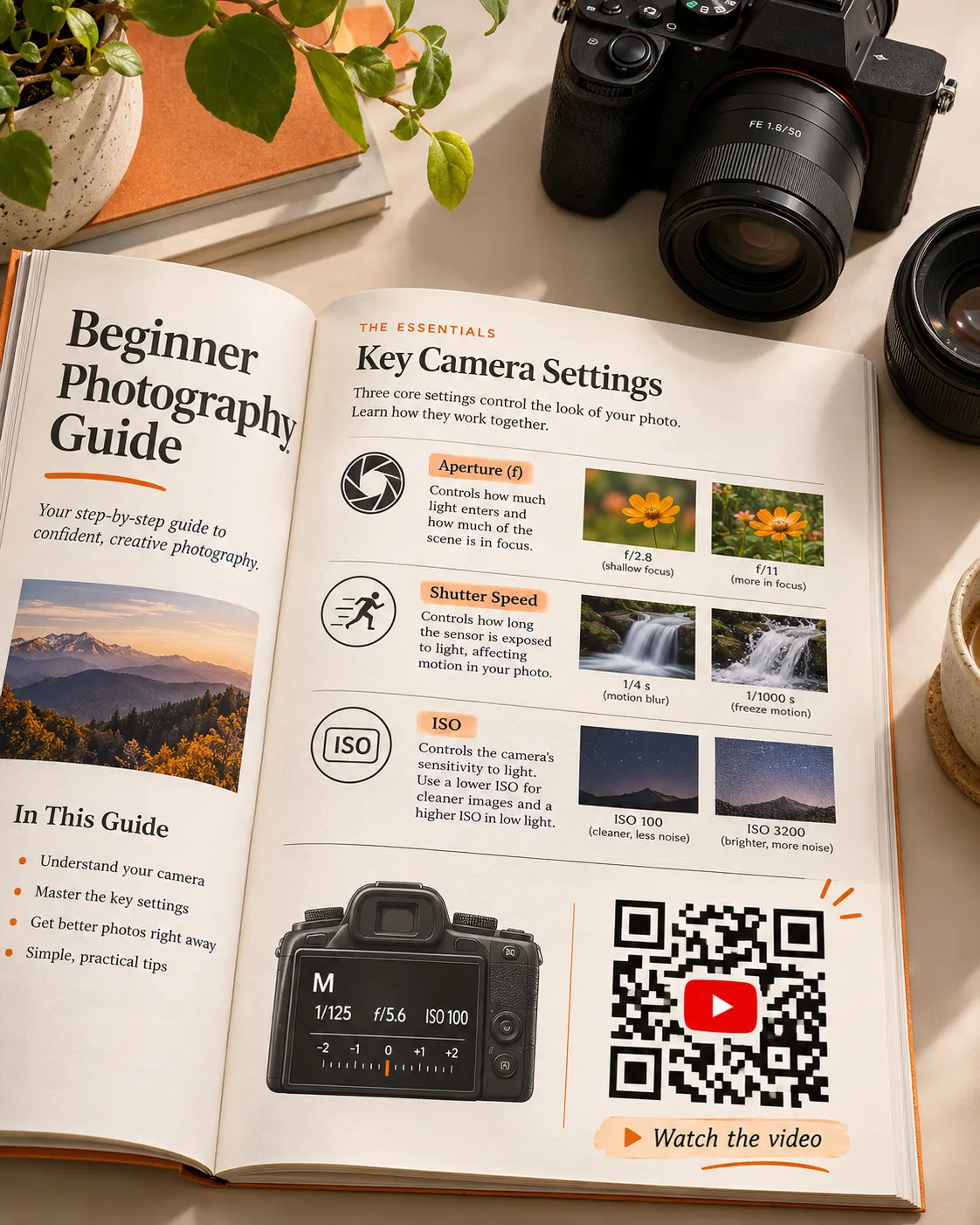
Add a step-by-step tutorial video to your printed instructions so customers can see how to assemble or use a product on their phones.
A link that goes with your content
Share your YouTube channel, a video, or a playlist with one QR code. With a dynamic QR code, you can change the link from your dashboard whenever you want*, without reprinting your packaging or signs.
* Depending on your plan.
See more QR code types
QR code design and customization
Give your QR code your brand colors and style. Choose a classic design, add color, or include your logo so it fits your packaging, signs, and labels.
PNG for sharing · SVG for print at any size
Create a custom QR codeReal-time metrics
With dynamic QR codes, see how often people scan your packaging, signs, or guides and find out which materials get the most interest. Figures are illustrative; available data depends on your plan.
See plans and analyticsFrequently asked questions
Link to your main channel, a specific video, a YouTube Short, a livestream, or a full playlist. Copy the link from YouTube, paste it into Trakelino, and create your code in seconds.
A static QR code keeps the same link. If you want to feature another video later, you need to print a new code. A dynamic QR code lets you change the destination link from your dashboard without reprinting and also provides scan statistics.
No. If someone has the YouTube app, the video or channel opens there. Otherwise, it opens in their phone’s browser so they can watch right away.
Yes. With a dynamic QR code, you can update the link to a new video, promotion, or your channel from your Trakelino account whenever you need to, depending on your plan. The code already printed on your packaging, signs, or labels keeps working.
No. Scanning opens your channel or video so the person can like, comment, or subscribe with a tap, without searching for your name.
With dynamic QR codes, you can see how many times your code was scanned, which days and times were busiest, and the general locations and devices used. This helps you see which packaging, signs, or guides work best.
Try it free and start connecting, updating, and measuring with ease.