Fewer steps
Stop repeating your network name and password every time a new customer or guest arrives.
Wi-Fi QR code
Make it easy to access your network with a QR code. When customers scan it, they can connect right away without typing a long password.
For networks and devices that support QR code connections.
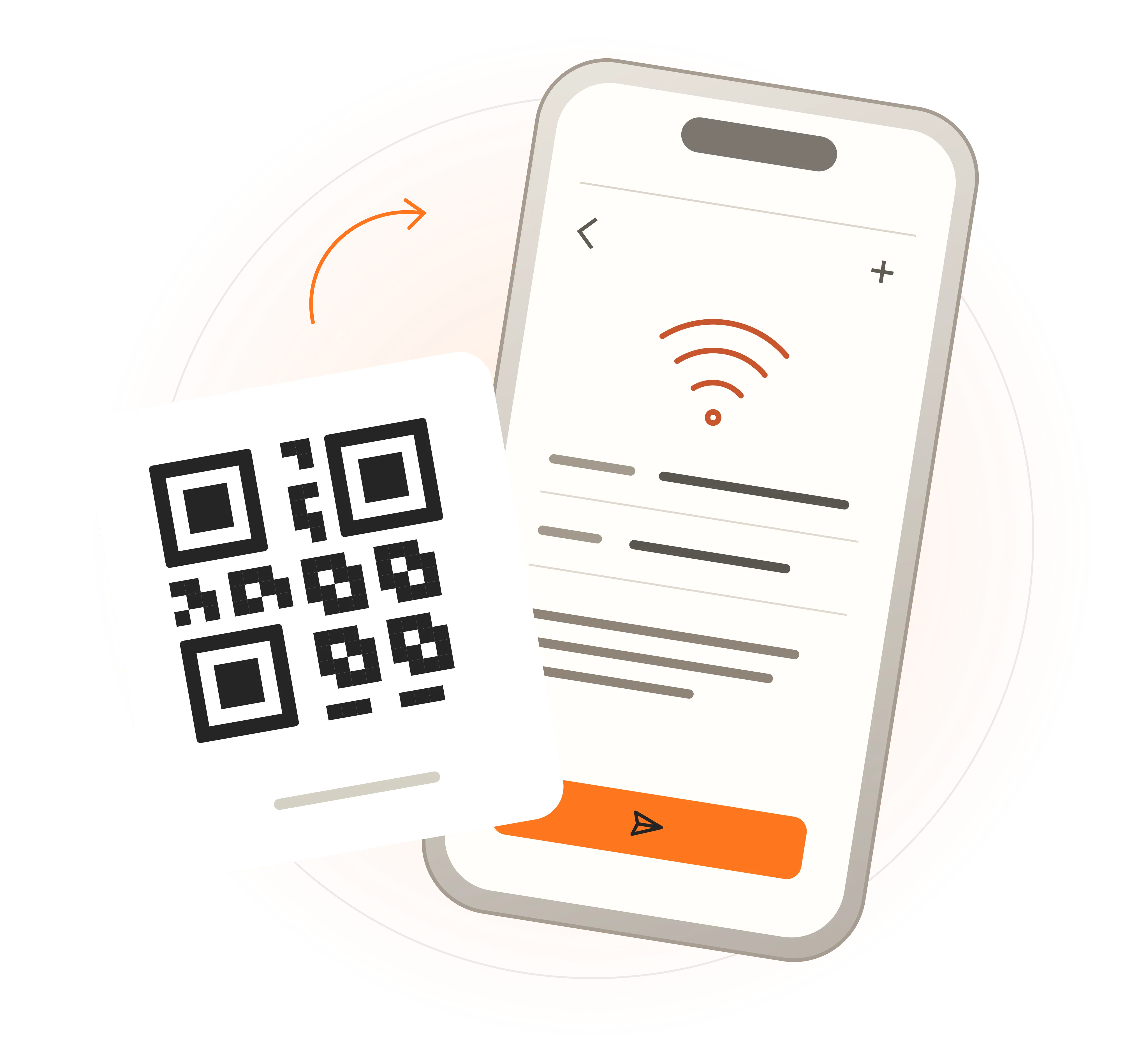
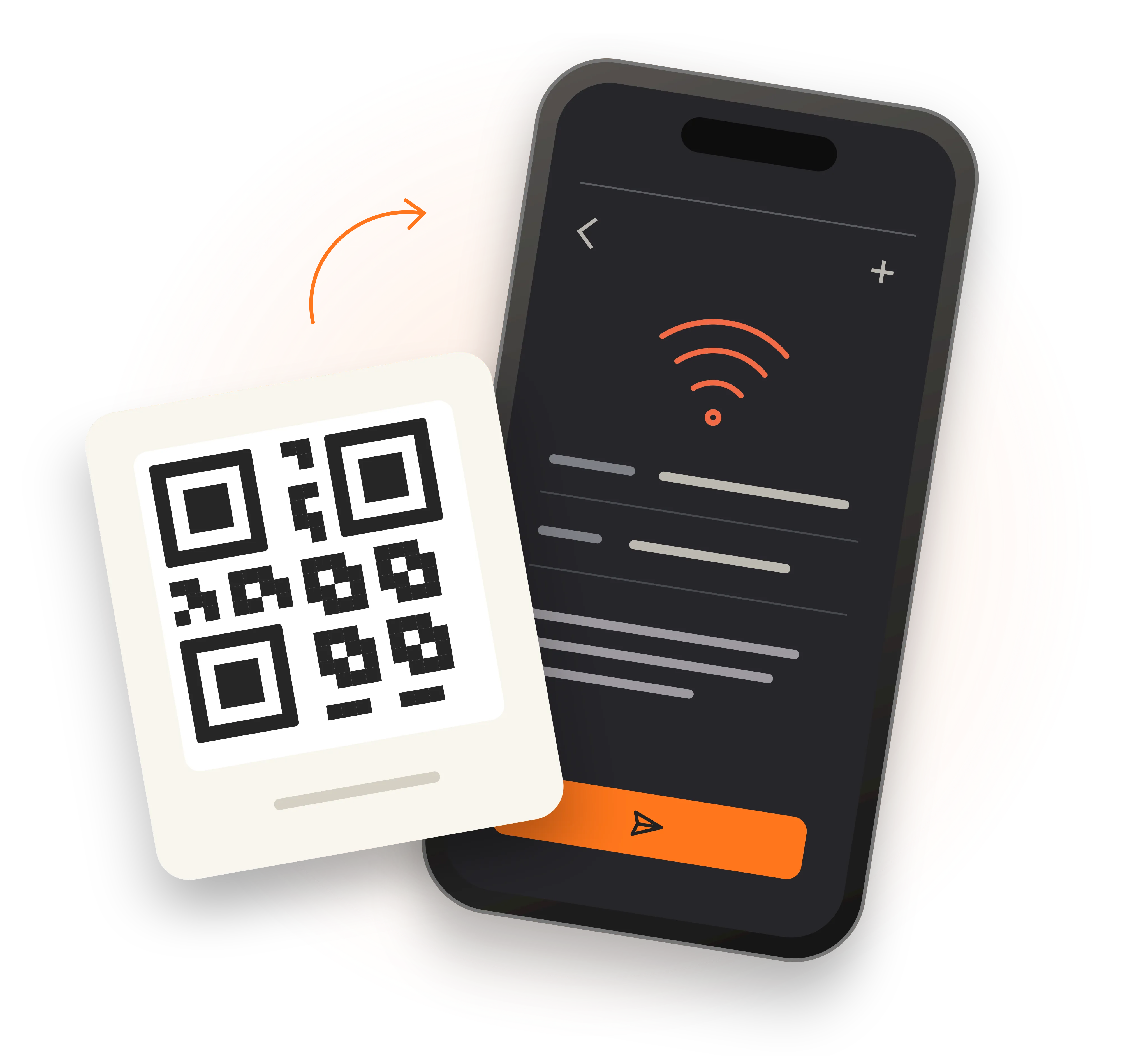
Welcome to your network
Make it easier for customers and guests to get online at your shop, accommodation, or workplace.
Stop repeating your network name and password every time a new customer or guest arrives.
The QR code includes the connection details, so nobody has to guess letters, symbols, or capitalization.
Offer a modern, convenient experience with Wi-Fi access at tables, in guest rooms, waiting areas, or shared spaces.
Quick and easy setup
Type your exact network name (SSID), choose the security type, and enter the password to prepare the connection details.
Customize the design with your business colors or logo, then download it from Trakelino, ready to print wherever you like.
Place it somewhere visible in your shop or room. Guests scan it to connect their phone or view the credentials, depending on the QR code type.
One QR code, more ways to welcome guests
Place your QR code somewhere easy to spot in your business and share guest Wi-Fi without repeating the password again and again.
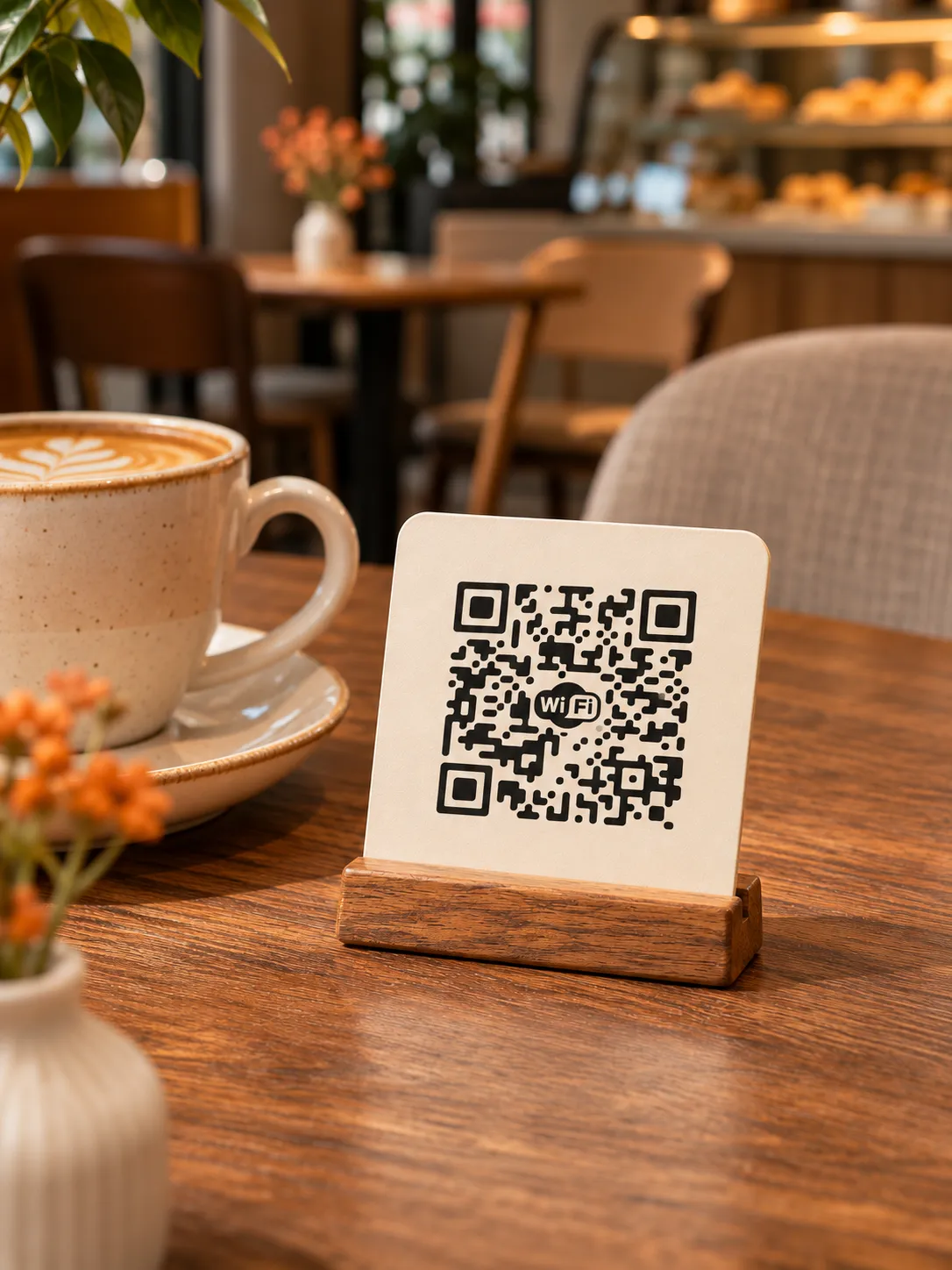
Put it on tables, at the counter, or by the register so customers can scan and join the guest network without asking for the password.
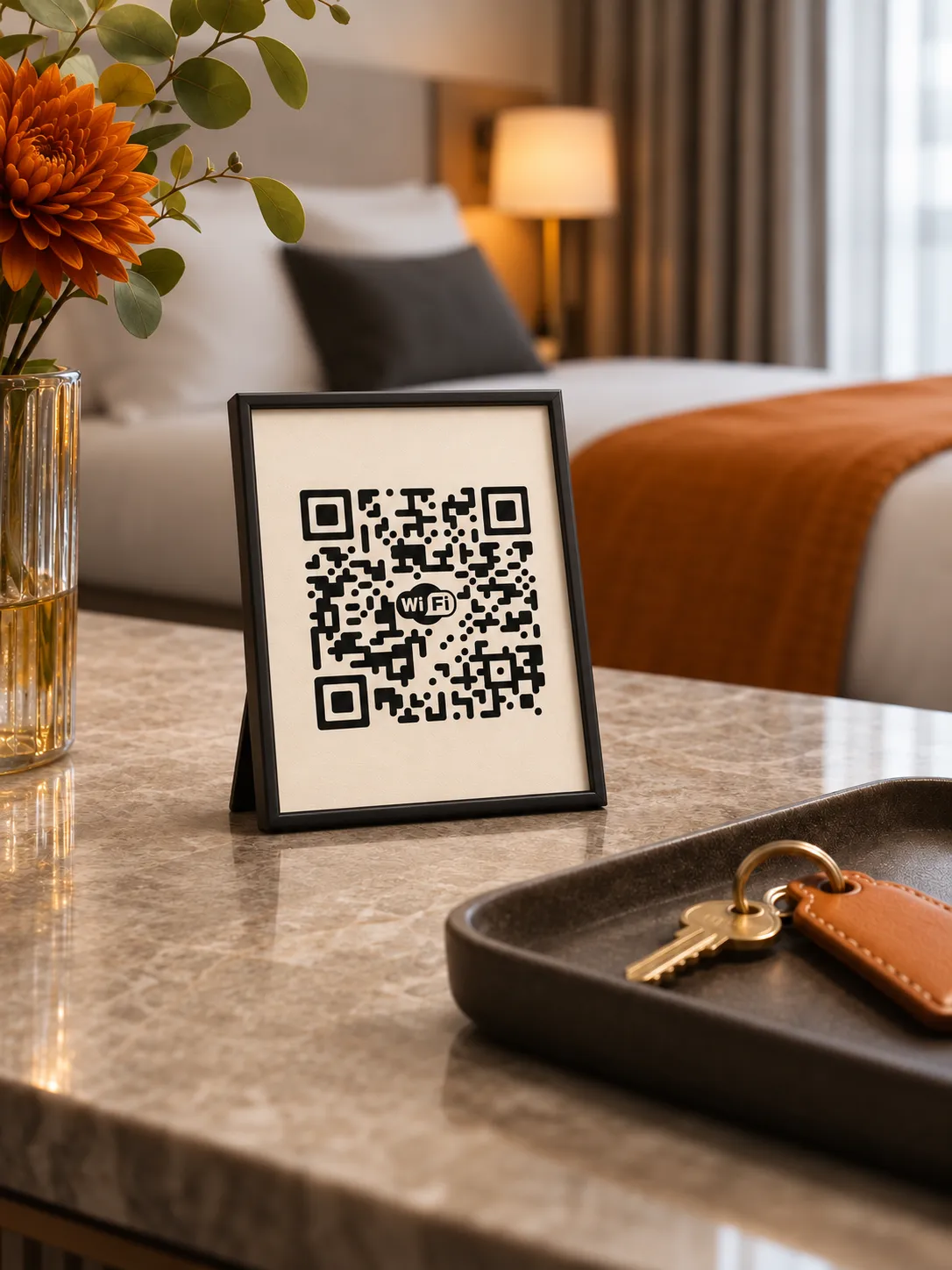
Add it to welcome cards or a bedside frame so guests can get online as soon as they reach their room.
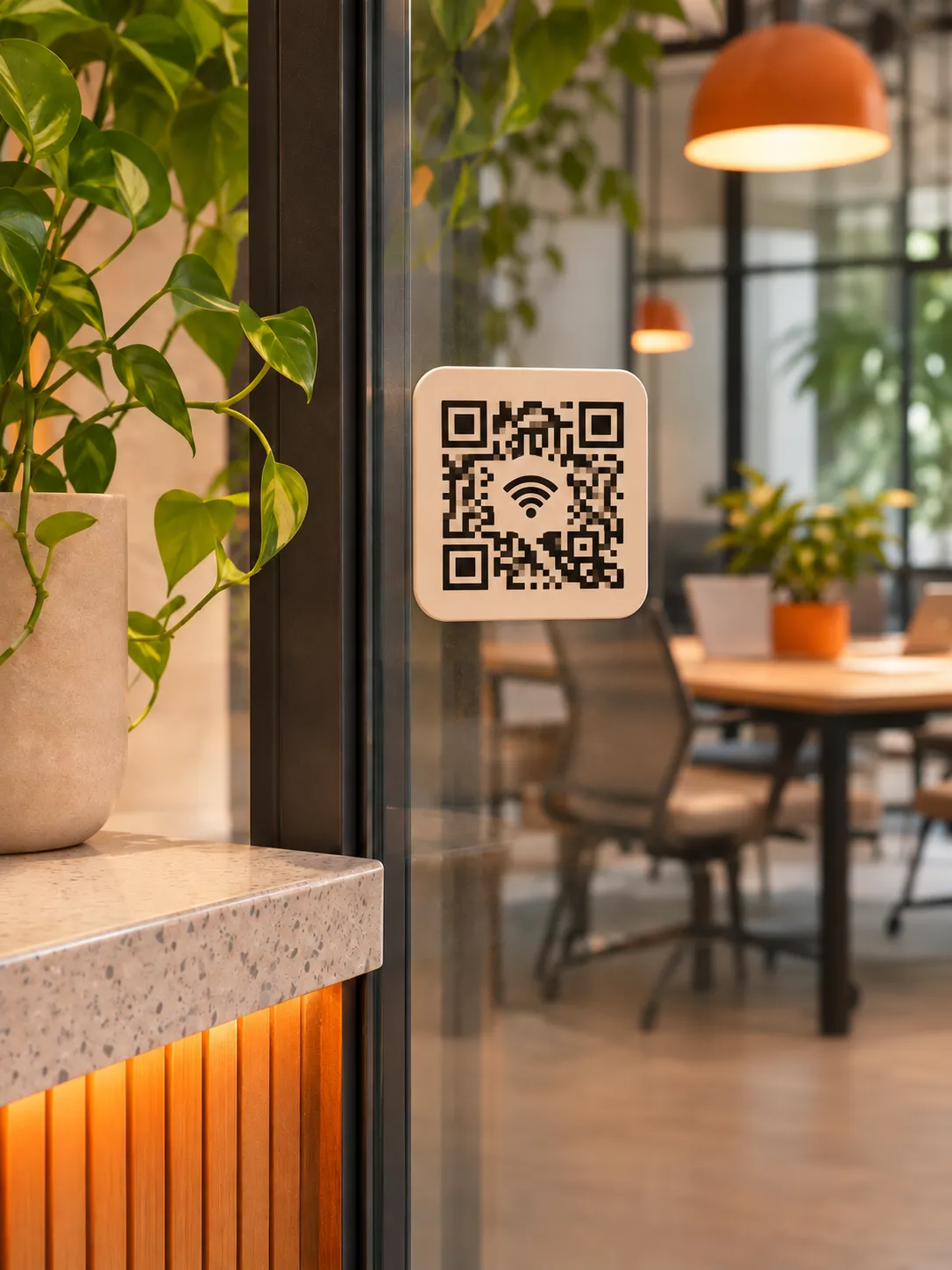
Place it at reception, in meeting rooms, or in shared spaces so visitors and vendors can access the network without hassle.
Connection details, all in one place
A static Wi-Fi QR code contains your network name (SSID), security type, and password. When scanned, the phone reads the details and offers to connect without typing the password. If you use a dynamic QR code that opens a credentials page, guests can view the details and connect manually without mistakes.
If you change your network name or password, replace the static QR code. If you share a credentials page through a dynamic QR code, update its content or destination link.
See more QR code types
QR code design and customization
Customize it with your brand colors, style, and visual identity. Make every Wi-Fi QR code fit right in with your table signs, welcome cards, and printed materials.
PNG for sharing · SVG for print at any size
Create a custom QR codeFewer guesses. More insight.
Along with easier Wi-Fi access, you can use dynamic QR codes that link to a web page to share your digital menu, business website, or a special offer, and get detailed scan analytics.
See plans and analyticsFrequently asked questions
It’s simple: enter your exact network name (SSID) and password in Trakelino, choose the security type, customize the design with your colors or logo, then download the QR code ready to print. Customers or guests scan it and, if their phone asks, confirm the connection without typing the password.
With a static QR code, the details are stored in the printed code. If you change the network name or password, you’ll need to create a new QR code and replace the sign. With a dynamic QR code that opens a credentials page, you can update the page or its destination link, depending on your plan, without printing again. Guests connect manually using the details shown on the page.
Most modern smartphones, both iPhone and Android, can scan QR codes with their camera without an extra app. Connecting depends on whether the phone supports the Wi-Fi format and on your network settings; it may ask the user to confirm access. A credentials page opens in the browser, where guests can connect manually.
A static QR code that connects directly does not record metrics. A dynamic QR code that opens a credentials page can track scans, times, and locations, depending on your plan. Those metrics do not confirm that a device connected to your network.
It’s a convenient way to share a guest network, but the QR code does not hide or encrypt the password on its own. Anyone who can access the code can read it, so share it only with people you want to give access to. This demo processes details only in your browser.
Absolutely. Match the code to your brand’s visual identity, add your logo in the center, and adjust the colors to look right on your tables, counters, or welcome cards.
Try it free and start connecting, updating, and measuring with ease.