
Fewer steps
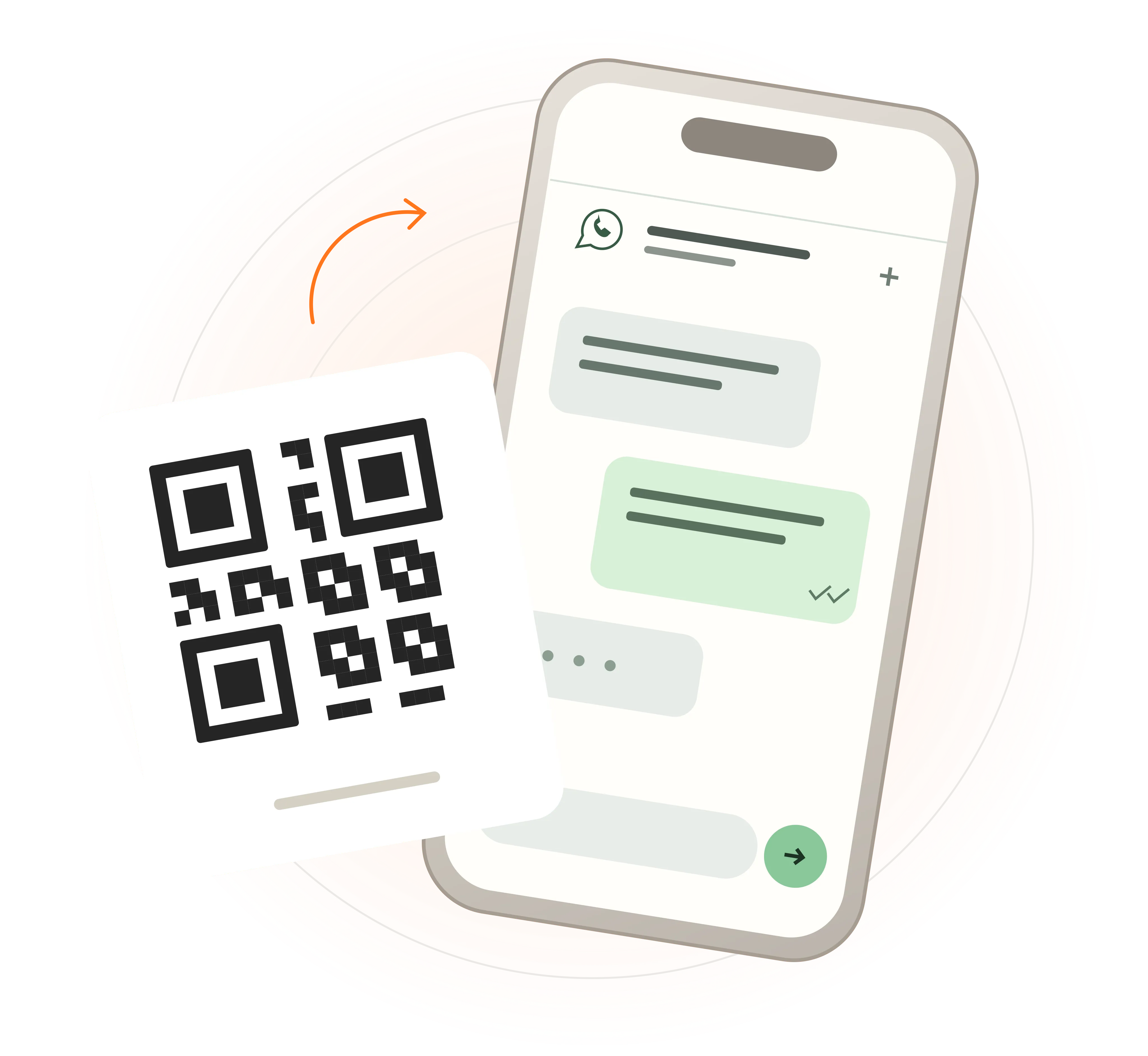
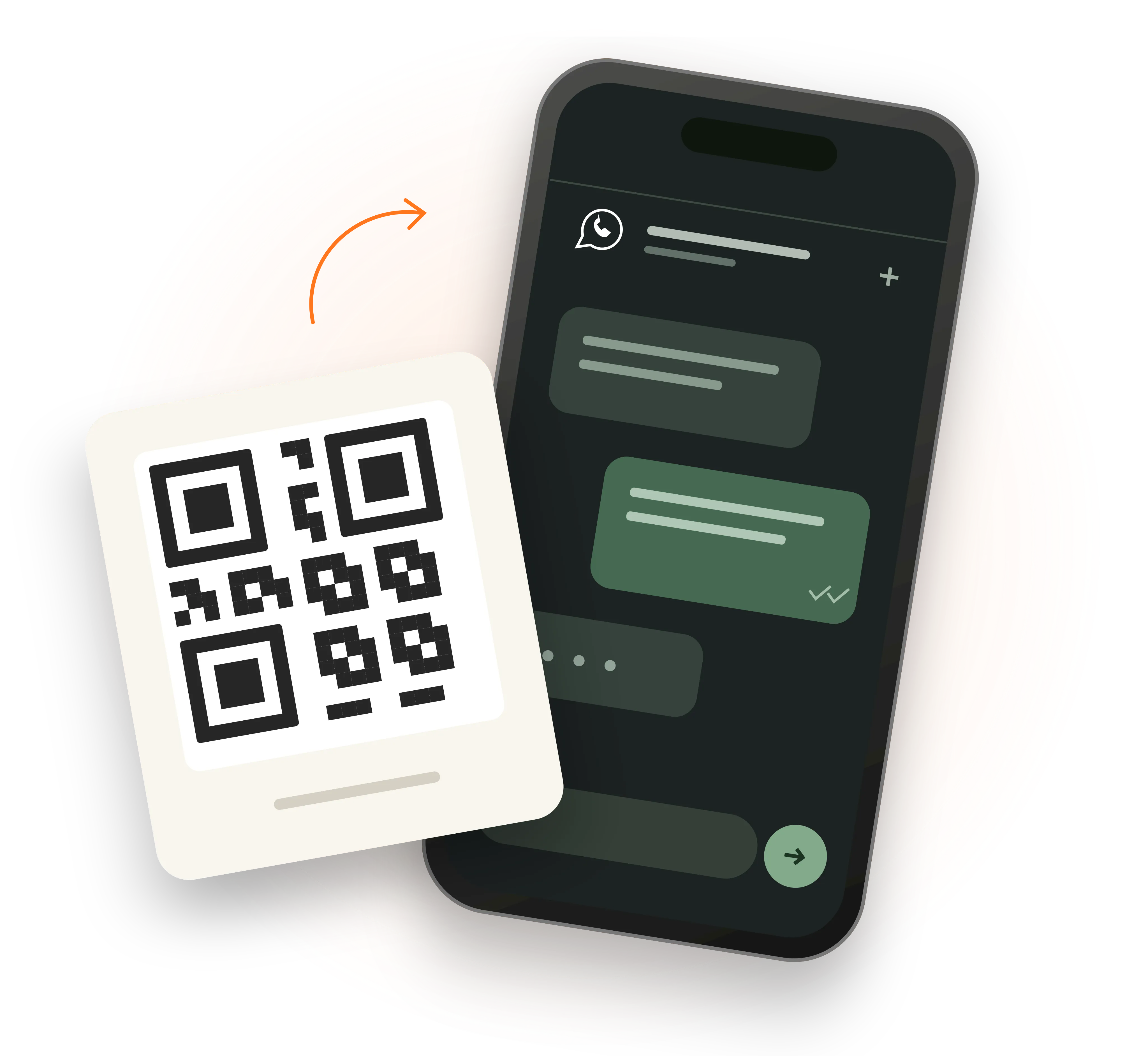
No saving numbers or searching for profiles. One scan of your QR code starts the chat instantly.

WhatsApp QR code
Connect customers with your WhatsApp through a QR code. Make it easy to ask questions, book, and place orders without saving your number.
For WhatsApp and WhatsApp Business.
Make the first contact easy
Connect your printed materials with your digital support channel right away, with no friction.
No saving numbers or searching for profiles. One scan of your QR code starts the chat instantly.
Set an optional prefilled message to streamline customer questions, quotes, bookings, or orders.
With dynamic QR codes, track scan performance in real time and update the destination whenever you need to.
Quick and easy setup
Enter your phone number with its country code and, if you like, add a prefilled message to make customer questions easier.
Customize the design, download your high-quality QR code from Trakelino, and test it with your phone before printing.
Add it to your printed materials. Customers scan the QR code, open WhatsApp right away, and send you a message directly.
One QR code, more opportunities
Add a WhatsApp QR code to your packaging, brochures, or storefront and turn every printed space into a direct way to start a conversation with customers.
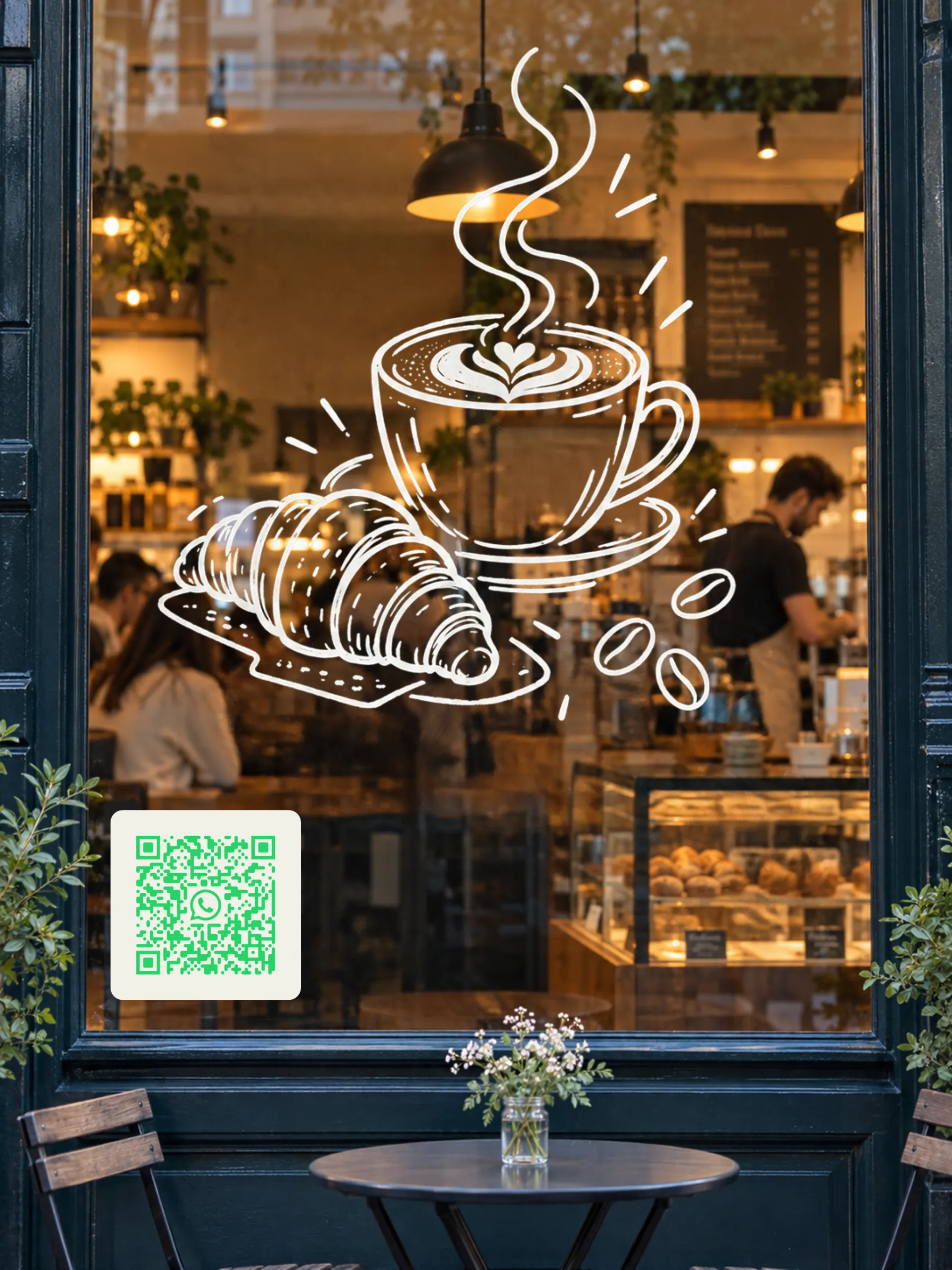
Place it at the counter or in the window to help customers quickly ask about products, hours, or availability.
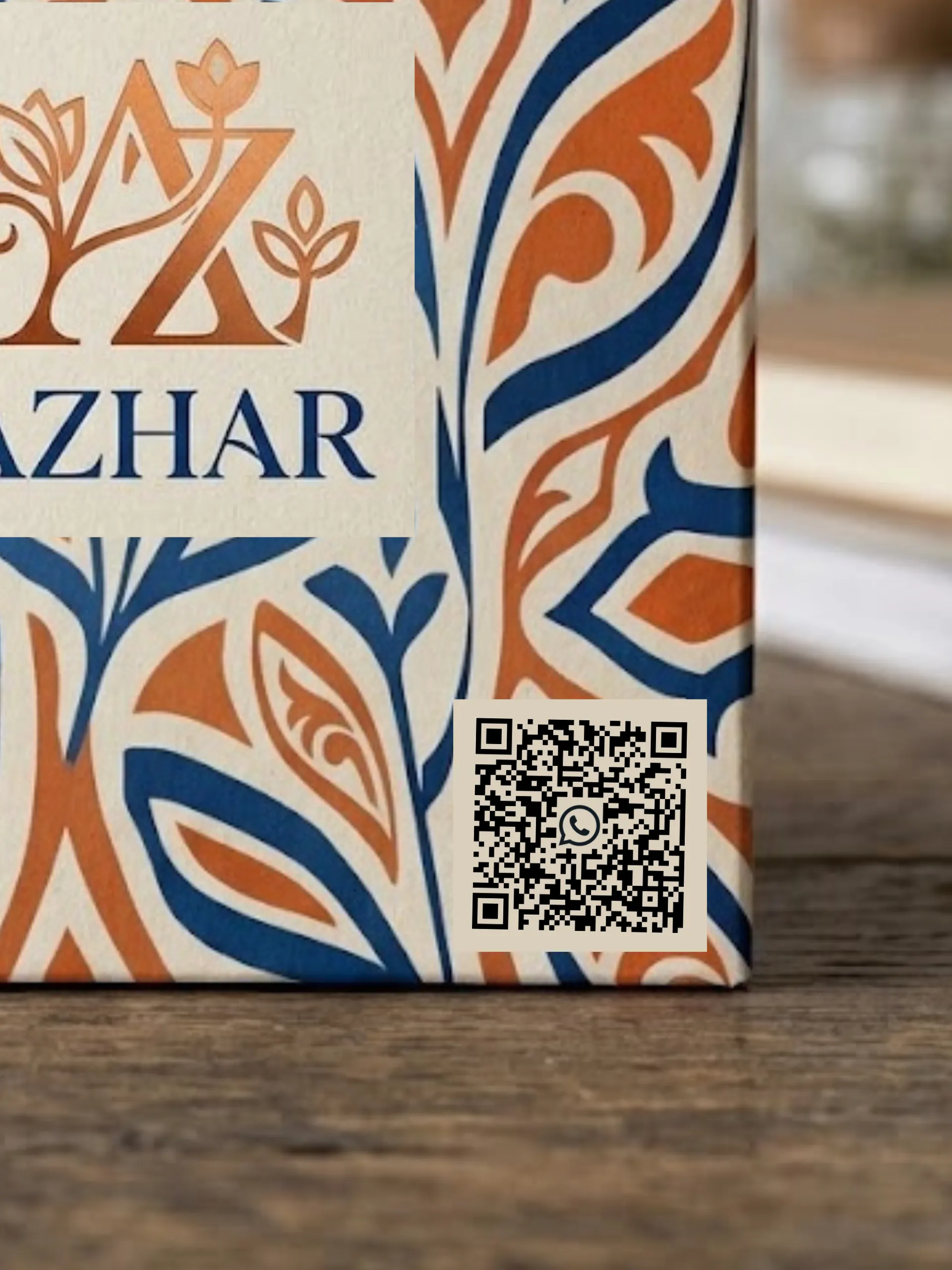
Add it to packaging, labels, or shipping boxes to make post-purchase questions easier.
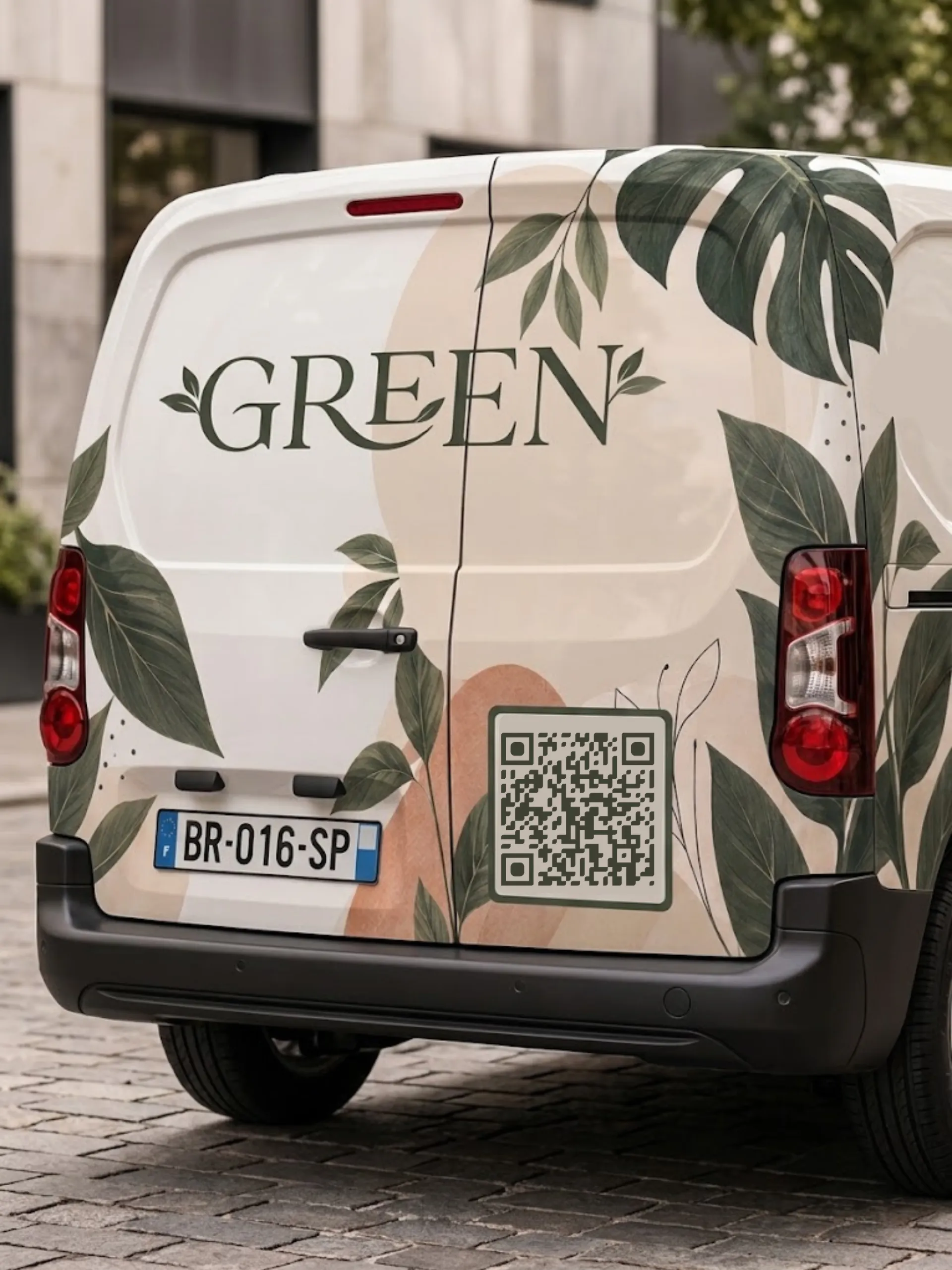
Put it on cards, brochures, catalogs, or vehicle graphics so people can start a WhatsApp chat directly.
Benefits of a dynamic QR code
With a dynamic QR code, you can update your WhatsApp number or link in real time without reprinting your materials, and track each scan depending on your plan.
Scans do not confirm that messages were sent.
See Pro plans and features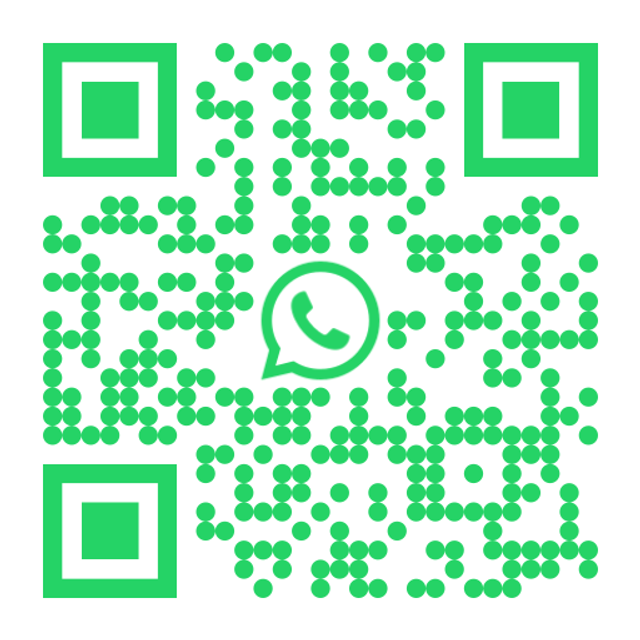



QR code design and customization
Give your WhatsApp QR code your brand colors, style, and look. Make it fit right in with your visual materials, from business cards to storefront windows.
PNG for sharing · SVG for print at any size
Create a custom QR codeReal-time metrics
With dynamic WhatsApp QR codes, see how often people scan to open your chat, when activity peaks, and which locations or devices they use. Then use those insights to improve your campaigns.
See plans and analyticsFrequently asked questions
When someone scans the QR code with their phone camera, WhatsApp or WhatsApp Web opens to a chat addressed to your number. They can send you a message without saving your number first.
Yes. It works with both personal and WhatsApp Business accounts. Link any active number to receive questions, orders, or bookings right away.
No. Scanning opens the chat and fills in the message, but the person has to tap Send to start the conversation.
Yes, if you choose a dynamic QR code. You can update the phone number or prefilled message in your Trakelino dashboard at any time, and the printed QR code stays the same. With a static QR code, the details are fixed and cannot be edited.
You can track every scan in real time. Trakelino shows how many people scanned your QR code, when they scanned, and which devices they used. Keep in mind that whether a message is sent depends on the person tapping Send in WhatsApp.
They just need a smartphone camera, internet access, and the WhatsApp app. No extra QR code reader app is required.
Try it free and start connecting, updating, and measuring with ease.