
Fewer steps
Skip long web addresses and typos. One scan with a phone takes customers straight to the website you chose.

Website QR code
Connect your business with customers through a QR code. A scan takes them straight to your products, services, or updates on their phone, without typing a web address.
The link opens in the device’s browser.
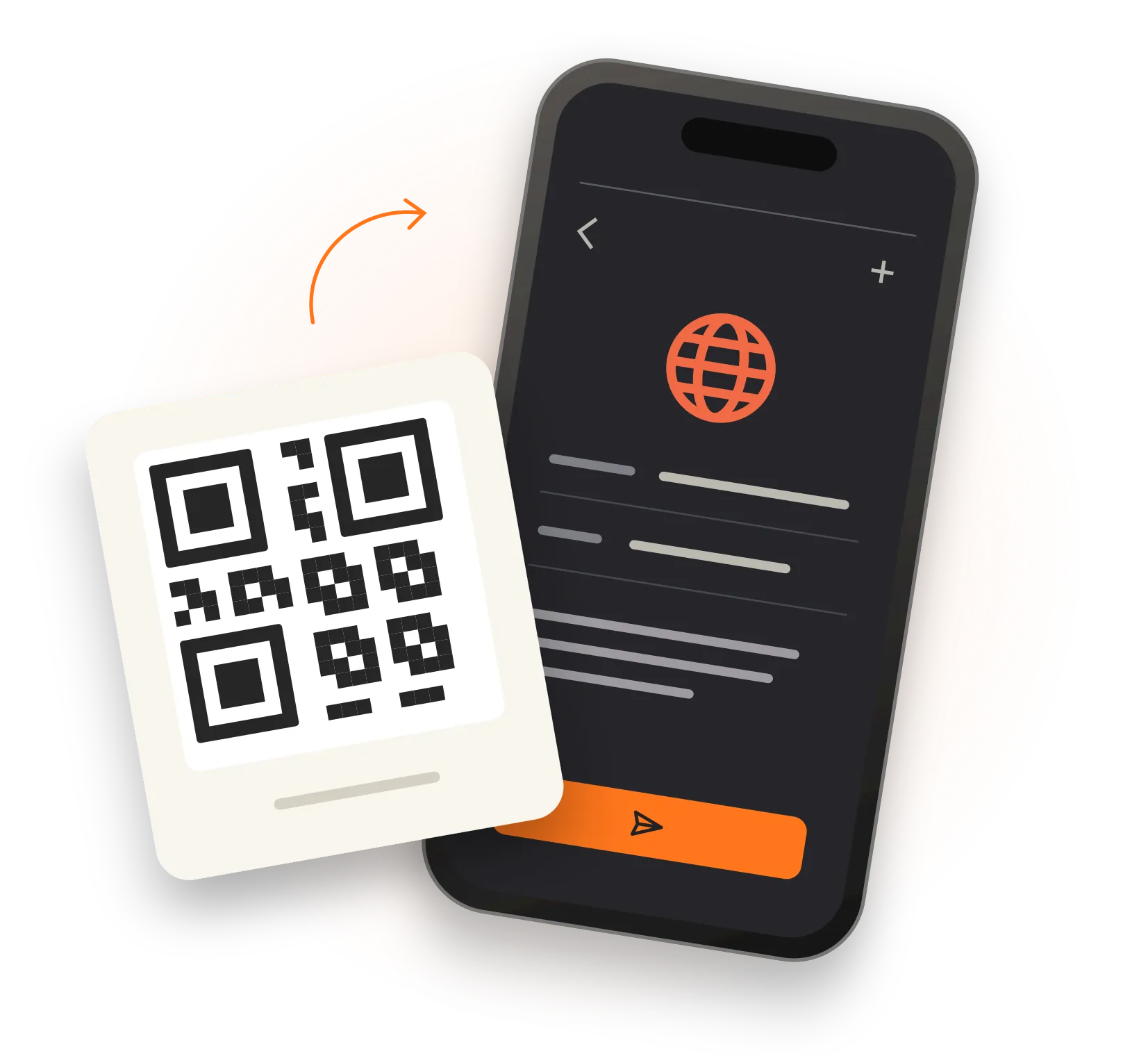
From your printed materials to your website
Turn your storefront, labels, or business cards into a quick, direct link to everything your business has to offer.
Skip long web addresses and typos. One scan with a phone takes customers straight to the website you chose.
Share your online store, product catalog, or services page so customers can find what they need in one place.
Add your QR code to campaigns and bring seasonal products and promotions to people who already know and trust your brand.
Set it up in three steps
Copy the address of your website, online store, or landing page and paste it into Trakelino.
Customize the design with your colors and company logo. Download a high-quality version to use wherever you like.
Print it on business cards, packaging, or signs. Customers scan it and go straight to your website.
One QR code, more ways to connect
Add your QR code where customers already look and make it easier for them to discover your products, services, and updates.
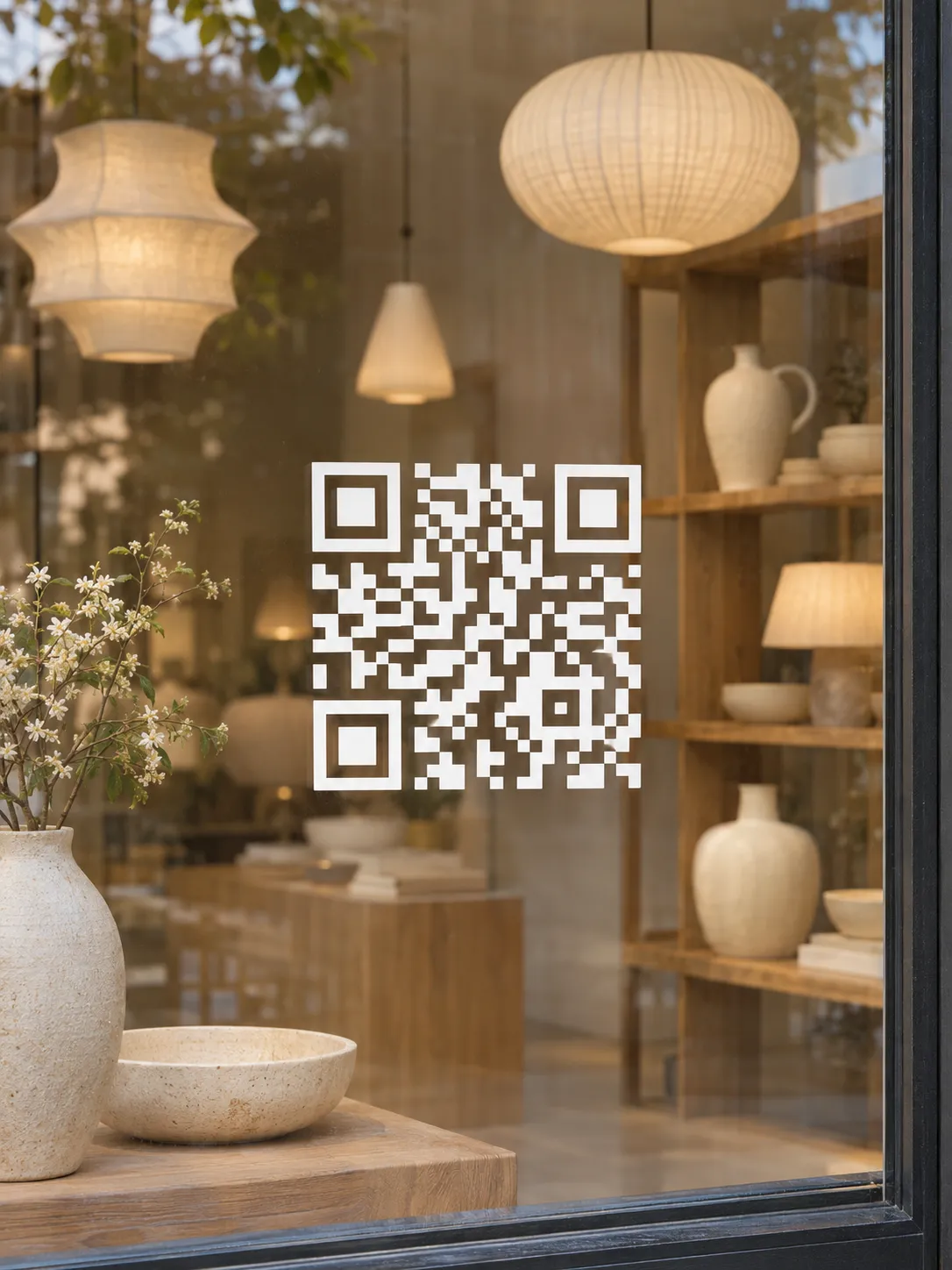
Put it on the counter or in the window so customers can visit your online store or learn more about your business.
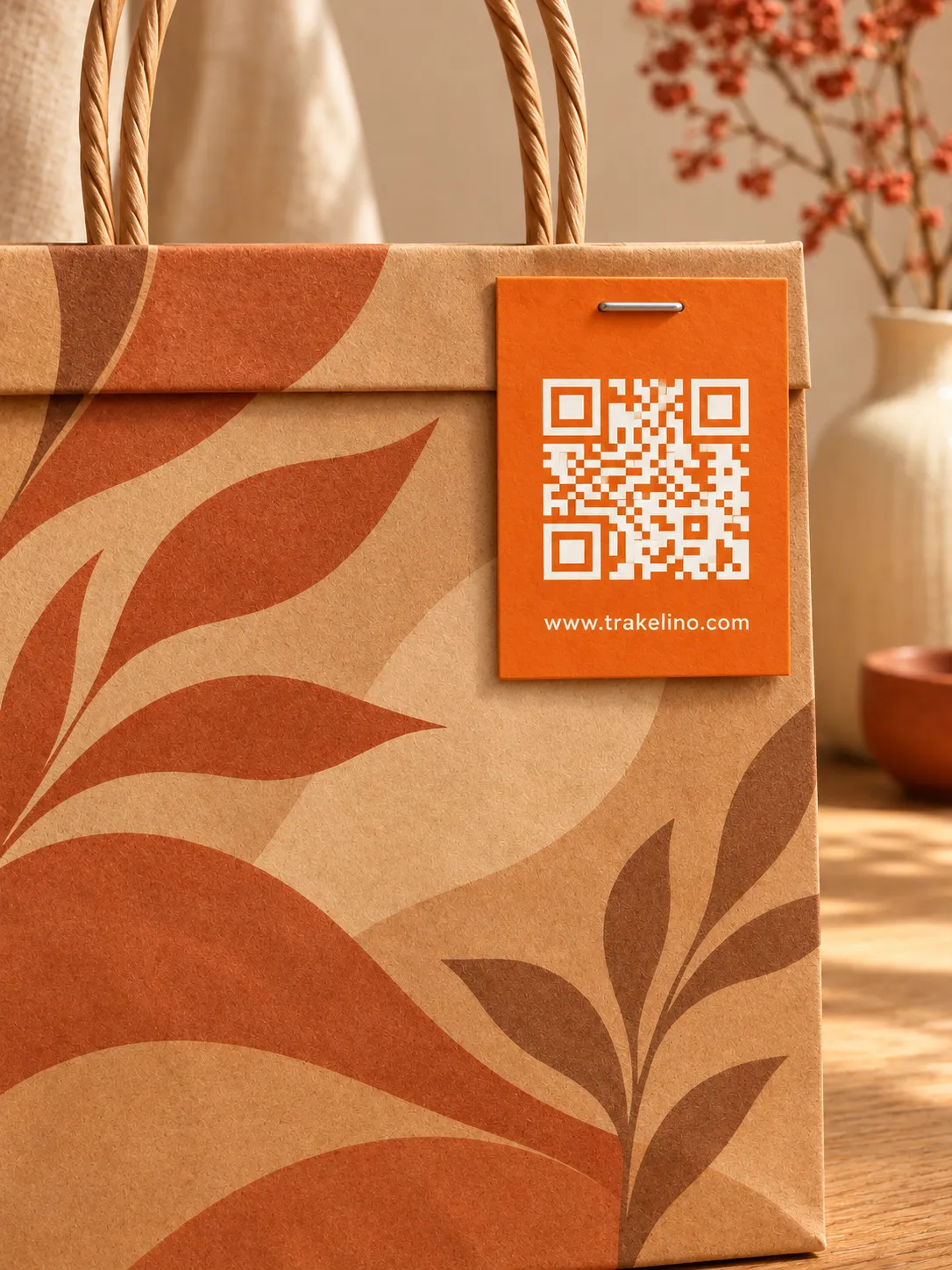
Add it to boxes, bags, and labels to share instructions, updates, or products that complement a customer’s purchase.
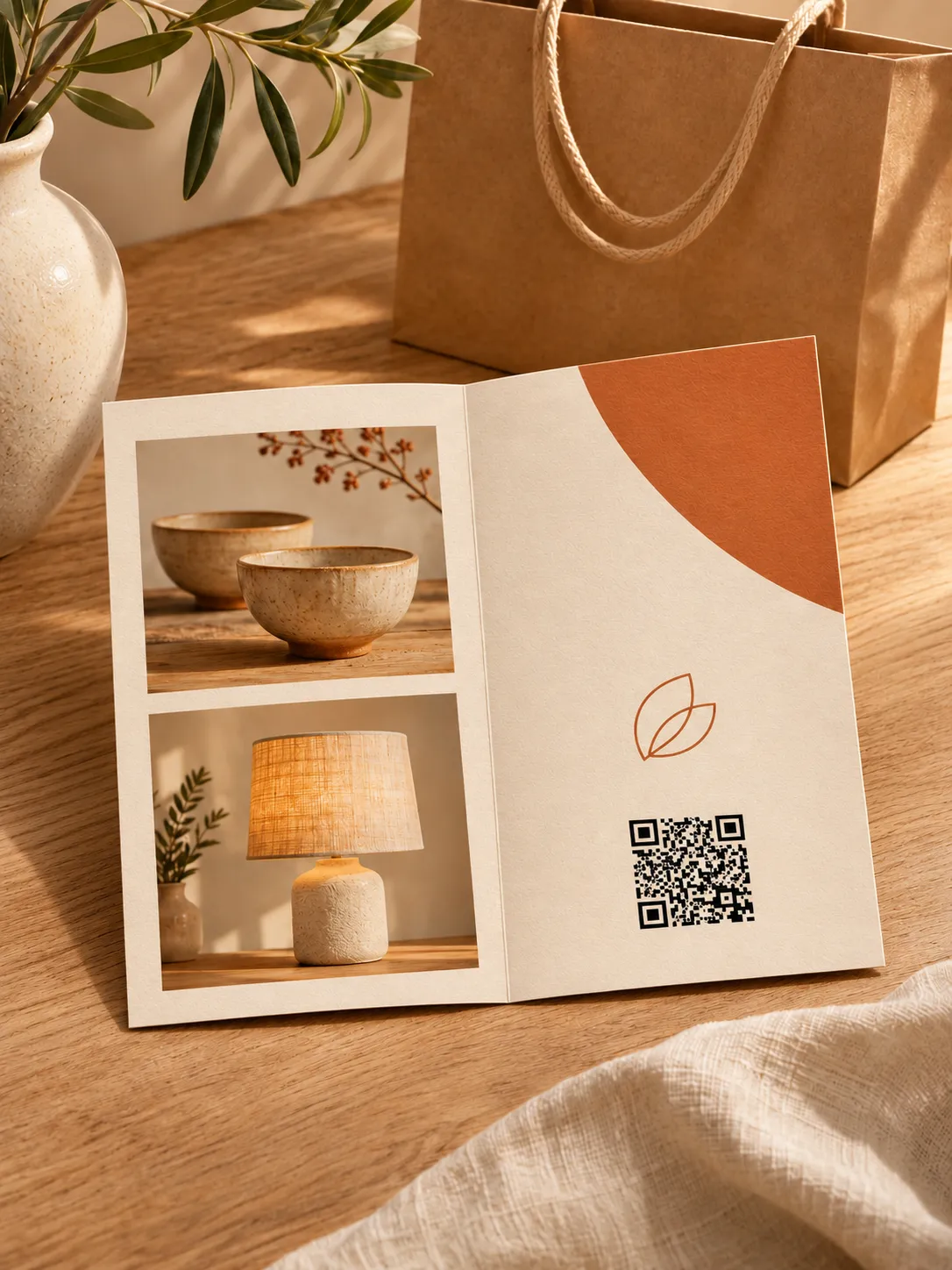
Put it on business cards, brochures, or catalogs to turn every handout or read into a direct visit to your website.
A link that goes with your business
Give your QR code your brand colors, style, and look. Make it fit right in with your storefront, packaging, business cards, and digital channels.
See more QR code types



QR code design and customization
Take customers straight to the page you want to feature. With a dynamic QR code, you can update the destination link from your dashboard whenever you want, without paying to reprint your materials.
PNG for sharing · SVG for print at any size
Create a custom QR codeReal-time metrics
With dynamic QR codes, see how many people scanned your code, which devices they used, and which days were busiest to improve your campaigns.
See plans and analyticsFrequently asked questions
It takes seconds. Copy the web address (URL) of your page, online store, or catalog, paste it into Trakelino, customize the design with your colors and logo, and download it ready to use.
Yes. Link your QR code to any web address: your homepage, an online store such as Shopify or Mercado Libre, a specific product, a form, or a landing page for a promotion.
Yes. With a dynamic QR code, you can update the destination link from your dashboard whenever you want. The code already printed on your cards, packaging, or storefront will keep working, so you don’t need to reprint it.
No. Almost every Android phone and iPhone can scan QR codes with the built-in camera. Point it at the code and the direct website link appears right away.
Absolutely. Customize your QR code with colors that match your business and add your logo to the center to make your brand stand out.
Yes. Dynamic QR codes from Trakelino give you access to an analytics dashboard where you can see how many people scanned the code, when they scanned it, and which devices or cities they came from.
Try it free and start connecting, updating, and measuring with ease.