
Everything in one place
Bring your contact details, social profiles, and key links together on a digital card that opens right away on any phone.

vCard QR code
Replace paper cards with a digital business card. Share your phone, website, and social links so people can save your contact on their phone with one scan.
Create your card in Trakelino. Share it with a QR code or a link.
 Let’s connect. My card, always at hand.
Lucía Martín
Architect · Martín Studio
More than a name and number
Bring your contact details, social profiles, and key links together on a digital card that opens right away on any phone.
Customize your page colors and design your QR code to reflect your brand or business identity.
Update your digital card whenever you want and keep using the same printed QR code.
From your profile to a first connection
Add your contact details, social profiles, and any links you want to share with people you meet.
Choose your page colors and customize your QR code with shapes, colors, and your own logo.
Download your QR code, try it with your phone, and add it to business cards, badges, or other printed materials.
See what your digital card looks like
A webpage designed for phones, with your information clearly organized so customers can take the next step with ease.
Lucía Martín
Architect · Martín Studio
Spaces designed for better living.
A card that reflects your brand.
Your name and professional profile, at a glance.
Direct buttons so people can reach you easily.
Your website and social profiles, in the order you choose.
The key button for saving your contact in one tap.
Illustration of a vCard. Sample information.
Shape your introduction
Try entering your name and professional profile, then choose a color for your digital card. The preview updates as you type.
Lucía Martín
Architect · Martín Studio
Spaces designed for better living.
Your contact details, wherever people meet you
Bring your digital card to the places where new conversations begin.
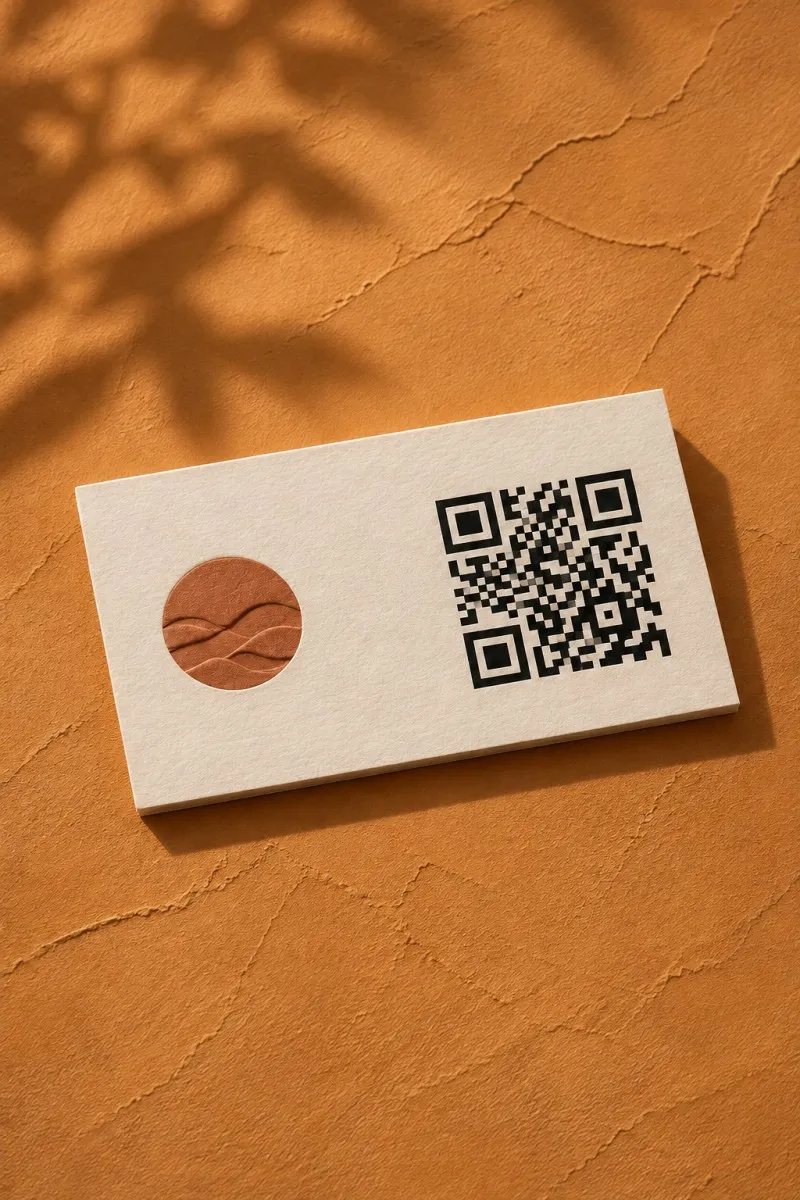
The meeting starts in person. Your details and links stay available on their phone.
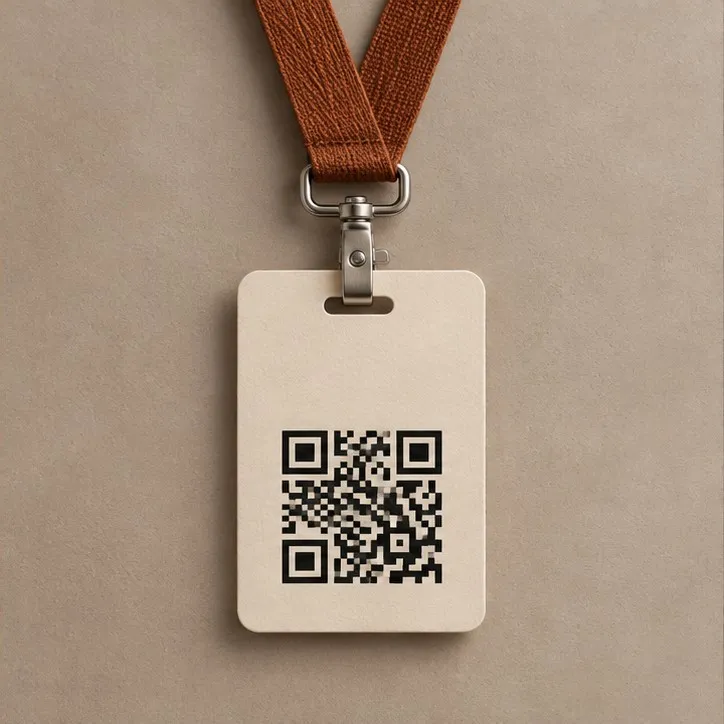
Add your QR code to a badge and make it easier to exchange professional contact details.
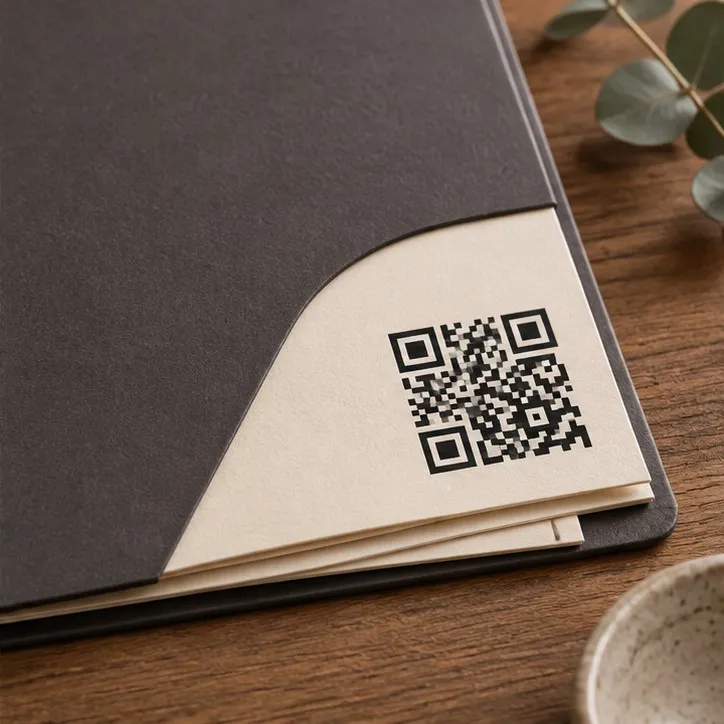
Include your card in presentations, brochures, or materials that showcase your work.
Your professional life changes
Change your phone number, add a new link, or update your contact details whenever you want, without reprinting the QR code you already shared.
Create my digital card Same QR code

QR code design and customization
Choose colors and shapes, and add your logo so the code fits your brand. Your digital card has its own color palette, so you can customize the two separately.
PNG for sharing · SVG for print at any size
Create a custom QR codeSee how far your card reaches
See how often people scan your QR code and interact with the links on your card. Trakelino also highlights changes in activity based on your history.
Scans and clicks are different metrics. Available details depend on your plan.
See plans and analyticsFrequently asked questions
It’s a digital business card that brings your contact details, social profiles, and key links together on a page designed for phones. When someone scans your QR code, they can save your contact to their phone in one tap.
Add your photo or logo, name, professional profile, direct call and email buttons, website links, social profiles, and a button that lets people save your contact.
Yes. Since it’s a dynamic digital card, you can change your phone number, add links, or edit your information whenever you want, without reprinting the QR code you already shared.
Yes. Choose the colors and design of your digital card, and customize your QR code with colors, shapes, and your brand logo.
Absolutely. Along with using the printed QR code on cards, badges, or brochures, you can share your card link through WhatsApp, email, or social media, or add it to your profile bio.
See usage statistics for your digital card, including total scans, how often people save your contact, and which links get the most clicks, so you can understand how your introductions are reaching people.
Create an introduction people can open, explore, and save.