
Skip the search
Share your Telegram link in an easy-to-scan QR code, without asking people to type a hard-to-remember username or search for your channel.

Telegram QR code
Connect your cards, signs, or storefront to your Telegram channel, group, bot, or chat. One scan takes customers to your space so they can join or message you, without searching for your username.
The destination may open in Telegram or a browser, depending on the device.
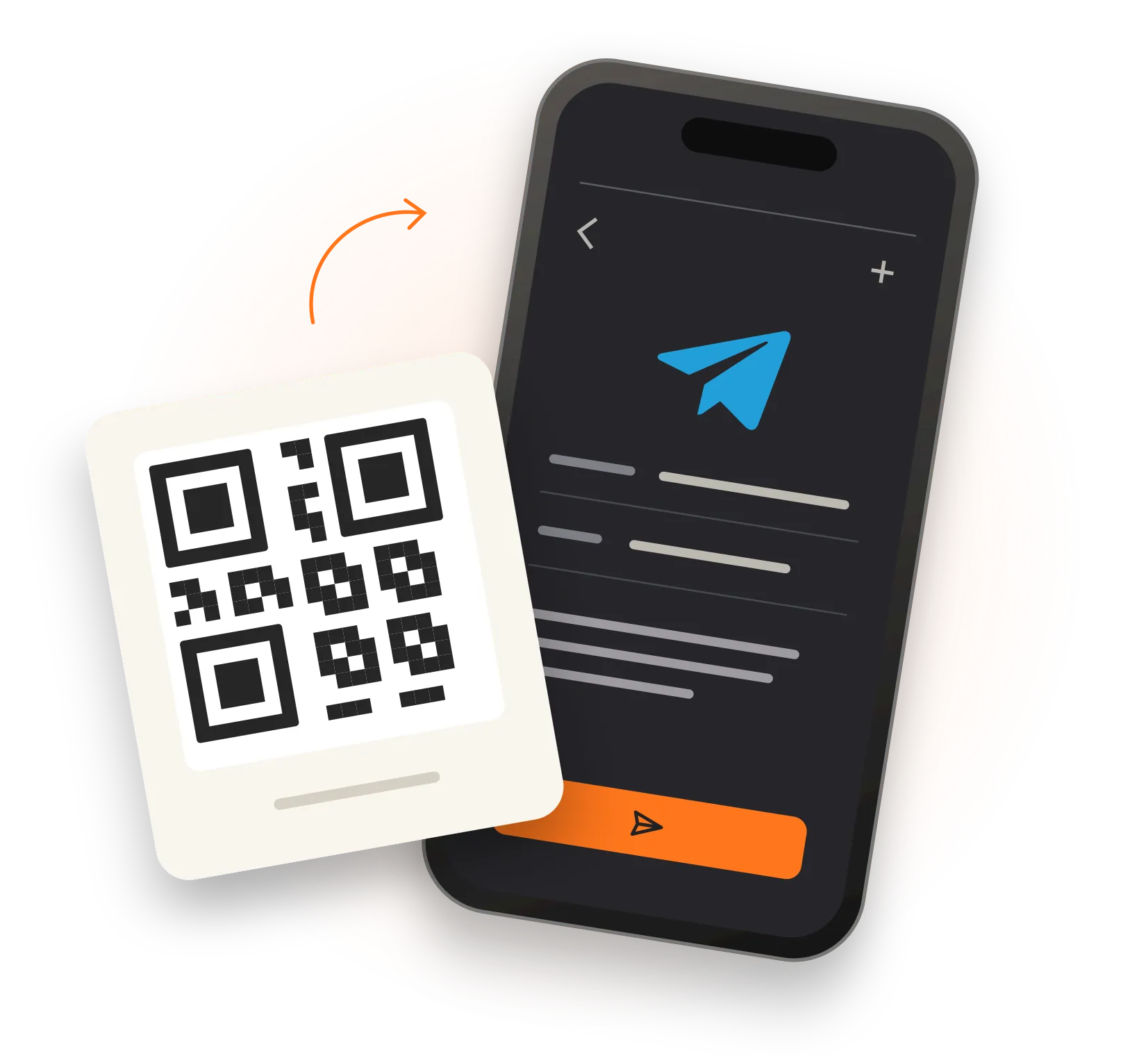
A more direct link to your Telegram
Share a direct link to your Telegram channel, group, chat, or bot wherever customers already see your brand.
Share your Telegram link in an easy-to-scan QR code, without asking people to type a hard-to-remember username or search for your channel.
Invite customers to join your Telegram channel or group so they can get your offers, announcements, and updates right away.
Put it on your counter, packaging, or cards so anyone can scan it with a phone and open your Telegram in seconds.
Set it up in three steps
Copy the link to your Telegram channel, group, bot, or chat and paste it into Trakelino.
Customize the design with your brand colors and logo. Download a high-quality version that’s ready to use.
Put it on your counter, packaging, or cards so customers can scan and open your Telegram right away.
One QR code, more ways to connect
Choose visible spots at your business or on your shipments to make it easy for customers to join your Telegram channel, group, or chat.
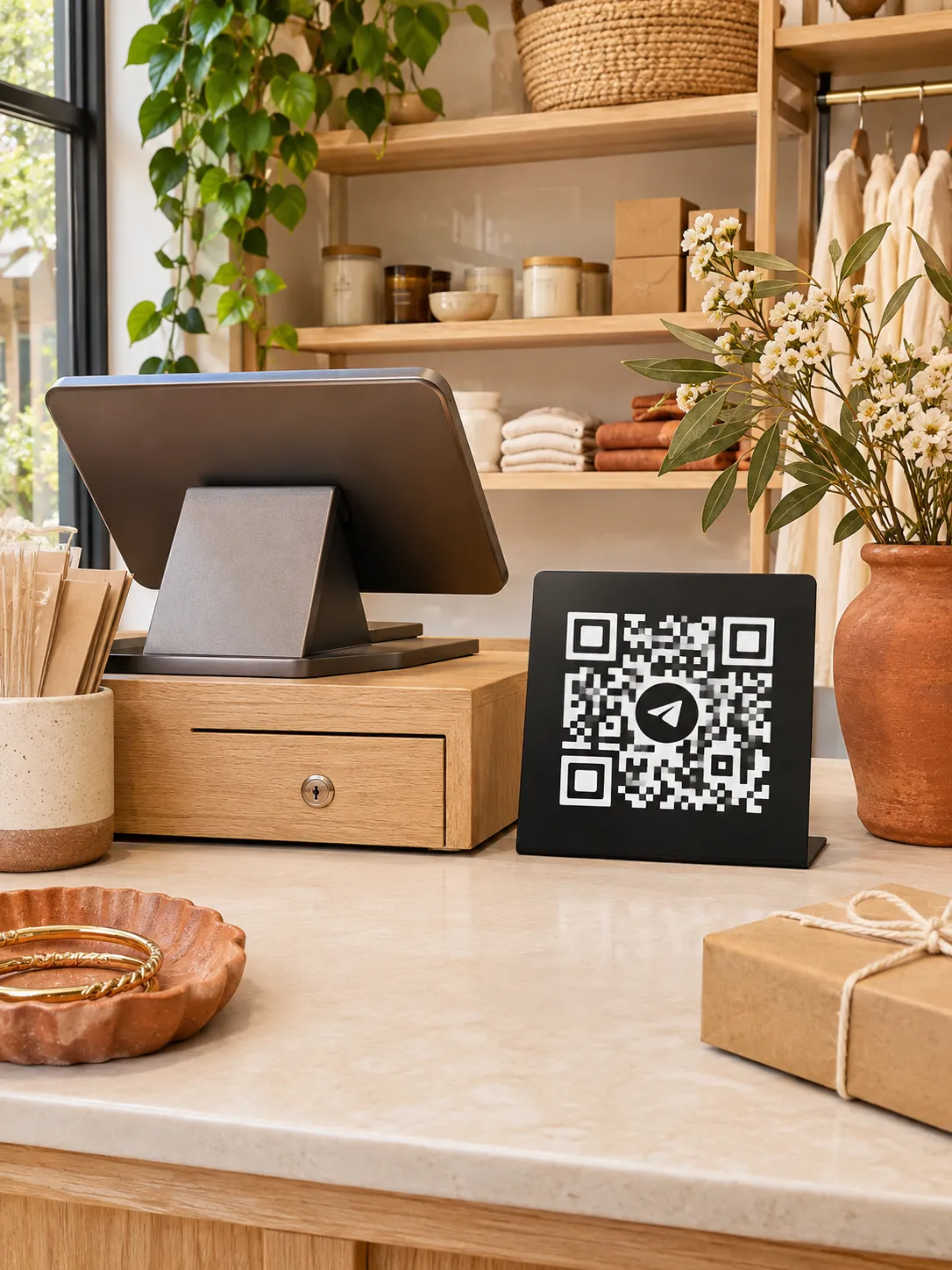
Invite customers to join your updates channel or open a direct chat from the counter while they pay.
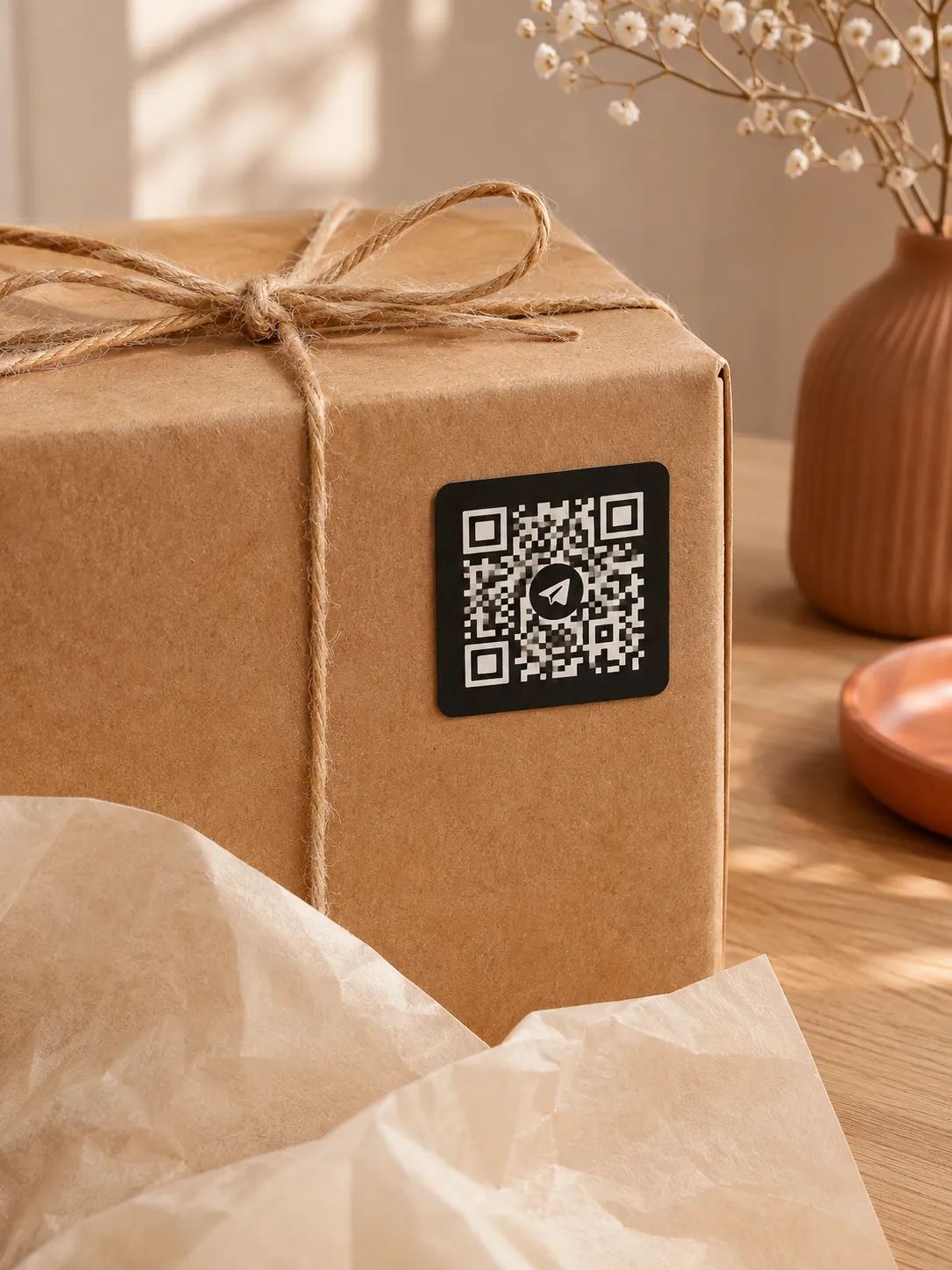
Add your Telegram QR code to boxes, bags, or labels to offer support or benefits after purchase.
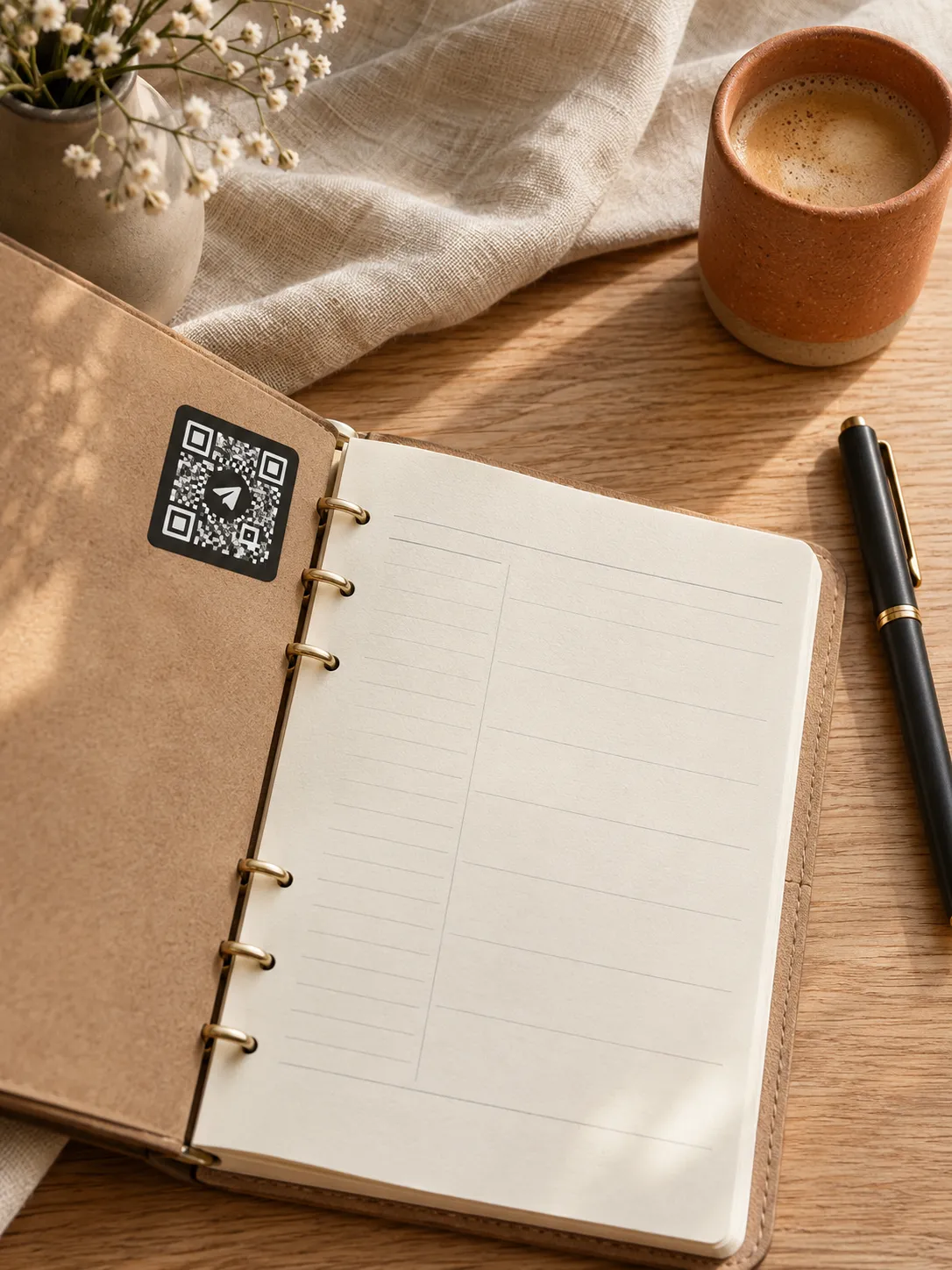
Share a link to your Telegram group or channel in planners, appointment cards, and brochures to stay in touch.
A link that goes with your brand
Take customers straight to your Telegram channel, group, bot, or chat. With a dynamic QR code, you can change the link in your dashboard whenever you want, without reprinting your cards or signs.
See more QR code types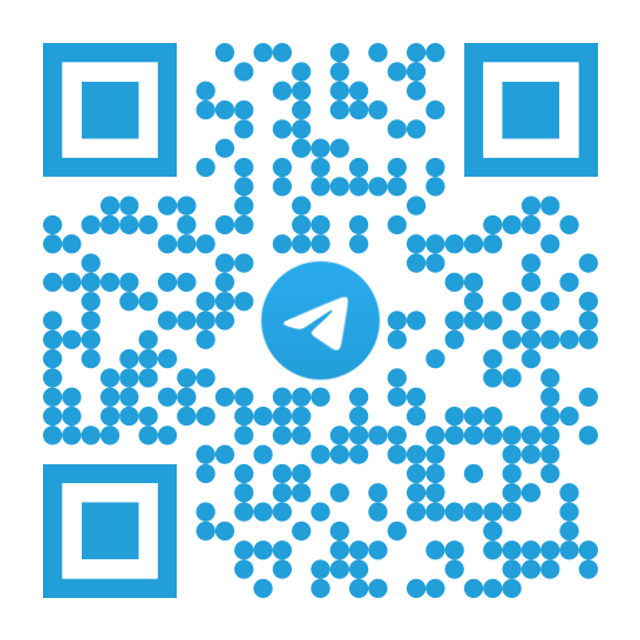
QR code design and customization
Give your custom QR code your brand colors and style. Choose a classic design, add color, or include your logo so it fits your cards, signs, and packaging.
PNG for sharing · SVG for print at any size
Create a custom QR codeReal-time metrics
With dynamic QR codes, see how many people scanned your code, which devices they used, and which days were busiest to improve your campaigns. Figures are illustrative; available data depends on your plan.
See plans and analyticsFrequently asked questions
Link to a public Telegram space: your updates channel, community group, personal profile, customer support chat, or automated bot. Copy the link, paste it into Trakelino, and create your QR code.
A static QR code keeps the same link. If you change the destination, you need to create and print a new code. A dynamic QR code lets you change the link from your dashboard, depending on your plan, without reprinting and also provides scan statistics.
If they already have Telegram, the link may open directly in the app. Otherwise, it opens in their phone’s browser and, depending on the destination and device, may offer the option to open Telegram or download the app.
Yes. With a dynamic QR code, you can update the destination link from your Trakelino account, depending on your plan. The code you already printed will keep working with the new link.
No. Scanning opens the channel, group, or chat so each person can choose whether to join or message you. The QR code makes it easier to get there but does not take those actions automatically.
With dynamic QR codes, you can see how many times your code was scanned, which days and times were busiest, and, if your plan includes the data, the devices or cities involved. Compare how your signs, cards, or packaging perform.
Try it free and start connecting, updating, and measuring with ease.