Skip the search
Take customers straight to your Google review link without asking them to search for your business or type a web address.
Google reviews QR code
Link your cards, packaging, or signs directly to your business reviews on Google. One quick scan opens the review link so customers can share their feedback right away, without searching for you or typing a long link.
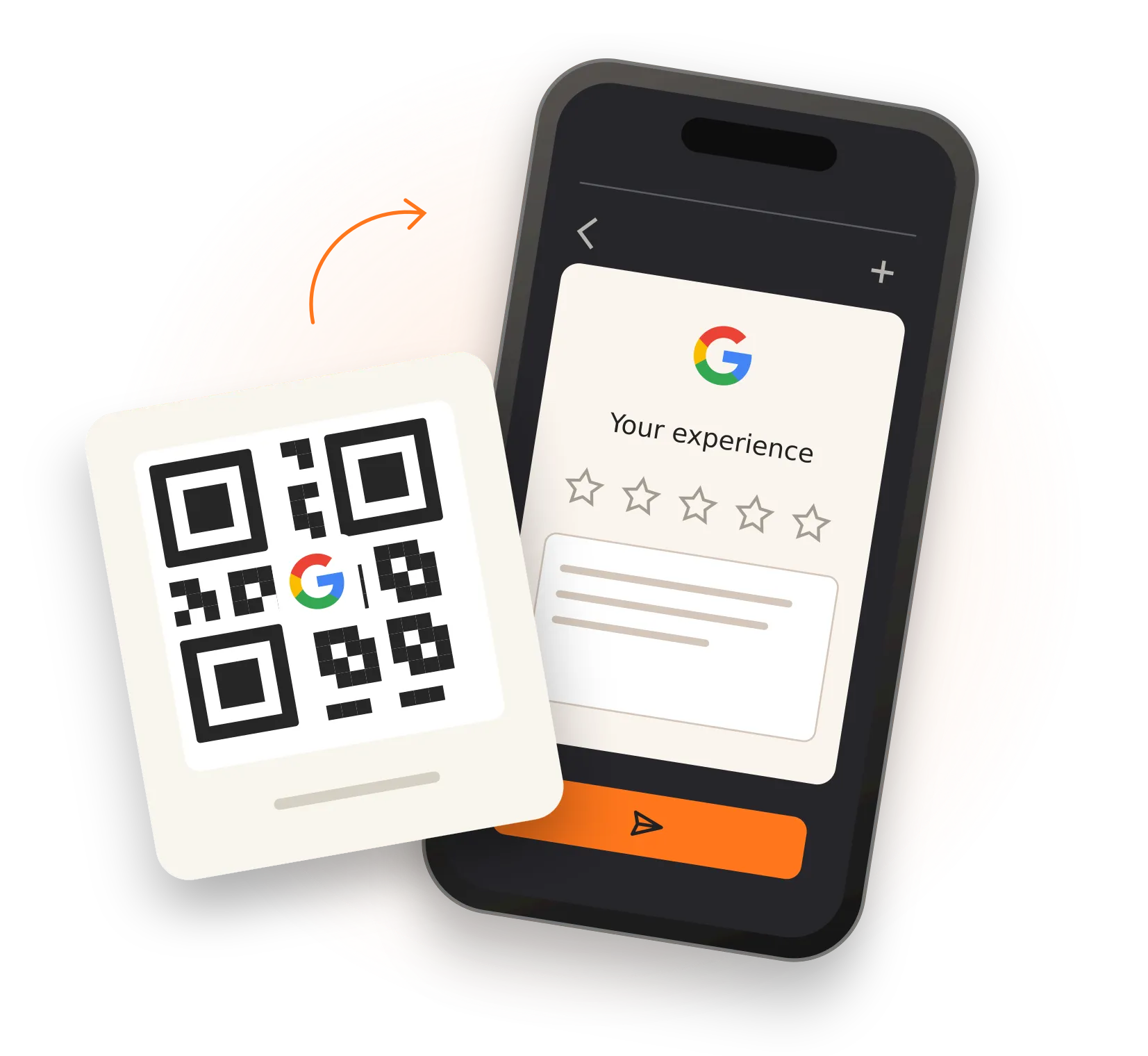
A direct link to your Google reviews
Invite customers to share feedback from your cards, packaging, or signs so others can learn about your business and find you online.
Take customers straight to your Google review link without asking them to search for your business or type a web address.
Share the review link at checkout, after a meal, or at the end of a stay so customers can tell you about their experience.
Make it easy for customers to share real experiences that help others learn about your service, products, or care.
Set it up in three steps
In your Google Business Profile, find the option to get more reviews and copy the link. Paste it into Trakelino and check that it opens the right business listing.
Customize the design with your brand colors and logo. Download a high-quality version that’s ready to use.
Add it to your cards, packaging, or signs and invite customers to scan and share their experience on Google.
One QR code, more ways to connect
Here are three practical ways to add your QR code and invite customers to share their experience on Google.
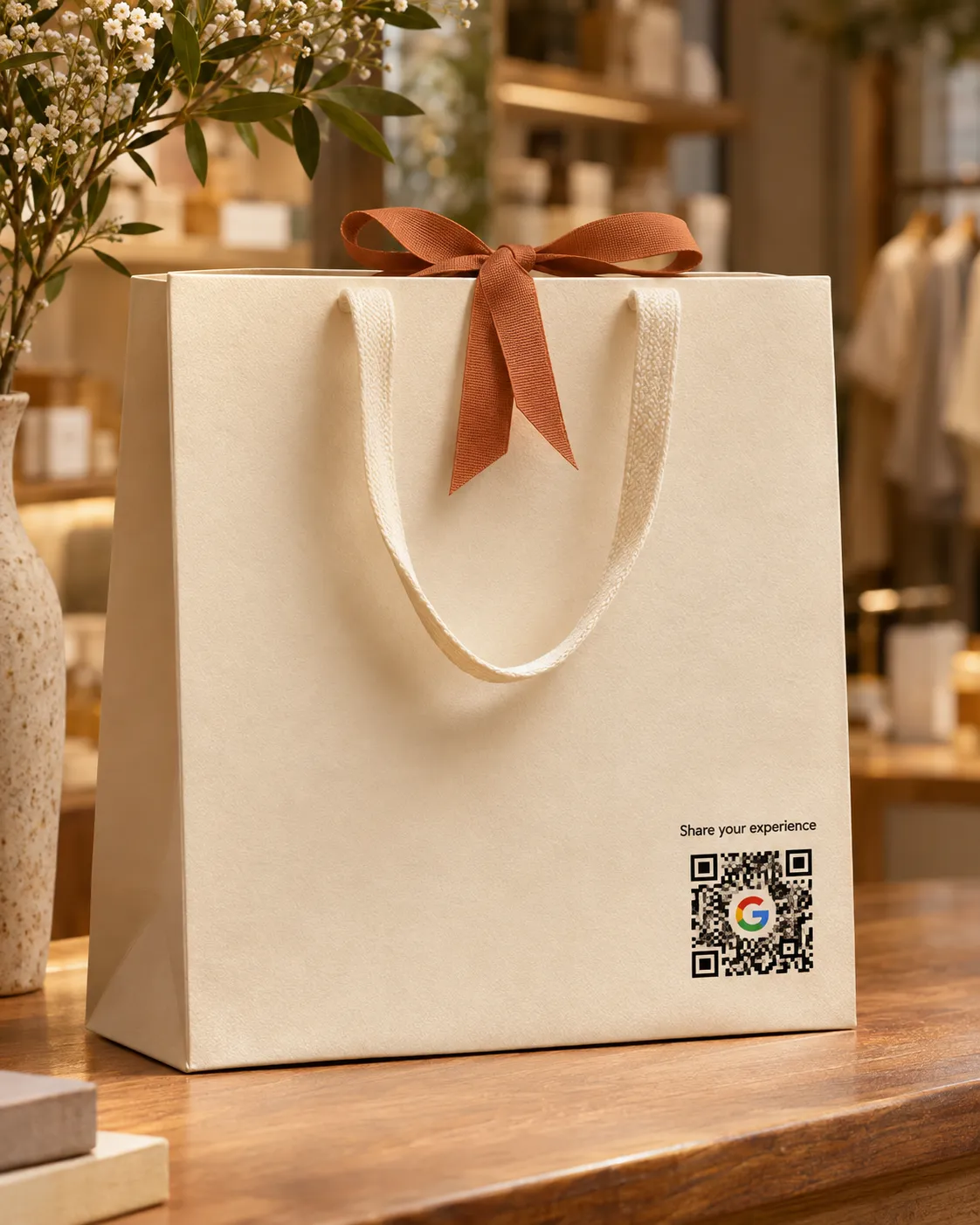
Add the QR code to your bags, packaging, or thank-you cards so customers can share their shopping experience on Google.
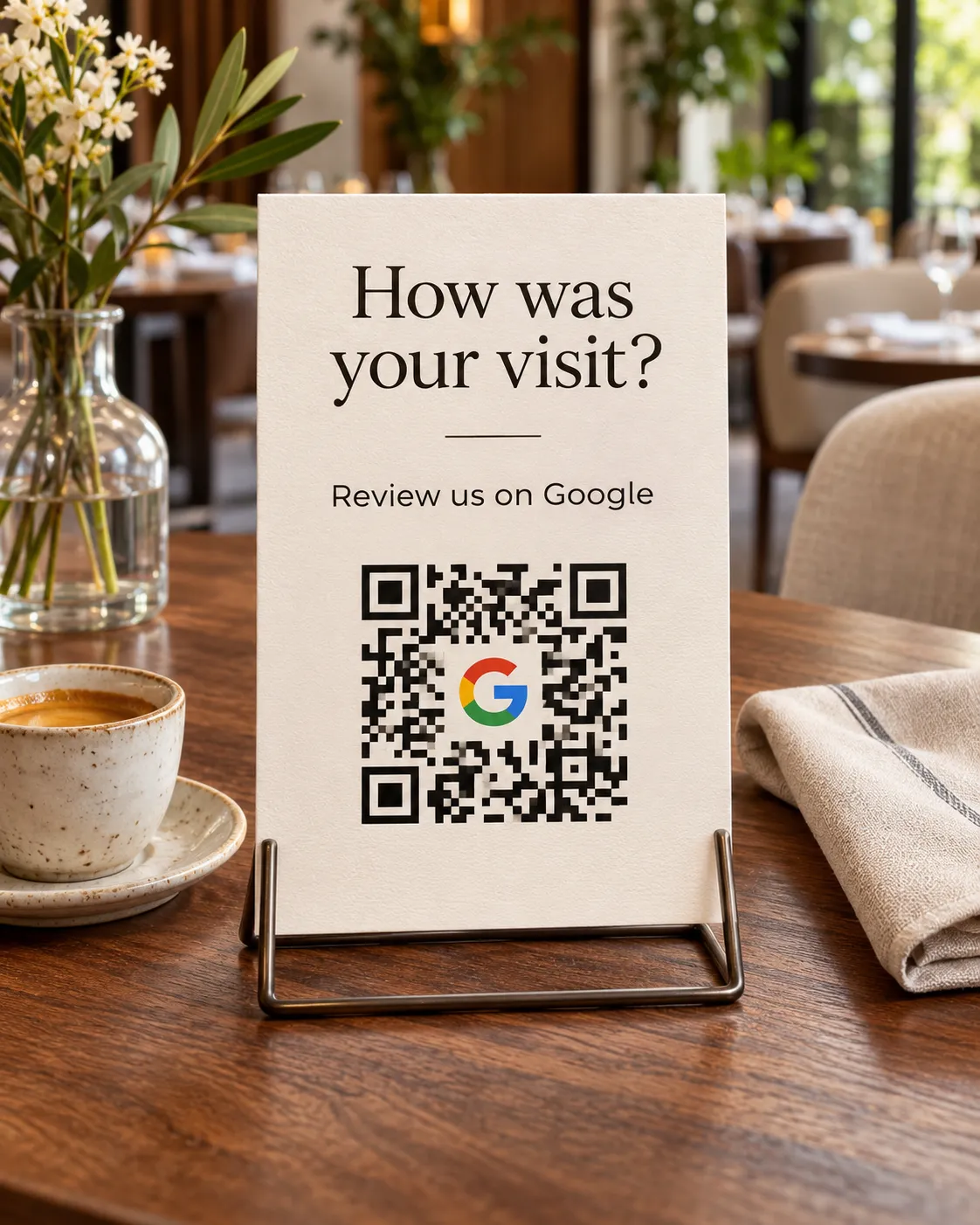
Put it on the table, the bill, or by the counter so diners can share their thoughts about the food and service after their visit.
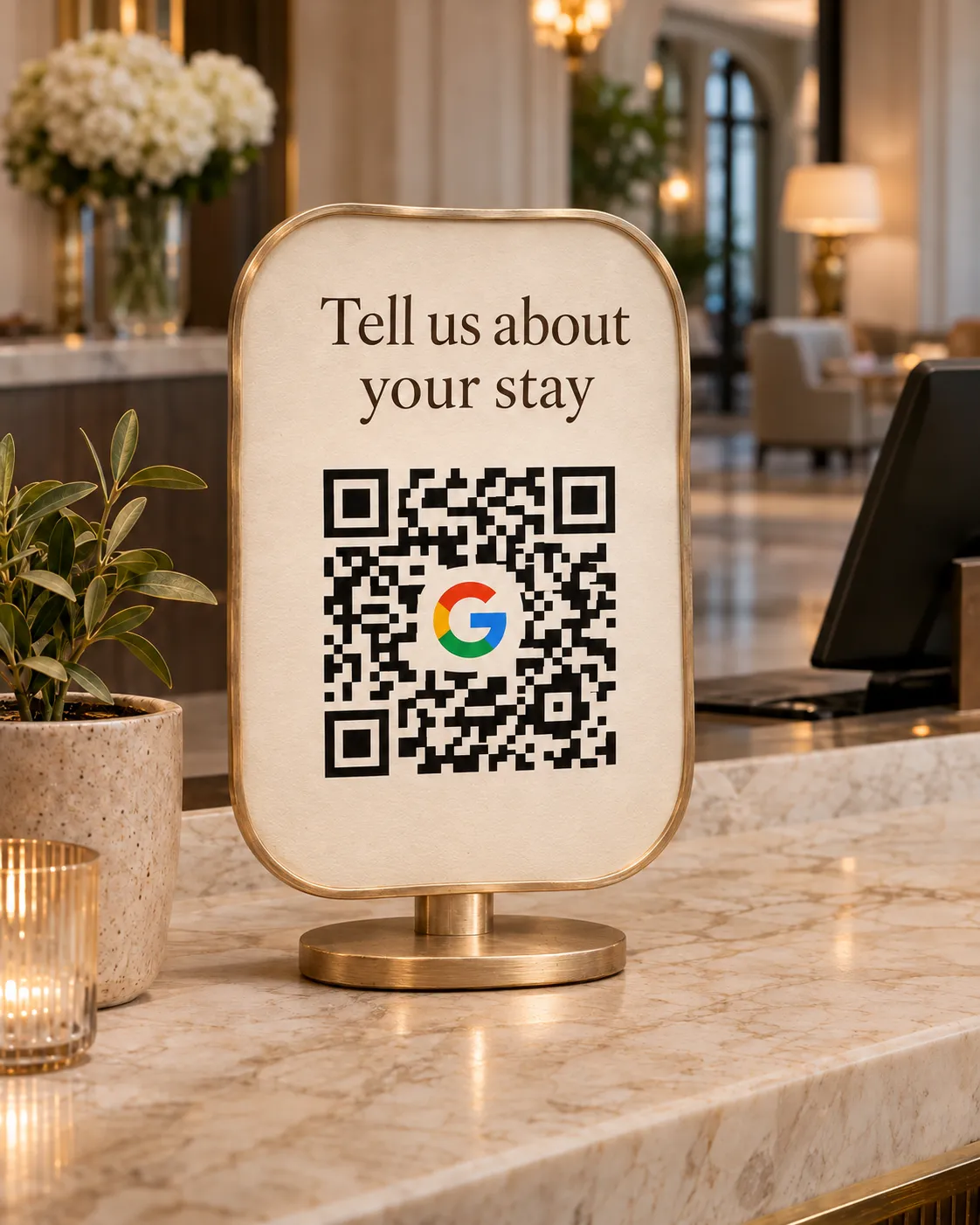
Add it to your cards or reception desk so guests can share their experience on Google at the end of their stay.
A link that goes with your business
Invite customers to share their experience with one QR code. With a dynamic QR code, you can change your Google reviews link from your dashboard* without reprinting your cards, packaging, or signs.
* Depending on your plan.
See more QR code types

QR code design and customization
Give your QR code your brand colors and style. Choose a classic design, add color, or include your logo so it fits your cards, packaging, and signs.
PNG for sharing · SVG for print at any size
Create a custom QR codeReal-time metrics
With dynamic QR codes, see how often people scan your cards, packaging, or signs and find out which materials get the most interest. Figures are illustrative; available data depends on your plan.
See plans and analyticsFrequently asked questions
It takes customers straight to your Google review page with one scan. That way, they don’t have to search for your business, and they can leave a review more easily while helping people find your brand online.
A static QR code always opens the same link and can’t be changed after printing. A dynamic QR code lets you update the web link from your dashboard without reprinting your cards or signs, and also provides scan statistics.
Open your Google Business Profile, find the option to request reviews, and copy the direct link. Then paste it into Trakelino to create your QR code.
Yes, as long as you use a dynamic QR code. If you update your address or change profiles, you can update the destination in your dashboard right away and keep using the materials you already distributed.
They need a phone camera to scan the code and an active Google account. No special app is required; the link opens right on their phone.
They show the total number of scans and how many unique users opened the link to view or leave a review. This helps you measure how well your signs or cards are working.
Try it free and start connecting, updating, and measuring with ease.