More details
Share photo galleries, floor plans, prices, and full property details right from the listing.

QR codes for real estate
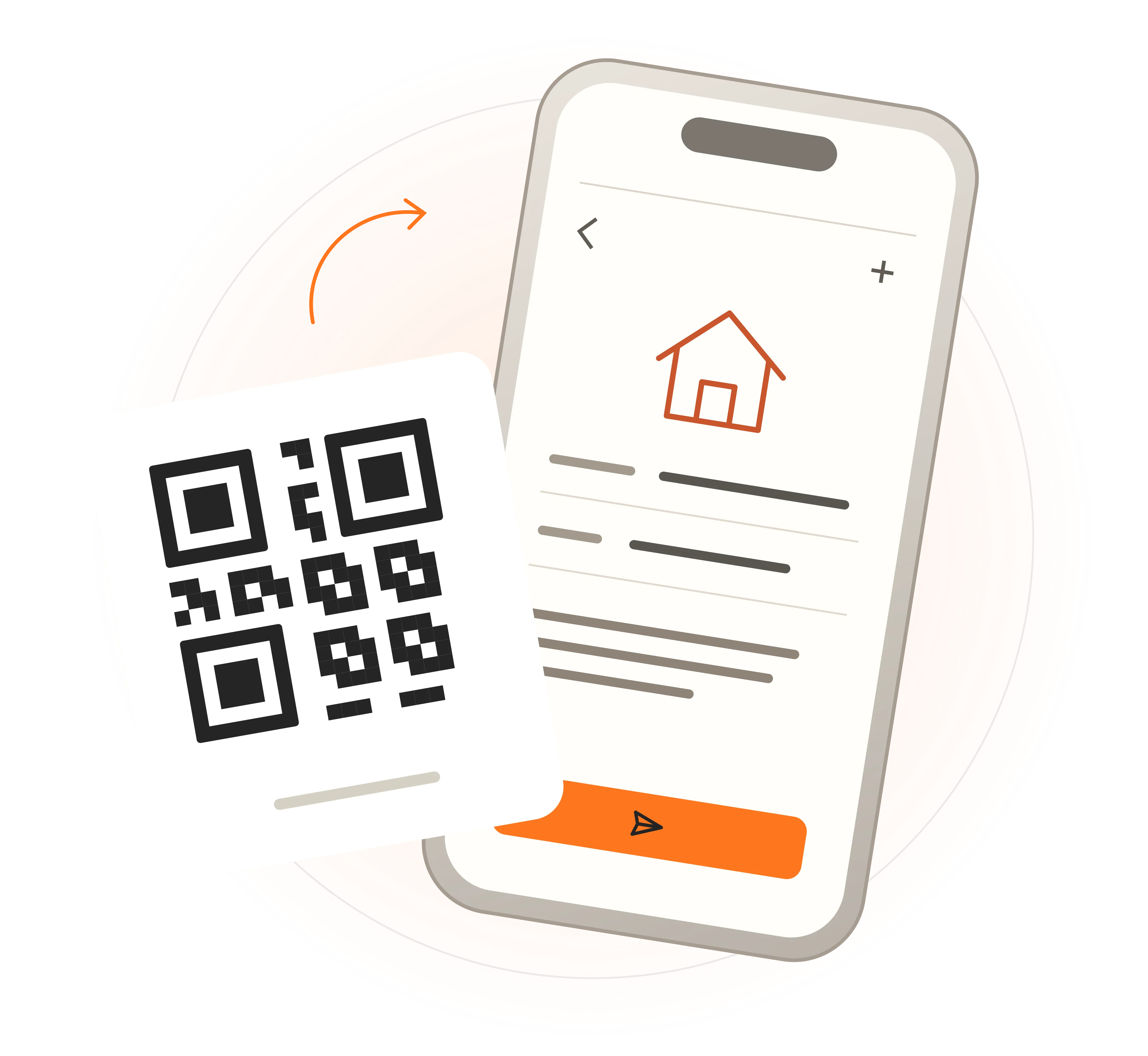
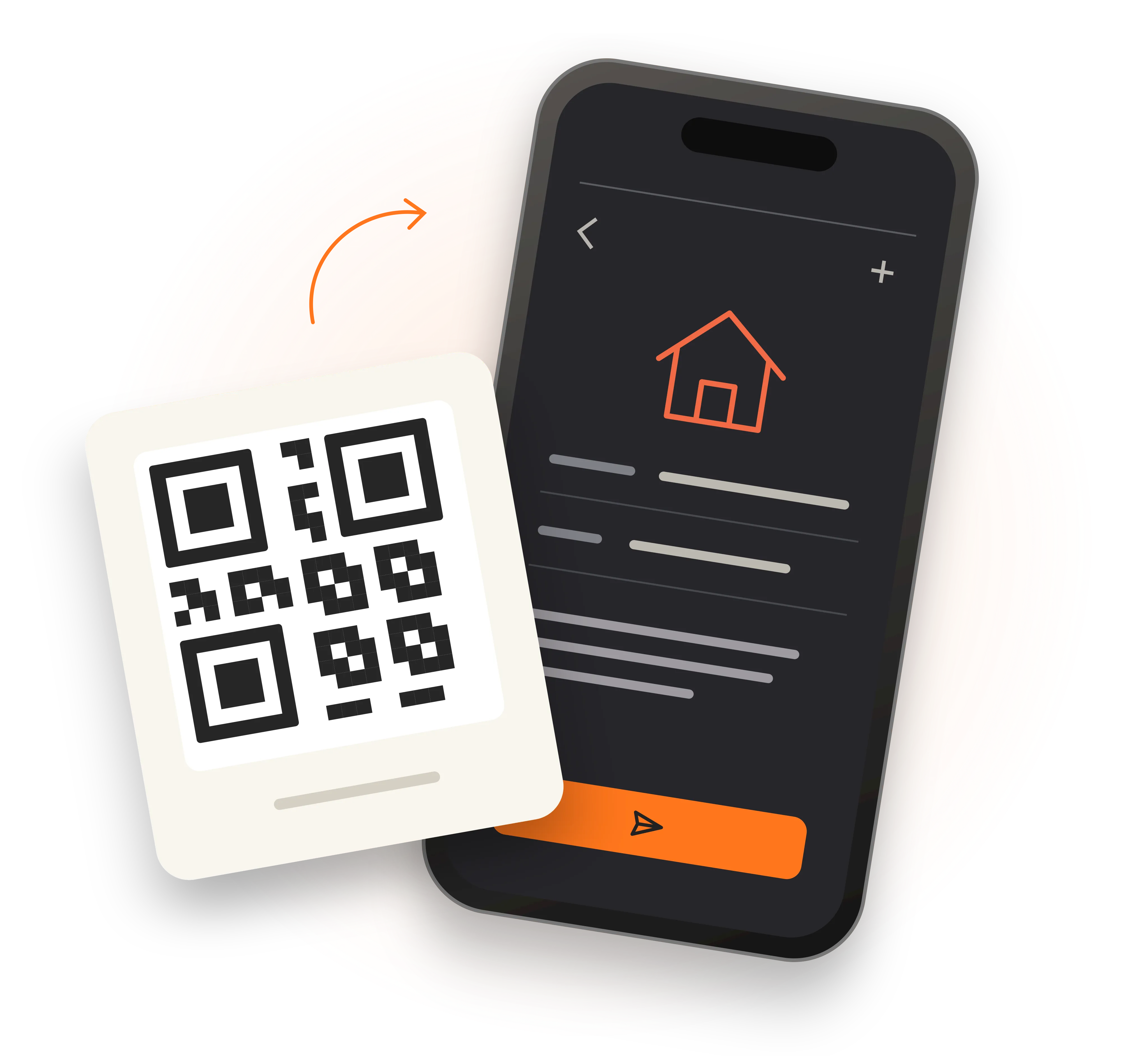
Connect property signs and brochures to each listing online. With one quick scan, prospective buyers and renters can instantly view photos, property details, and contact options.
Share a listing link that is already published on your website or a property portal.
More information about every property
Let your signs, banners, and brochures share all the information that cannot fit on a sign.
Share photo galleries, floor plans, prices, and full property details right from the listing.
One quick scan takes interested buyers straight to the right property, without detours or searching through hundreds of portal listings.
Make it easy to contact you by WhatsApp or phone from the listing itself and book viewings sooner.
Quick and easy setup
Choose a public listing on your website or property portal and copy its link.
Customize it with your agency’s branding and download it, ready for signs, banners, or brochures.
Add it to signs and printed materials so people can scan and explore every property detail right away.
One QR code, more ways to connect
Add QR codes to your agency’s print and digital materials so anyone interested can find complete property details right away.
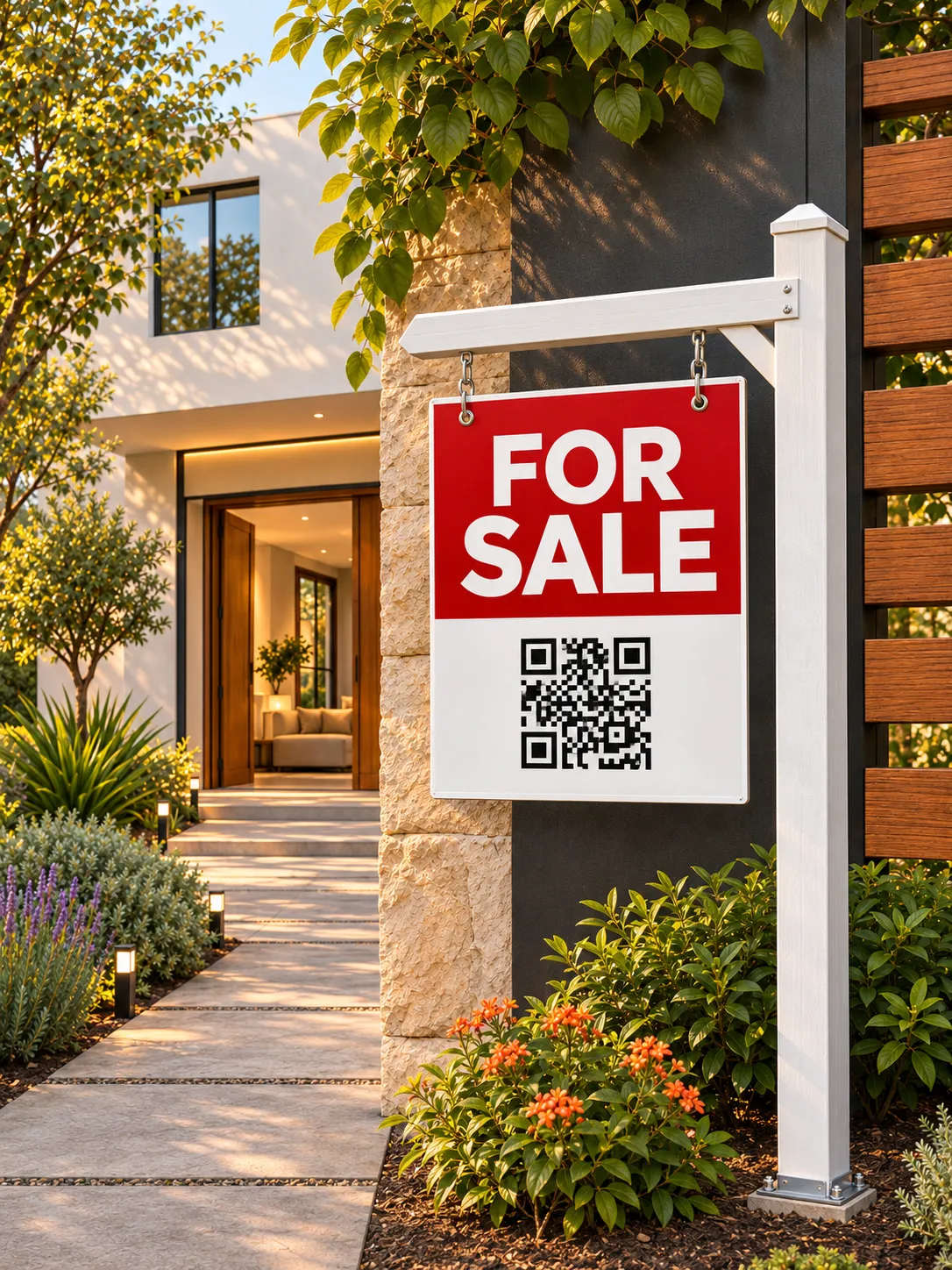
Put one at the entrance or on the for-sale sign so passersby can view the full listing on their phones.
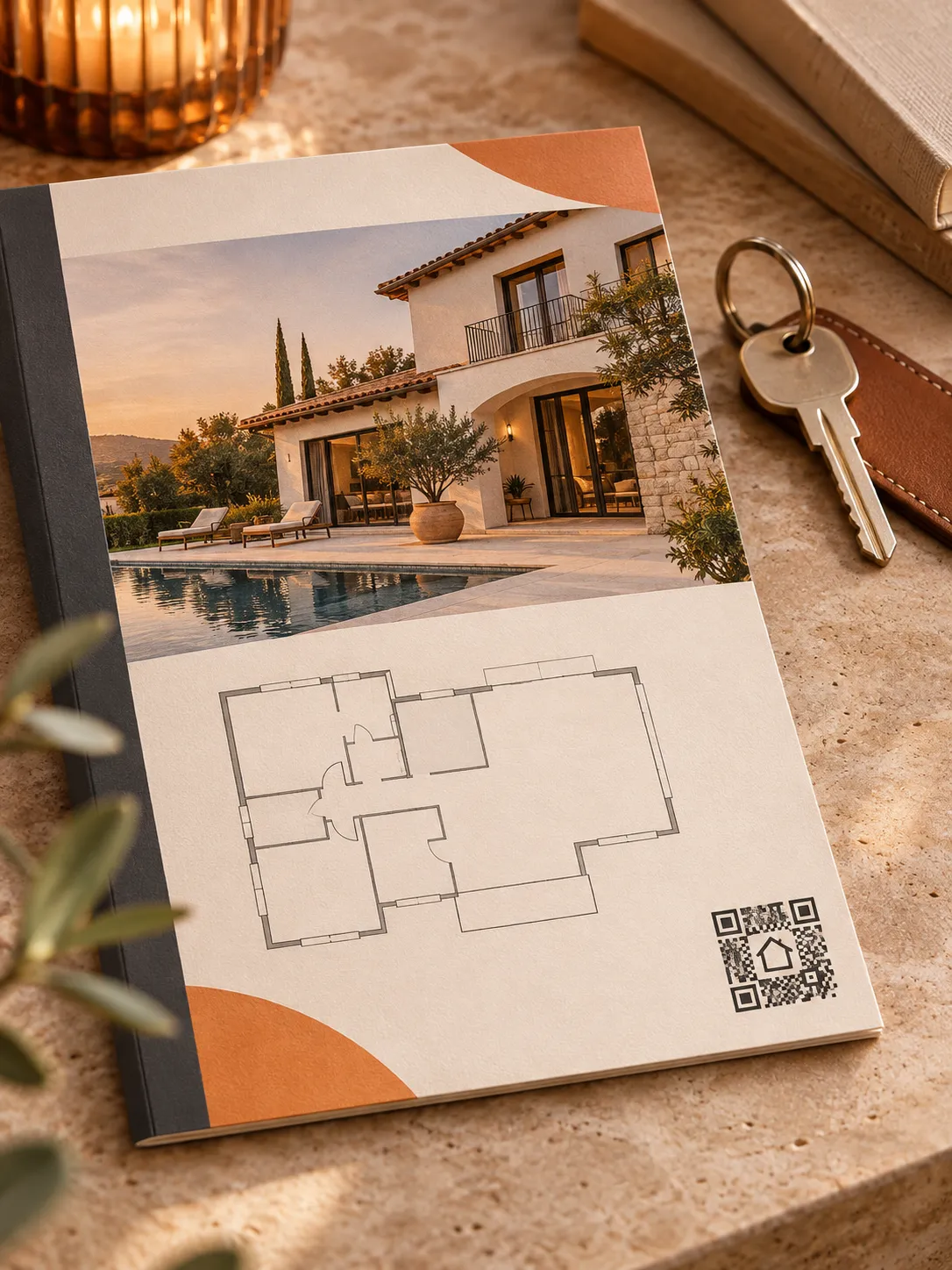
Add it to folders, viewing materials, and brochures so clients can explore photos and property details.
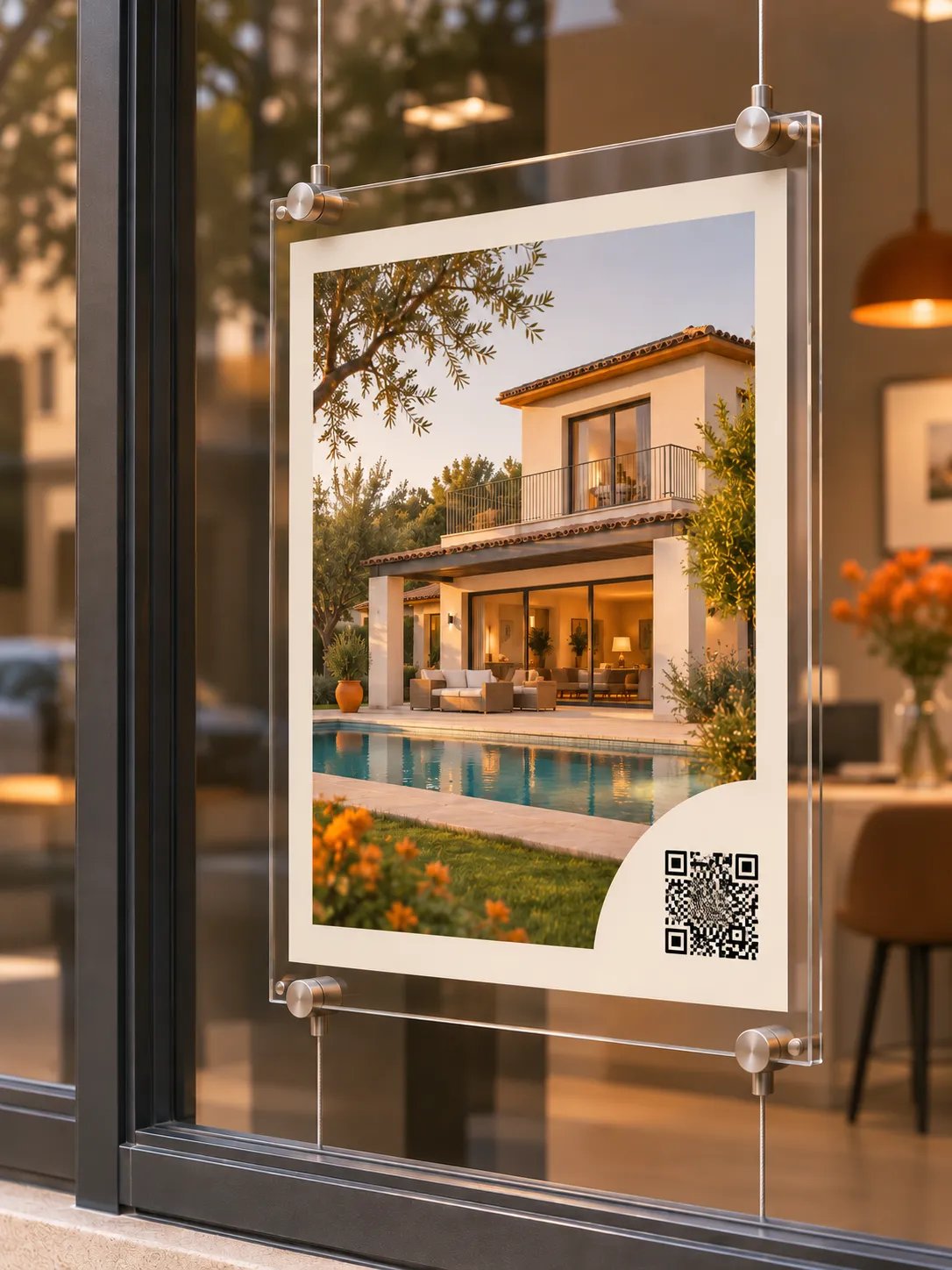
Display it in your agency window to connect every printed property photo with its complete online listing.
Signs with a destination you can update
With a dynamic QR code, you can update its destination link in Trakelino without printing the code again. Property details and photos remain managed on your website or property portal.
A static QR code keeps its original link. Trakelino does not change the destination listing’s data or permissions.
See more QR code types

QR code design and customization
Customize it with your brand colors, style, and visual identity. Make each QR code fit your for-sale and for-rent signs, brochures, business cards, and other materials.
PNG for sharing · SVG for print at any size
Create a custom QR codeFewer guesses. More insight.
With dynamic QR codes, see scans, locations, devices, peak activity times, and more in real time.
See plans and analyticsFrequently asked questions
It’s quick: copy the link to a property listing already published on your website or portal, paste it into Trakelino, customize the design with your agency’s colors or logo, and download it ready to print on signs or brochures.
Yes. With a dynamic QR code, you can change its destination URL from your dashboard whenever you need to, depending on your plan. If a property sells or rents, update the link and keep using the sign already on the street.
The property’s full online listing opens on their phone right away. No waiting or extra apps to download: they can go straight from seeing a street sign to browsing photos, property details, and contact options.
Yes. Dynamic QR codes include a real-time analytics dashboard, depending on your plan. You can see total scans, where interested people are, and which devices they use to learn which signs get the most attention.
Use it on for-sale or for-rent signs, your office window, presentation folders, brochures, and other printed campaigns so clients can always find the property details.
Absolutely. Add your logo to the center and adjust the color palette to match your agency’s visual identity and keep your brand looking professional and consistent.
Try it free and start connecting, updating, and measuring with ease.