
Skip the search
Take people straight to your PDF without asking them to type a long link or search through emails and messages.

PDF QR code
Connect your products, signs, or cards to your PDF catalogs, menus, or manuals. One quick scan opens the file right away, with no searching or typing long links.
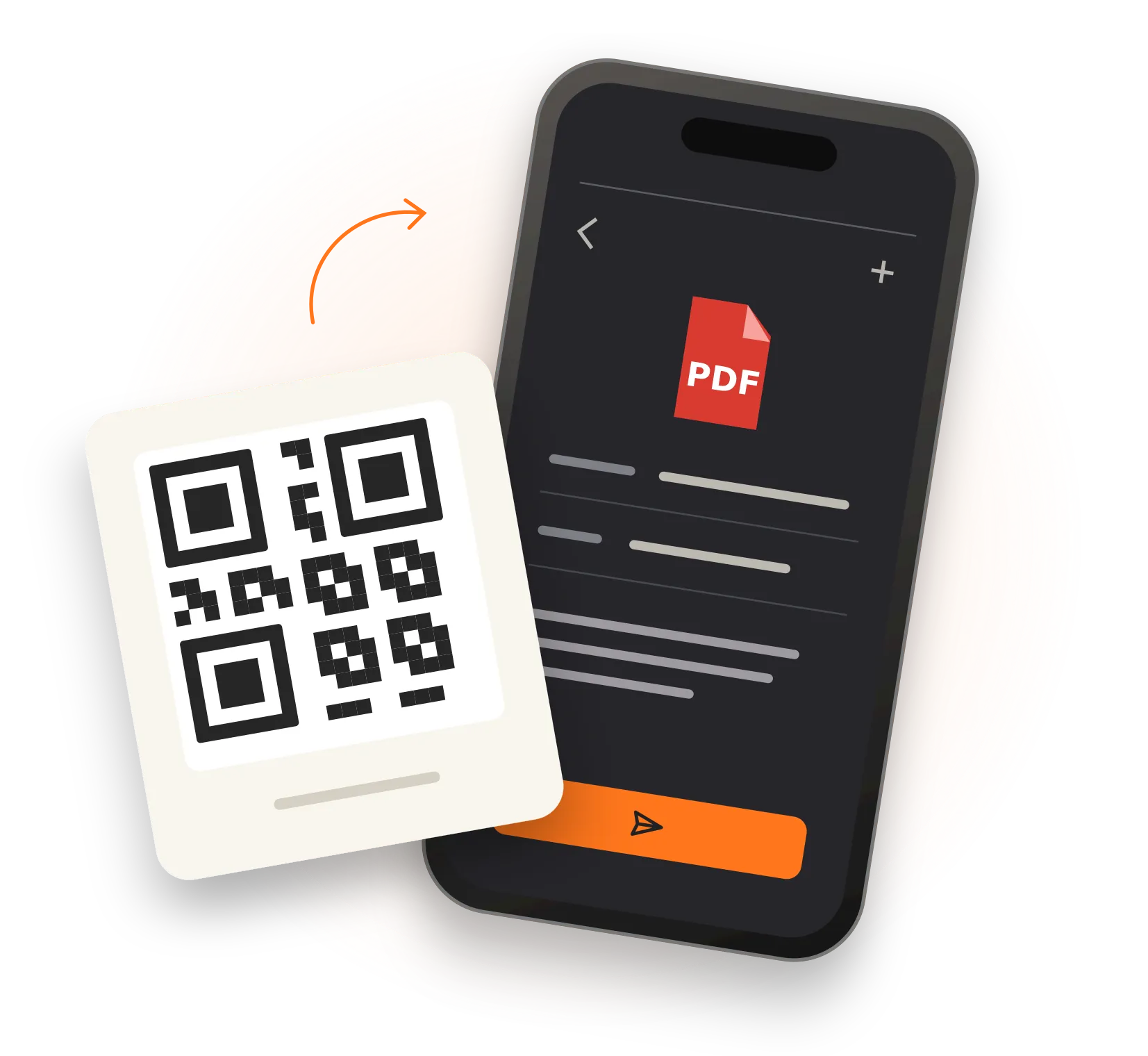
A direct way to share your documents
Share your documents from product labels, signs, or cards so customers can find them whenever they need them.
Take people straight to your PDF without asking them to type a long link or search through emails and messages.
Share full catalogs, menus, spec sheets, or manuals to add details to your products and brochures.
Put it on your counter, labels, or brochures so anyone can scan and view your PDF on their phone.
Set it up in three steps
Copy the link to your PDF and paste it into Trakelino. Make sure the file is public so anyone can open it after scanning.
Customize the design with your brand colors and logo. Download a high-quality version that’s ready to use.
Add it to your cards, signs, or labels so customers can scan and open your PDF right away.
One QR code, more ways to connect
Here are three practical ways to add your QR code and share PDF files with customers or students.
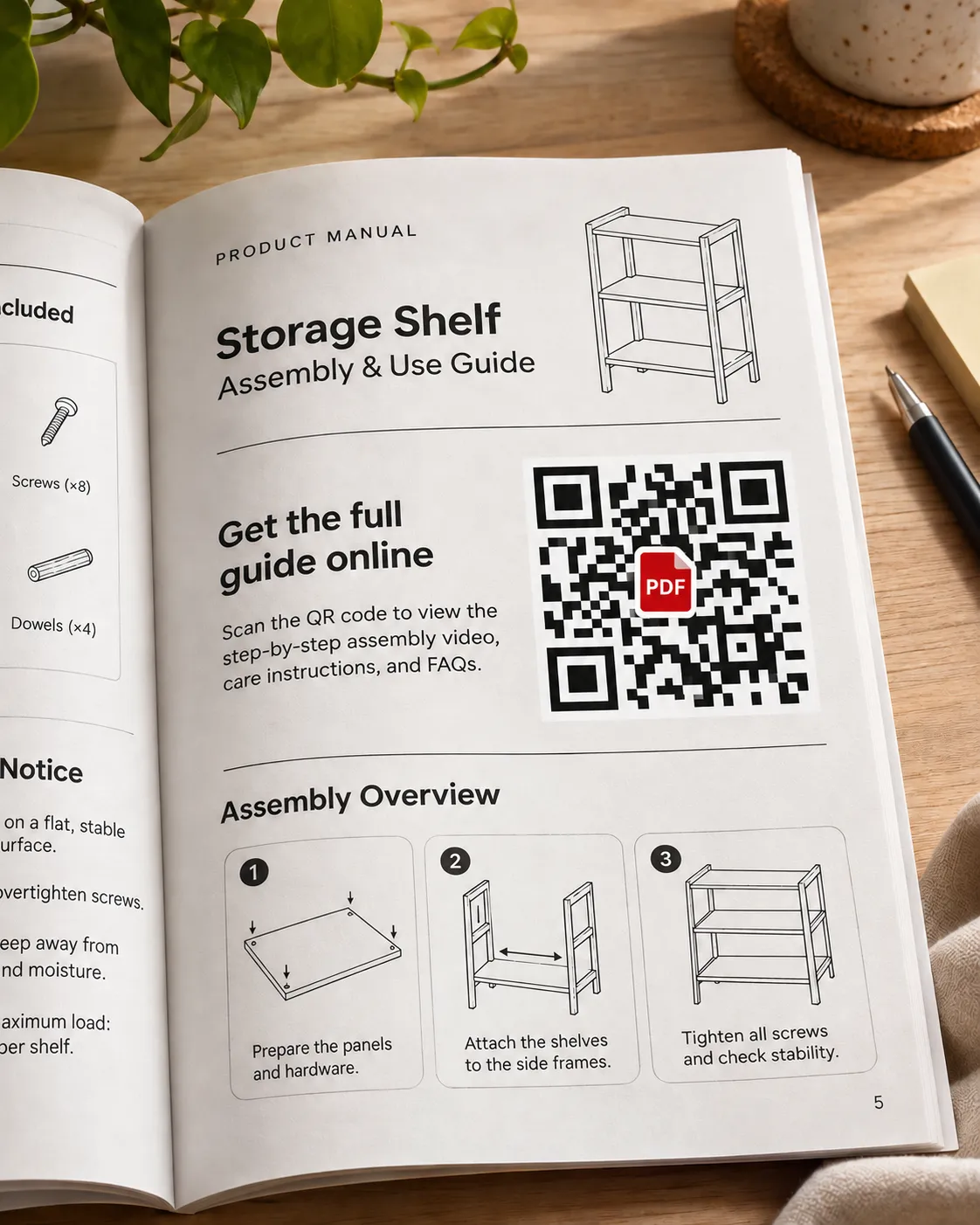
Add the QR code to a printed manual so customers can view the full instructions and usage guidelines in PDF on their phones.

Add it to your notes or presentations so people at your classes or events can access PDF guides, exercises, and supporting materials.
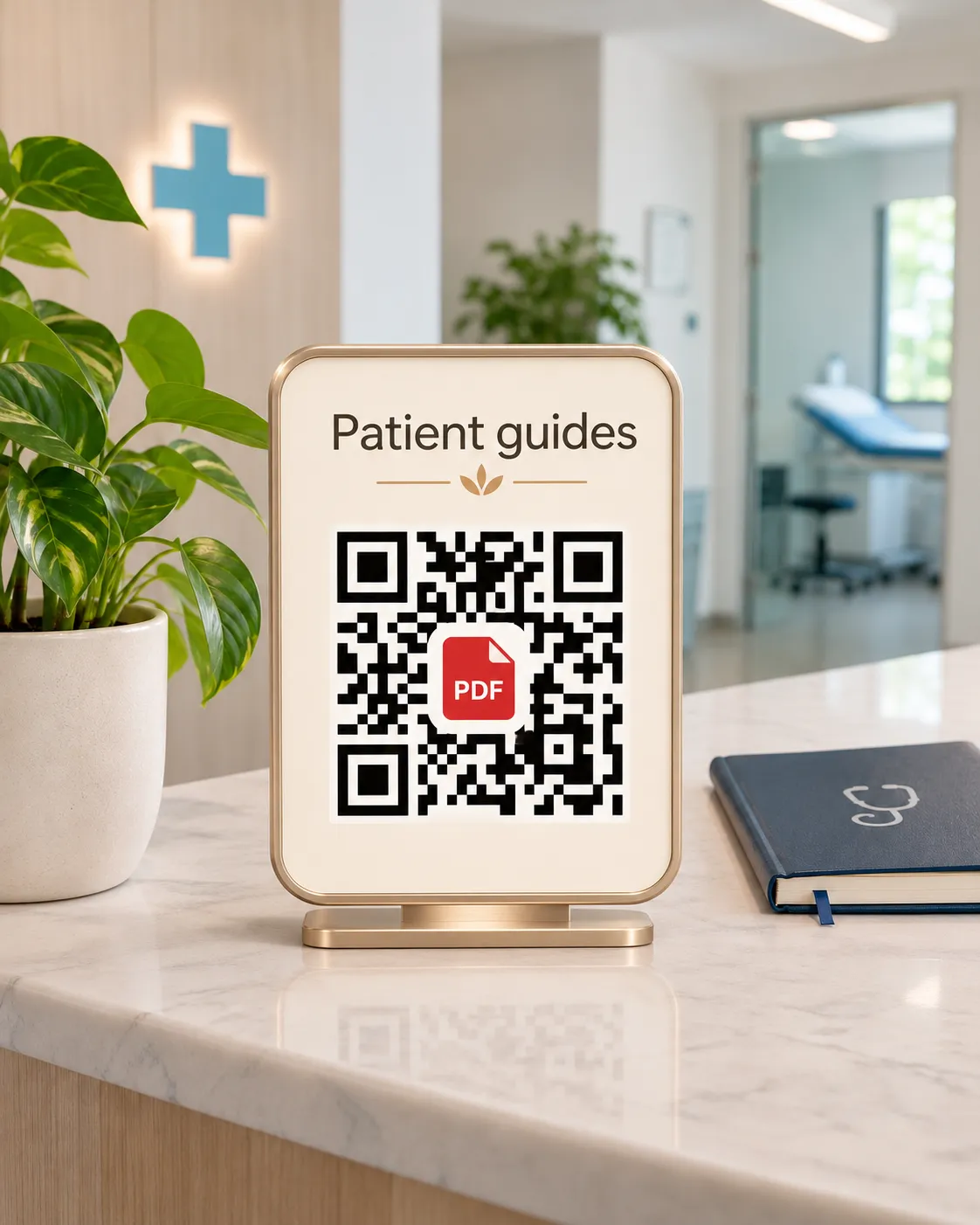
Place a QR code at your clinic’s front desk so patients can view PDF guides and aftercare instructions on their phones.
A link that goes with your documents
Share your catalog, manual, or document with one QR code. With a dynamic QR code, you can replace the PDF with a new version from your dashboard* without reprinting your cards, signs, or labels.
* Depending on your plan.
See more QR code types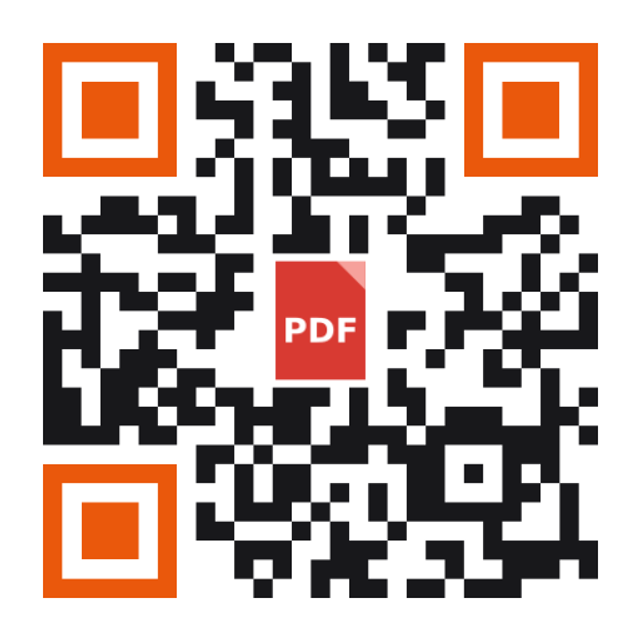
QR code design and customization
Give your QR code your brand colors and style. Choose a classic design, add color, or include your logo so it fits your cards, signs, and labels.
PNG for sharing · SVG for print at any size
Create a custom QR codeReal-time metrics
With dynamic QR codes, see how often people scan your cards, signs, or labels and find out which materials get the most interest. Figures are illustrative; available data depends on your plan.
See plans and analyticsFrequently asked questions
Share product catalogs, restaurant menus, user manuals, study guides, medical instructions, résumés, and more. Copy the link to your PDF, paste it into Trakelino, and create your code in seconds.
A static QR code always opens the same file. If you update the PDF, you need to print a new code. A dynamic QR code lets you change the destination PDF from your dashboard without reprinting and also provides scan statistics.
Yes. To let anyone open the document without requesting special permission, set the PDF link on Google Drive, Dropbox, or your website to public or open access.
Yes. With a dynamic QR code, you can update the PDF version or switch to another document from your Trakelino account whenever you need to, depending on your plan. The code on your labels, brochures, or signs keeps working.
No special app is needed. Scanning with a phone camera opens the PDF in the phone’s browser, where people can read or download it right away.
With dynamic QR codes, you can see how many times your code was scanned, which days and times were busiest, and the general locations and devices used to access your documents.
Try it free and start connecting, updating, and measuring with ease.