
Faster ordering
Customers see updated dishes and prices right on their own phones.

QR code for restaurants
Replace paper menus with a QR code at every table. Customers scan, view the full menu on their phone, and choose what they want right away.
Share your menu with a QR code or a link.
 The menu Scan to see the menu.
Casa Lume
Seasonal cuisine
Easier and faster
Customers see updated dishes and prices right on their own phones.
Skip reprinting the menu every time prices change or you add a new dish.
Change ingredients, add daily specials, or remove sold-out items in seconds.
How it works
Enter your dishes, categories, and prices in an organized layout.
Choose your colors and add your restaurant’s logo.
Download the QR codes and place them on tables or at the bar.
Uses and applications
From the first photo to the last dessert, every part of the menu has its place. This is what someone sees after sitting down at your table.
Casa Lume
Seasonal cuisine · Montevideo
Tuesday to Sunday · 12 p.m. to 4 p.m.
Mercado del Puerto, Montevideo
A cover photo, your logo, and a short description welcome diners on their phones.
Group dishes by category with clear descriptions and prices beside each item to make ordering easier.
Display your address, map, and hours so customers know when to come back.
Try the menu
Choose a category and enter a dish with its price. See how it updates on the digital menu for phones.
Casa Lume
Seasonal cuisine · Montevideo
Tuesday to Sunday · 12 p.m. to 4 p.m.
Mercado del Puerto, Montevideo
Use cases
Choose where to place your digital menu QR code based on when diners are looking for the menu.
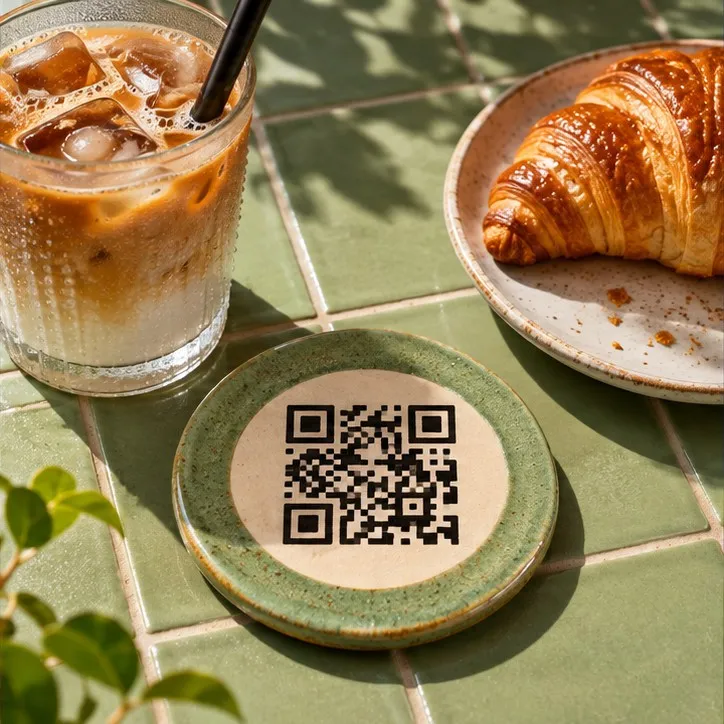
A QR code on every table or coaster puts your digital menu within reach as soon as diners sit down.
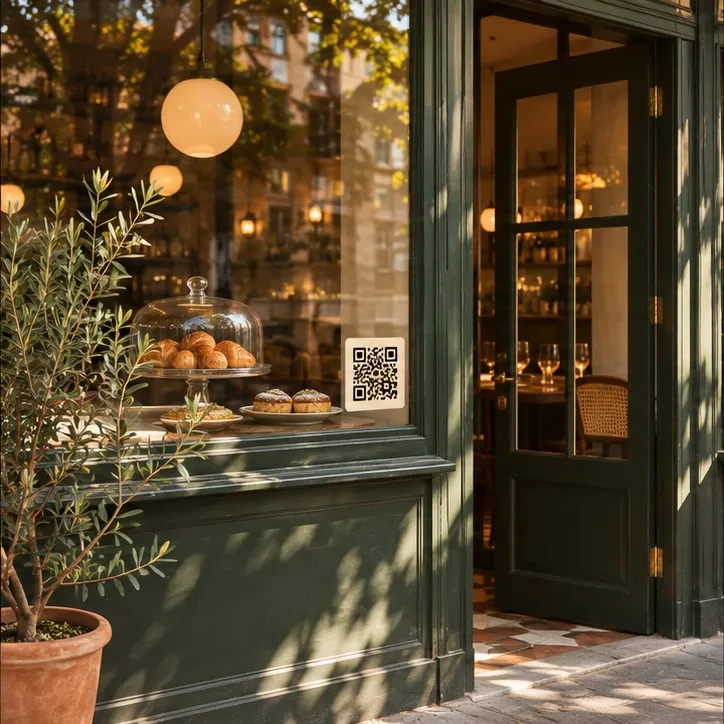
People passing by can scan and check dishes, prices, and hours before coming in.
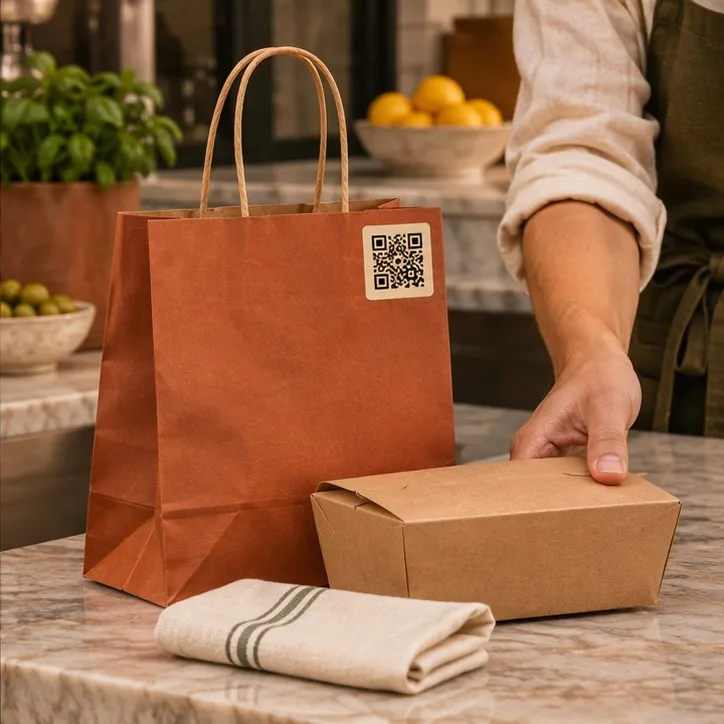
Add the QR code to your packaging and bags so customers can easily find your menu again from home.
Dynamic menu
Edit a dish price or change your seasonal menu. The next person who scans the table code will see the updated menu.
Create my digital menu Same QR code



QR code design and customization
Choose colors and shapes, and add your logo so the code fits your brand. Your menu page has its own color palette, so you can customize the two separately.
PNG for sharing · SVG for print at any size
Create a custom QR codeMenu analytics
Compare lunchtime activity with evening scans and find out which days people check your menu most. Each scan records when someone opens the QR code.
Scans and orders are different metrics. Available details depend on your plan.
See plans and analyticsFrequently asked questions
They just point their phone camera at the QR code. The menu opens right away in their browser, with no app to download.
Yes. Update prices, descriptions, or photos in real time without changing or reprinting the QR codes on your tables.
Yes. Organize it into clear sections such as starters, main courses, desserts, drinks, or daily specials.
Yes. It works for any food business, including food trucks, hotels, and catering services.
No app is needed. The web-based platform loads quickly on any mobile device.
Absolutely. Adjust the color palette and add your logo to the menu and QR code.
Bring your restaurant’s dishes, prices, and flavors straight to your diners’ phones.