Skip the search
Take people straight to your Google Maps location without asking them to type an address or search for your business among other results.
Google Maps QR code
Connect your cards, invitations, or signs to your location on Google Maps. One quick scan opens the map and directions, without searching for your address or typing a long link.
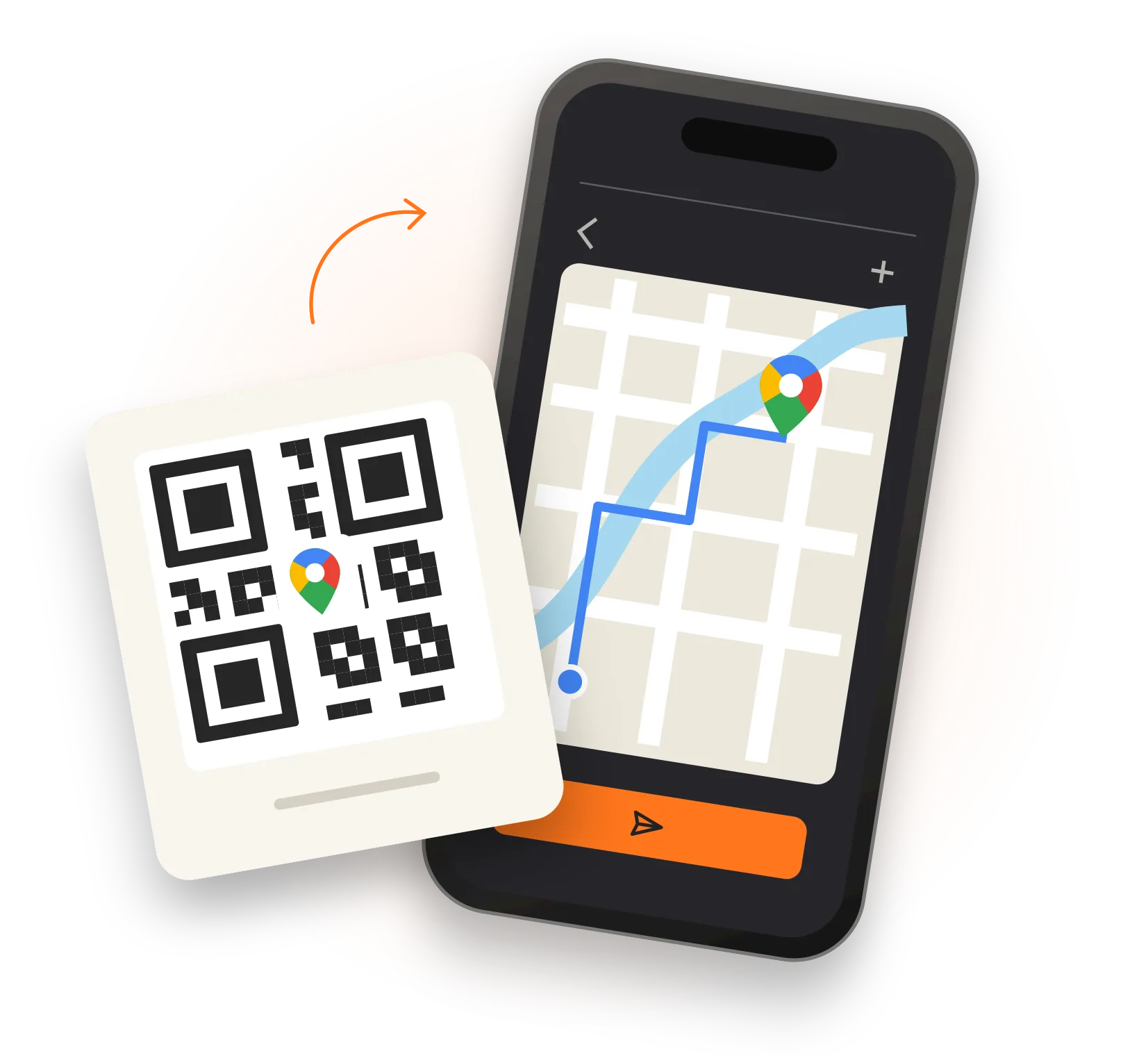
Share your exact Google Maps location directly
Share your location on cards, brochures, or invitations so customers know where to find you.
Take people straight to your Google Maps location without asking them to type an address or search for your business among other results.
Share the exact location of your store, office, or event so everyone can get directions on their phone.
Add it to your cards, invitations, or brochures so anyone can scan and find your address when they need it.
Set it up in three steps
Find your location on Google Maps, select Share, and copy the link. Paste it into Trakelino and check that the pin marks the right place.
Customize the design with your brand colors and logo. Download a high-quality version that’s ready to use.
Add it to your cards, invitations, or signs so customers can scan and get directions on their phones.
One QR code, more ways to connect
Here are three practical ways to add your QR code and share your location with customers, guests, or visitors.
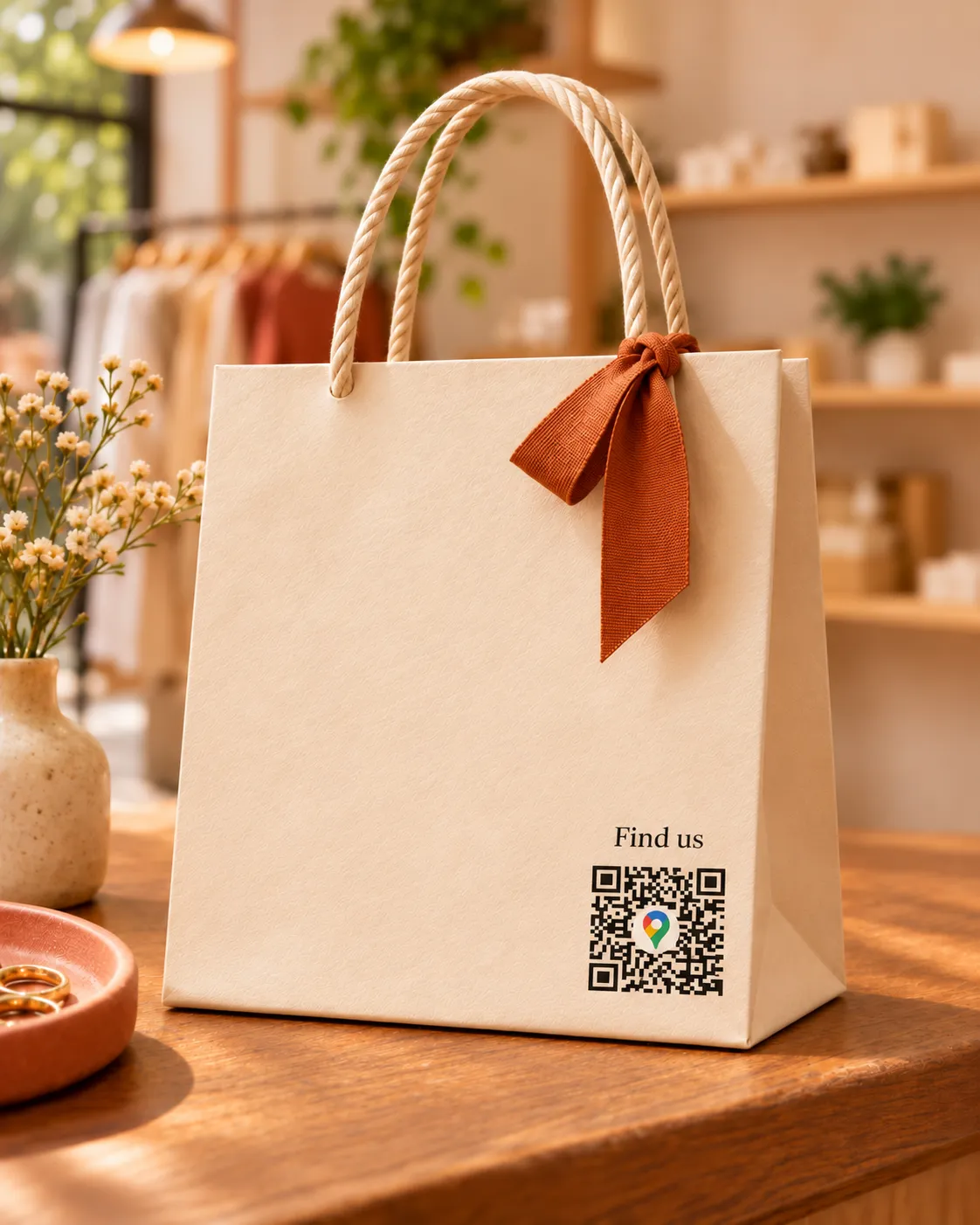
Add the QR code to your cards or bags so customers can find your store on Google Maps and get directions on their phones.
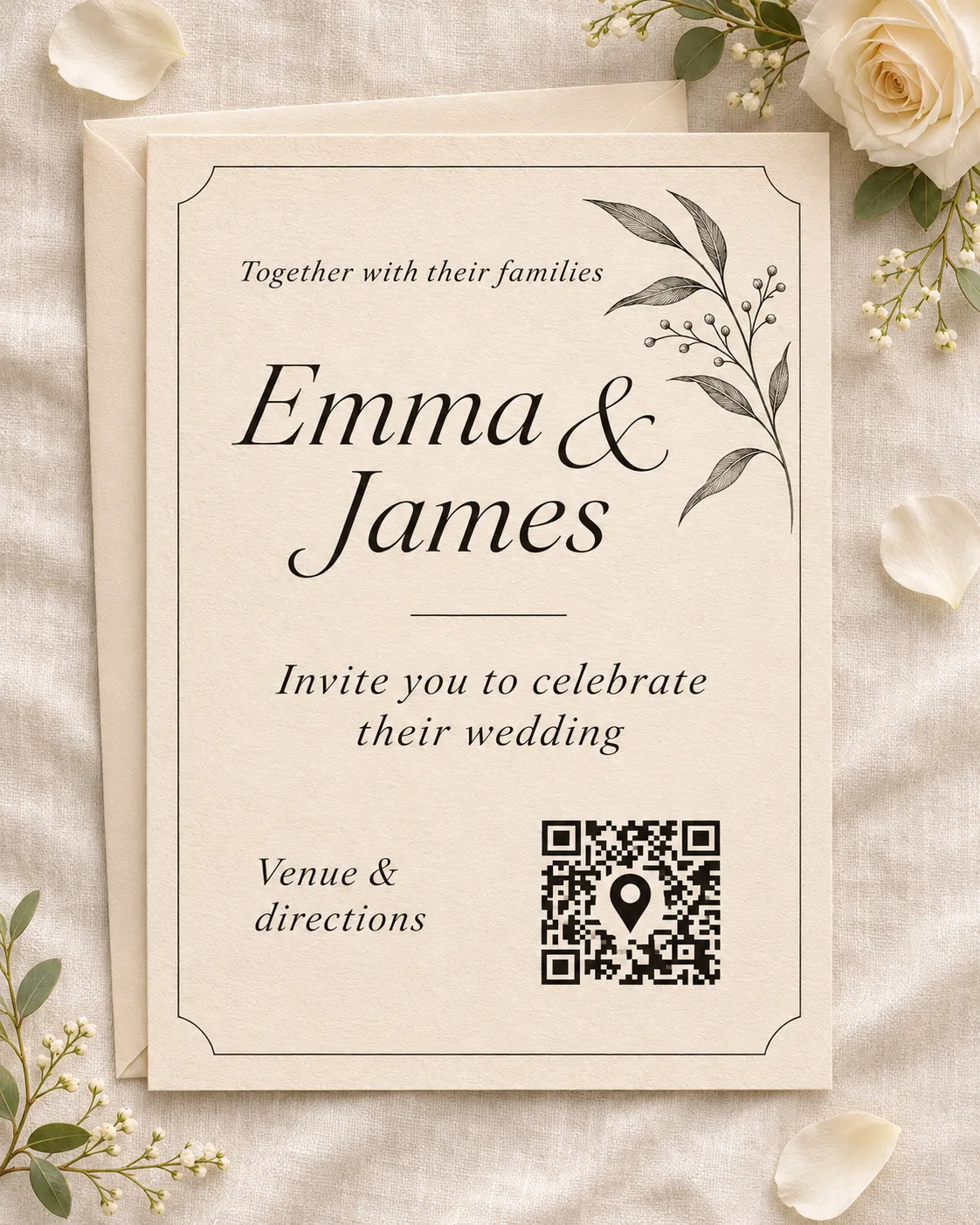
Add it to invitations or tickets so guests can find the venue and plan how to get there.
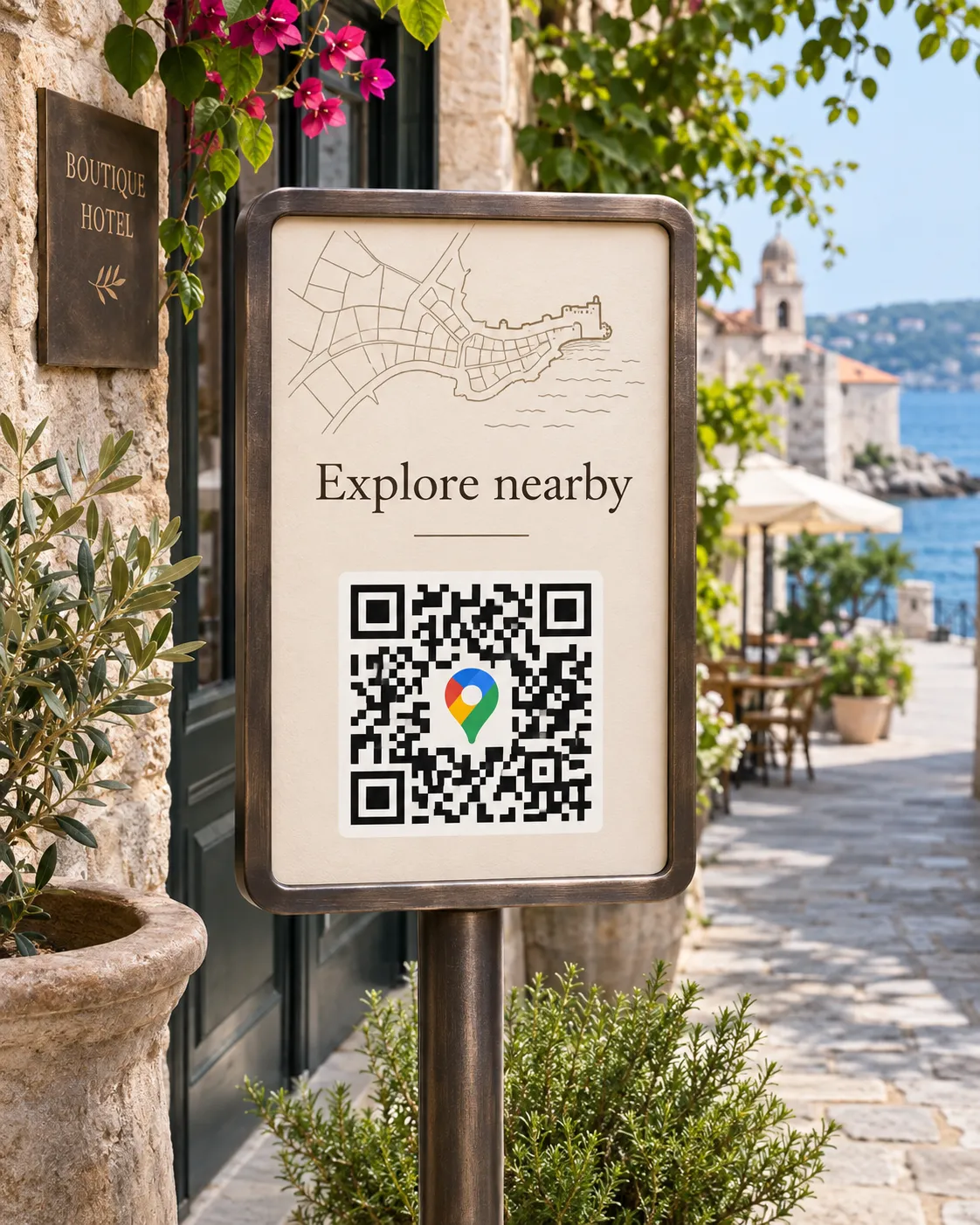
Put it on brochures or signs so visitors can find your accommodation, a meeting point, or a tourist attraction on Google Maps.
A link that goes with your location
Share your store, office, or meeting point with one QR code. With a dynamic QR code, you can update the Google Maps link from your dashboard* without reprinting your cards, signs, or invitations.
* Depending on your plan.
See more QR code types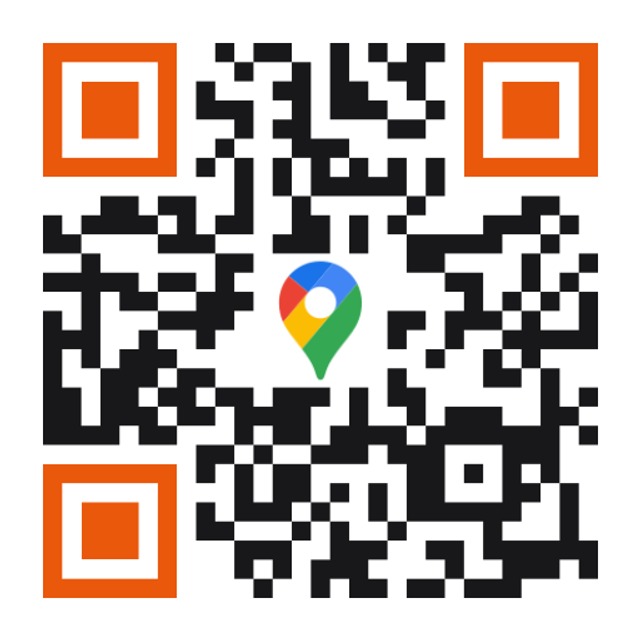
QR code design and customization
Give your QR code your brand colors and style. Choose a classic design, add color, or include your logo so it fits your cards, invitations, and signs.
PNG for sharing · SVG for print at any size
Create a custom QR codeReal-time metrics
With dynamic QR codes, see how often people scan your cards, invitations, or signs to find out which materials get the most interest. Figures are illustrative; available data depends on your plan.
See plans and analyticsFrequently asked questions
Share any location on Google Maps: your store, office, clinic, a meeting point, an event venue, or a tourist attraction. Just copy the map link.
A static QR code always opens the same Google Maps link and can’t be changed after printing. A dynamic QR code lets you update the web address or destination link from your Trakelino dashboard whenever you need to, without reprinting your cards, brochures, or signs. It also provides scan statistics.
It’s easy. Open Google Maps on your phone or computer, find the exact address, select “Share,” and copy the link. Then paste it into Trakelino to create your QR code.
Yes, as long as you use a dynamic QR code. If you move or your address changes, update the link in your dashboard right away and keep using the printed materials you already handed out.
No special app is needed. Anyone can scan the code with their phone camera, and the map opens automatically in their browser or the Google Maps app if it’s installed.
See how many times your QR code was scanned and how many unique users accessed your location. This helps you measure how well your cards, signs, or brochures are working.
Try it free and start connecting, updating, and measuring with ease.