What matters, first
Feature your latest catalog, online store, or booking calendar in the first button.
All your links in one place
Create a profile with a short bio and bring your most important links together behind one QR code.
Share your page with a QR code or a link.
 Aurora Chic All your links in one place

Aurora Chic
Style, quality, and pieces to go with you every day.
One bio, several destinations
Feature your latest catalog, online store, or booking calendar in the first button.
Use the same link page in your Instagram or TikTok bio and in the QR code on your bags and storefront.
Update links and promotions right away without changing your social links or reprinting the QR code.
How it works
Choose a design, add your photo or logo, and describe what you offer in one line.
Add buttons for WhatsApp, your website, or online store, and feature your main link at the top.
Add the link to your Instagram or TikTok bio, or download your QR code to print.
From your bio to your store
Visitors from Instagram or people who scan your QR code can choose what to do next: browse your store, message you on WhatsApp, or find your location on the map.

Aurora Chic
Style, quality, and pieces to go with you every day.
A photo, cover image, and colors that reflect your brand.
Your store, WhatsApp, location, and catalog, in the order you choose.
Change destinations and keep using the same QR code.
Preview your profile
Enter your brand name and choose your first button. See how the preview changes.
Aurora Chic
Style, quality, and pieces to go with you every day.
Use cases
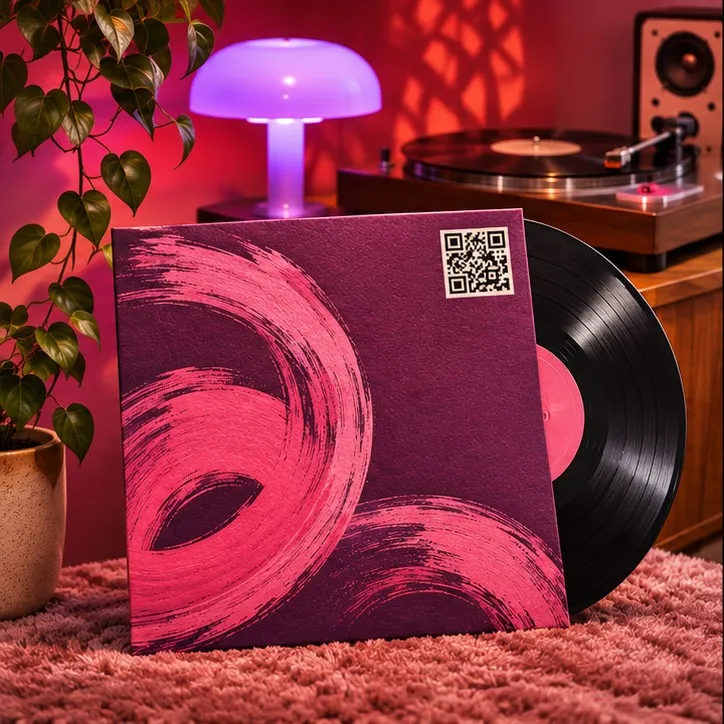
Add a QR code to your album sleeve so fans can listen to the album, see upcoming dates, or buy tickets.
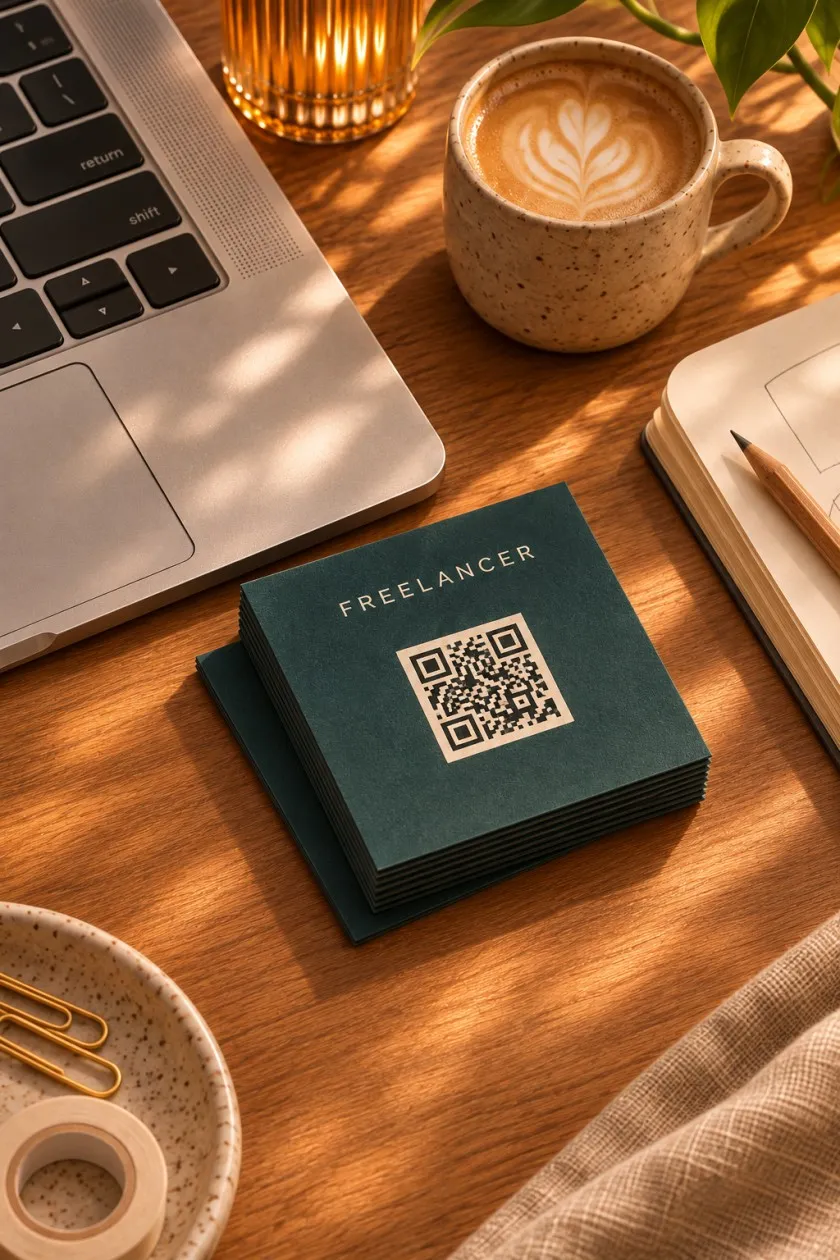
Add a QR code to your card so people can view your portfolio, visit your website, or message you on WhatsApp after meeting you.

Bring your latest podcast episode, full video, and newsletter sign-up together on one profile.
One place to make updates
Update your links and promotions right away without changing your social links or reprinting the QR code.
Create my Link in Bio Same QR code
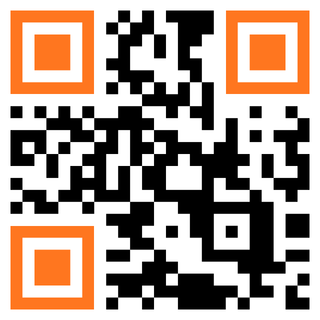

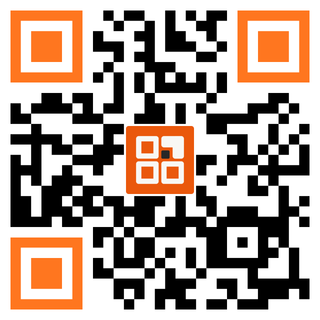
QR code design and customization
Choose colors and shapes, and add your logo so the code fits your brand. Your Link in Bio page has its own color palette, so you can customize the two separately.
PNG for sharing · SVG for print at any size
Create a custom QR codeSee how far your bio reaches
See how often people scan your QR code and interact with the links on your profile. Trakelino also highlights changes in activity based on your history.
Scans and clicks are different metrics. Available details depend on your plan.
See plans and analyticsFrequently asked questions
It’s a page designed for phones that brings your important links together in one place. Use it in your social media bio and pair it with a QR code printed on your products, brochures, or at your business.
Add any links you want: your online store, catalogs, direct WhatsApp links, your website, and your main social profiles.
Yes. Rearrange the buttons whenever you want and feature your most important content or offer at the top.
No. Since your page is dynamic, you can update links, phone numbers, or social profiles whenever you need to, without changing or reprinting the QR code you already shared.
Absolutely. Copy and paste your profile link into your Instagram or TikTok bio, send it on WhatsApp, or share it on any digital platform.
Yes. Choose your colors and profile image, then customize your QR code with your brand colors and logo for a consistent, professional look.
Bring the destinations you want to share together in your bio.