Fewer steps
No searching for usernames or worrying about typos. One quick scan opens the Instagram link you chose.
Instagram QR code
Connect your printed materials to your Instagram profile or posts. People who scan your code reach your content right away, without searching for your username.
Content opens in Instagram or a browser, depending on the device.
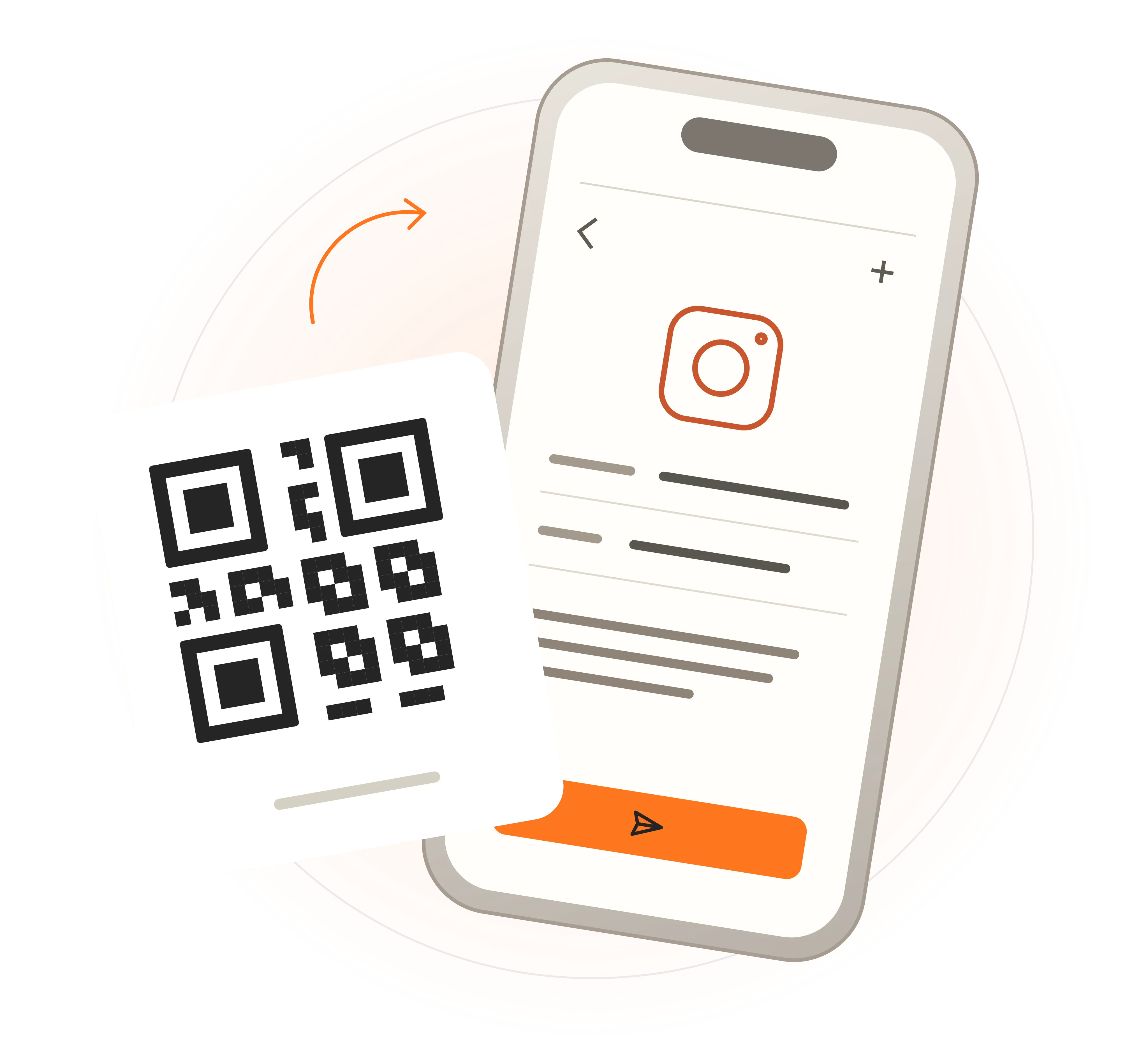
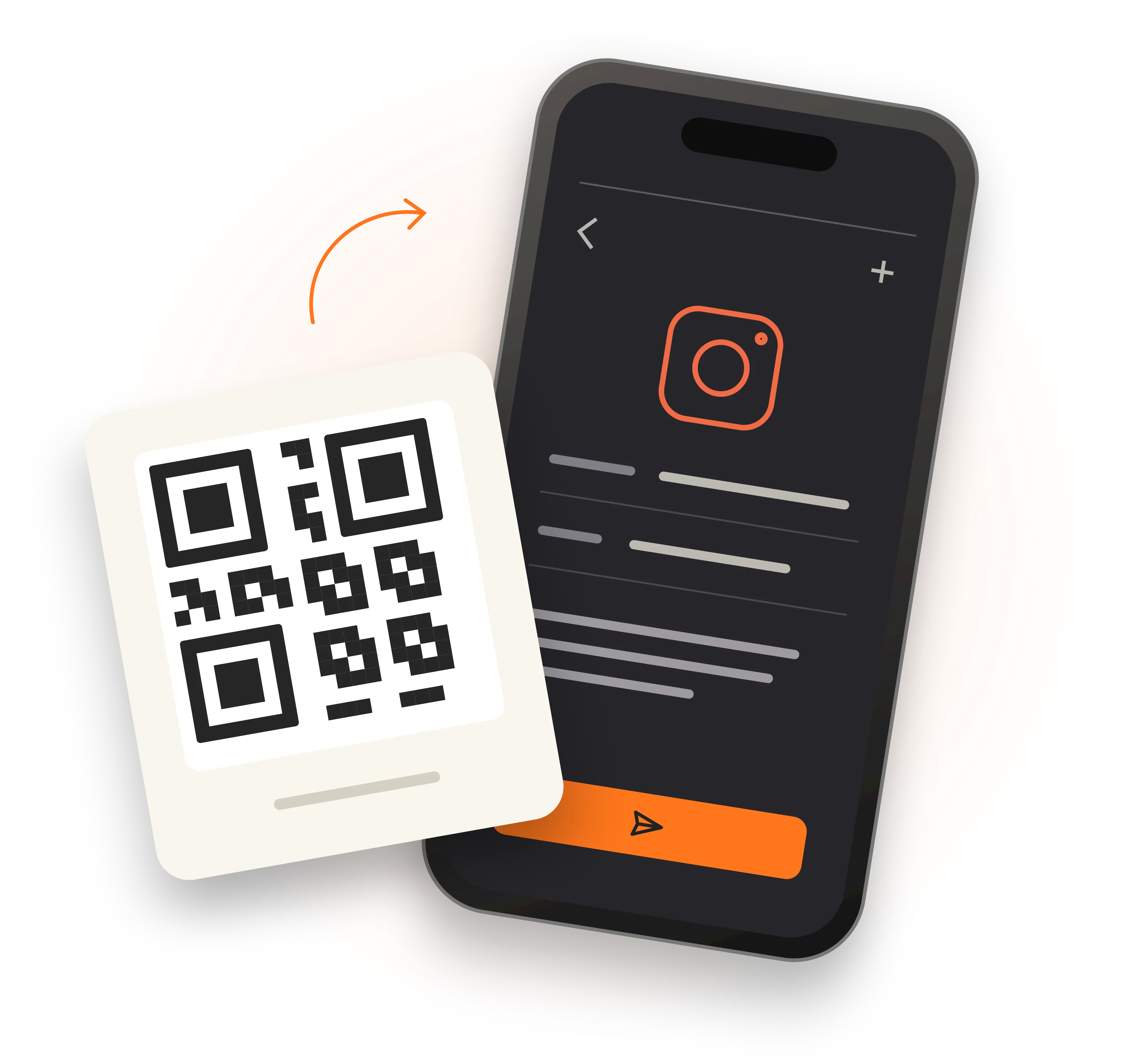
A direct link to your community
Turn every storefront, package, or business card into a visual shortcut to everything you share on social media.
No searching for usernames or worrying about typos. One quick scan opens the Instagram link you chose.
Send people to your main profile, a featured Reel, or a specific post to show off your latest launches and updates.
Add your code to any print campaign to build a stronger digital connection with people who already trust your business.
Set it up in three steps
Enter your username or paste the direct link to the profile, Reel, or post you want to feature.
Customize it with your brand colors, add the Instagram icon, and download it in high quality from Trakelino.
Add it to your storefront, packaging, cards, or digital displays so customers can reach your profile with one scan.
One QR code, more places to connect
Add your code to the places your customers already visit and make it easy to discover your posts, Reels, and latest updates.
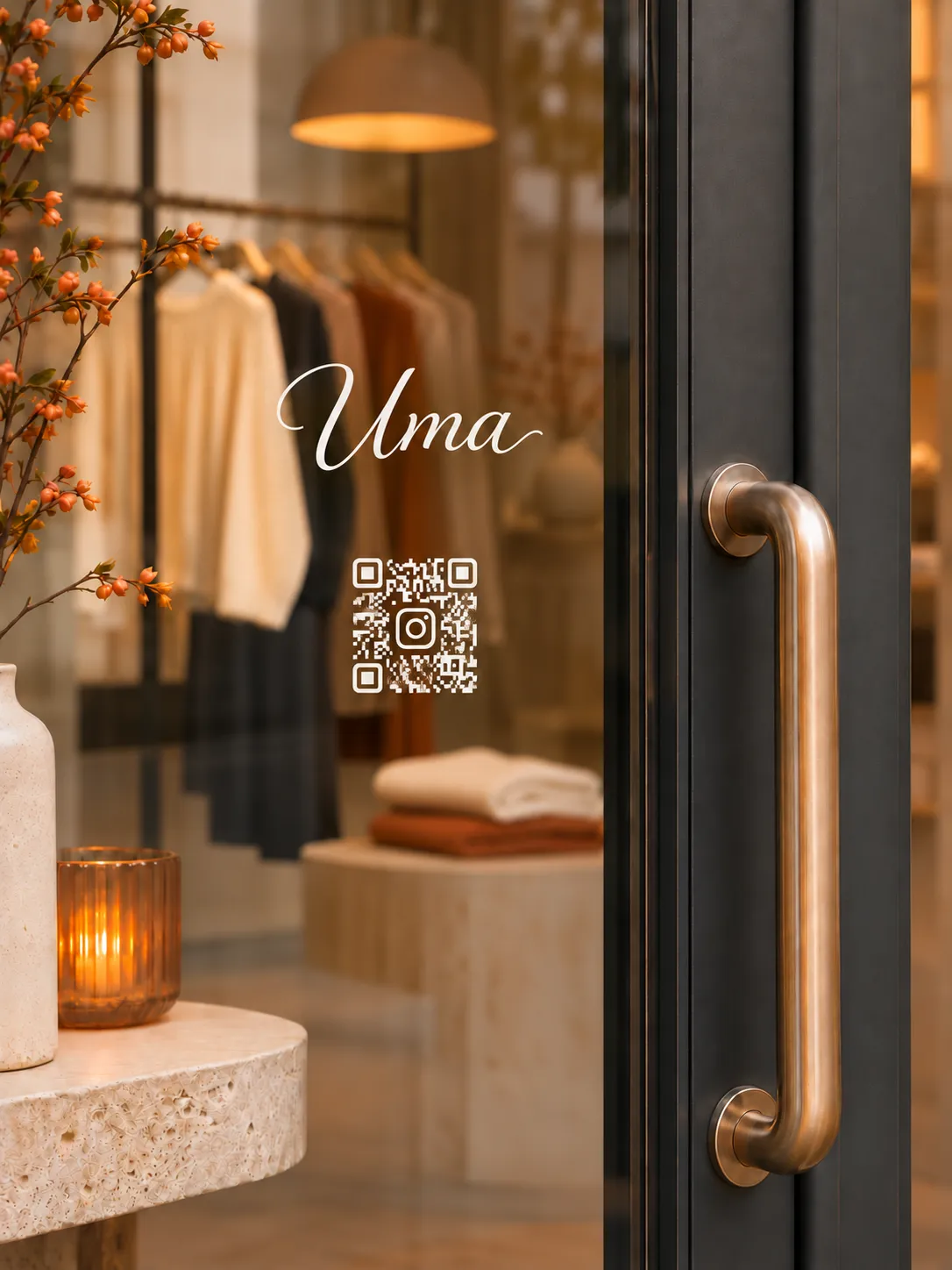
Put it in the window or at the entrance to show products, projects, and your latest updates right away.
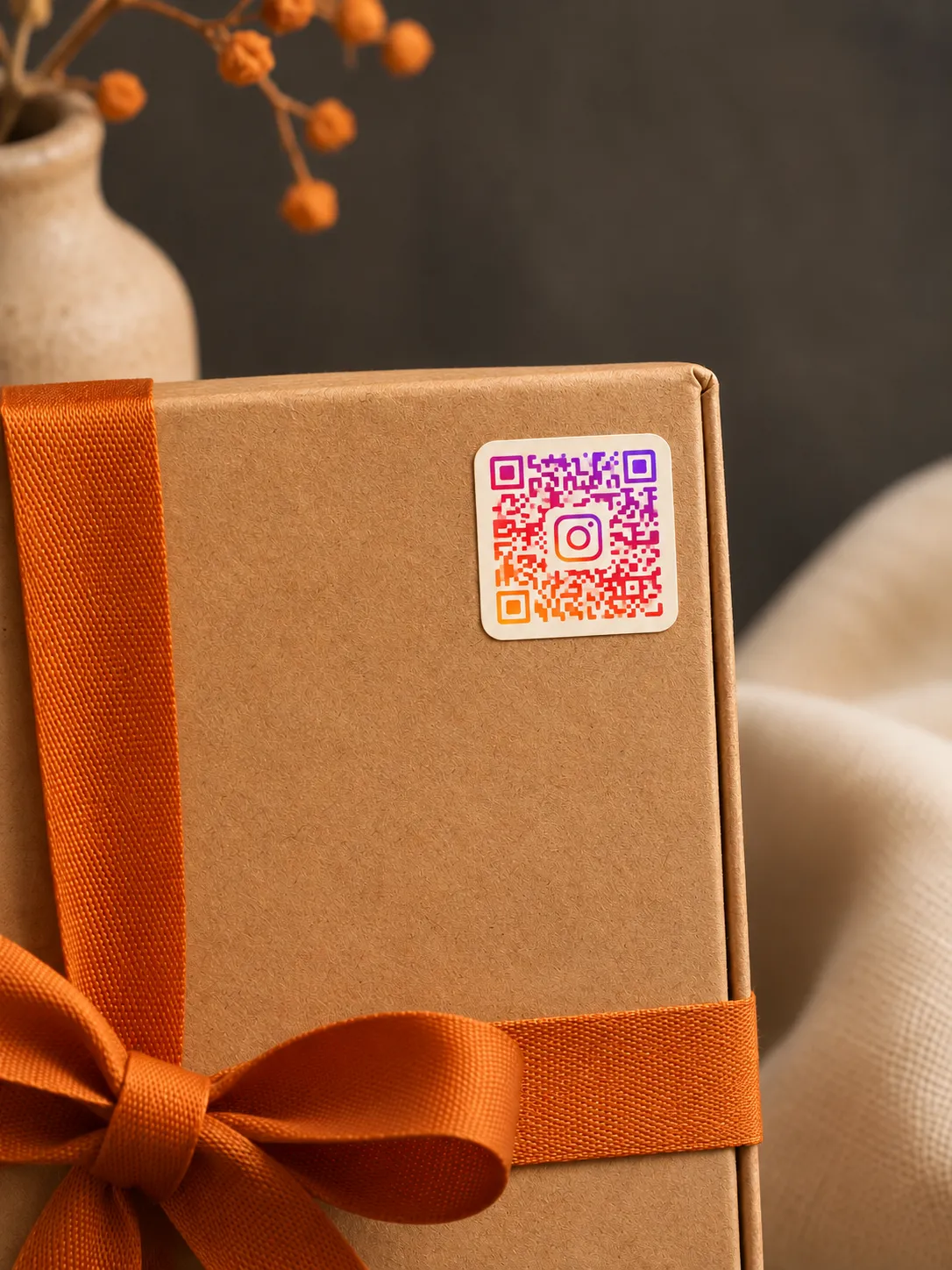
Add it to boxes or labels to keep the social connection going after a purchase.
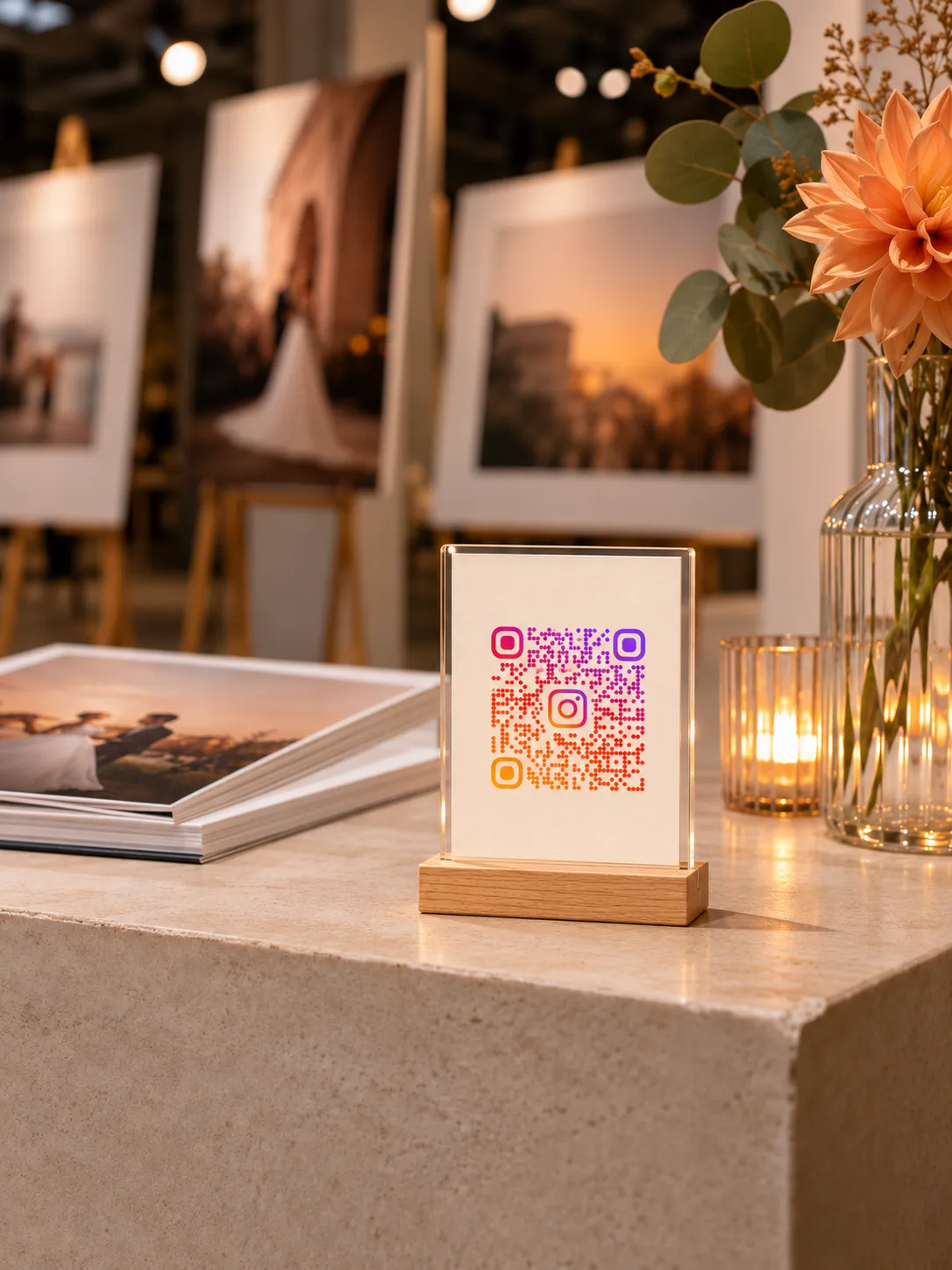
Put it on business cards and display areas so people can discover your profile as soon as the event ends.
A link that goes with your brand
Take customers to the profile, post, or Reel you want to feature. With a dynamic QR code, you can update the destination at any time without replacing the printed or digital code, depending on your plan.
Access depends on the content’s visibility and Instagram’s requirements. Scans show audience interest, but they do not confirm new followers or direct interactions.
See more QR code types

QR code design and customization
Customize it with your brand colors, look, and visual style. Make it fit right in with your signs, cards, or any physical or digital materials.
PNG for sharing · SVG for print at any size
Create a custom QR codeFewer guesses. More insight.
With dynamic QR codes, see scan counts, locations, and devices in real time. Find out which displays catch your audience’s attention so you can make better business decisions.
See plans and analyticsFrequently asked questions
It’s simple: enter your Instagram link or username in Trakelino, choose a static or dynamic QR code, customize the colors or logo to match your brand, and download it ready for print or digital use.
Yes, as long as you create a dynamic QR code. You can update the destination from your dashboard, depending on your plan, without wasting materials you have already printed.
Yes. Nearly all modern iPhone and Android cameras can scan QR codes without an extra app.
Yes! Customize the design so your QR code fits in with your signs, packaging, and other brand materials.
No. The QR code makes your account easier to reach. Each person decides whether to follow, comment, or interact after opening your profile.
Yes. With dynamic QR codes, your analytics dashboard shows total scans, the devices used, and when people scanned, depending on your plan. This helps you measure how your campaigns are doing.
Try it free and start connecting, updating, and measuring with ease.