
More engagement
Bring your posts and offers closer so customers can interact without extra steps.

Facebook QR code
Connect customers with your Facebook page or group through a QR code. Visitors and followers are just one scan away.
Content opens in Facebook or a browser, depending on the device.
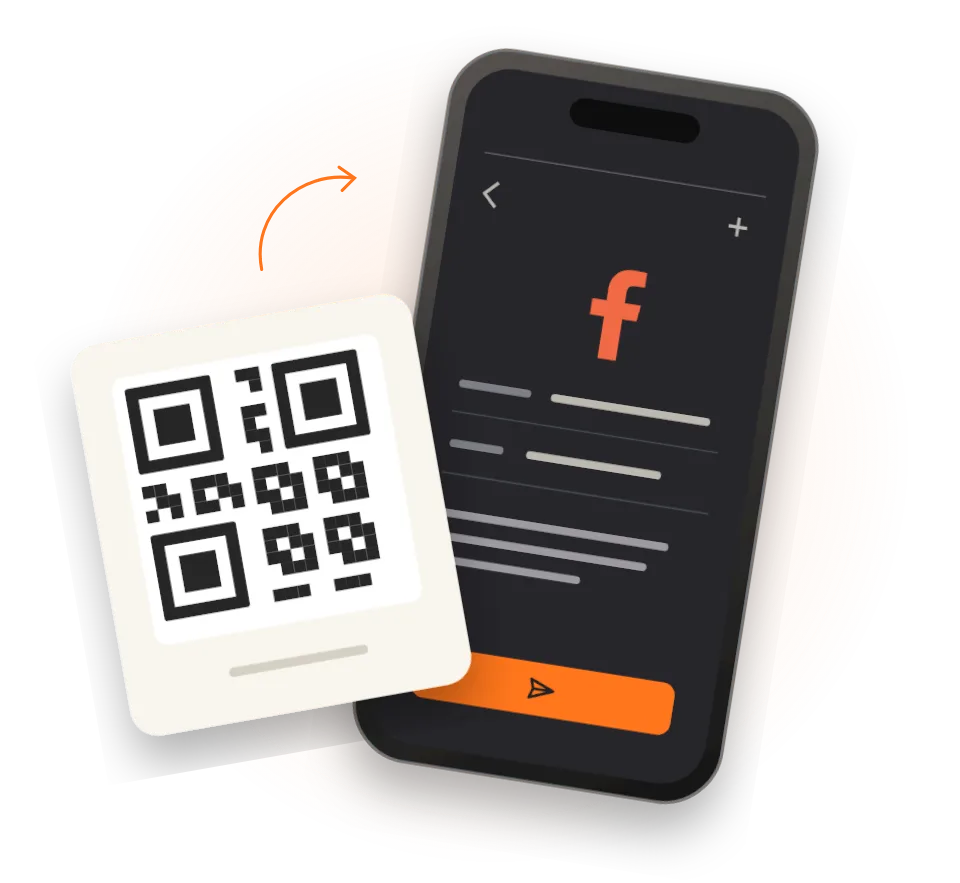
A direct link to your community
Turn your storefront, orders, and business cards into an invitation to discover the latest from your business on Facebook.
Bring your posts and offers closer so customers can interact without extra steps.
Share your Facebook page on any brochure or in your store without spending more on printing.
Give people a direct way to reach your community and grow your followers in seconds.
Set it up in three steps
Copy the link to your Facebook page, post, or event and paste it into Trakelino.
Customize the design with your colors and logo in just a few clicks.
Print it on your cards or add it to your social channels so people can follow you right away.
One QR code, more places to connect
Add your code to the places customers already see and make it easier to discover your posts, updates, and events.
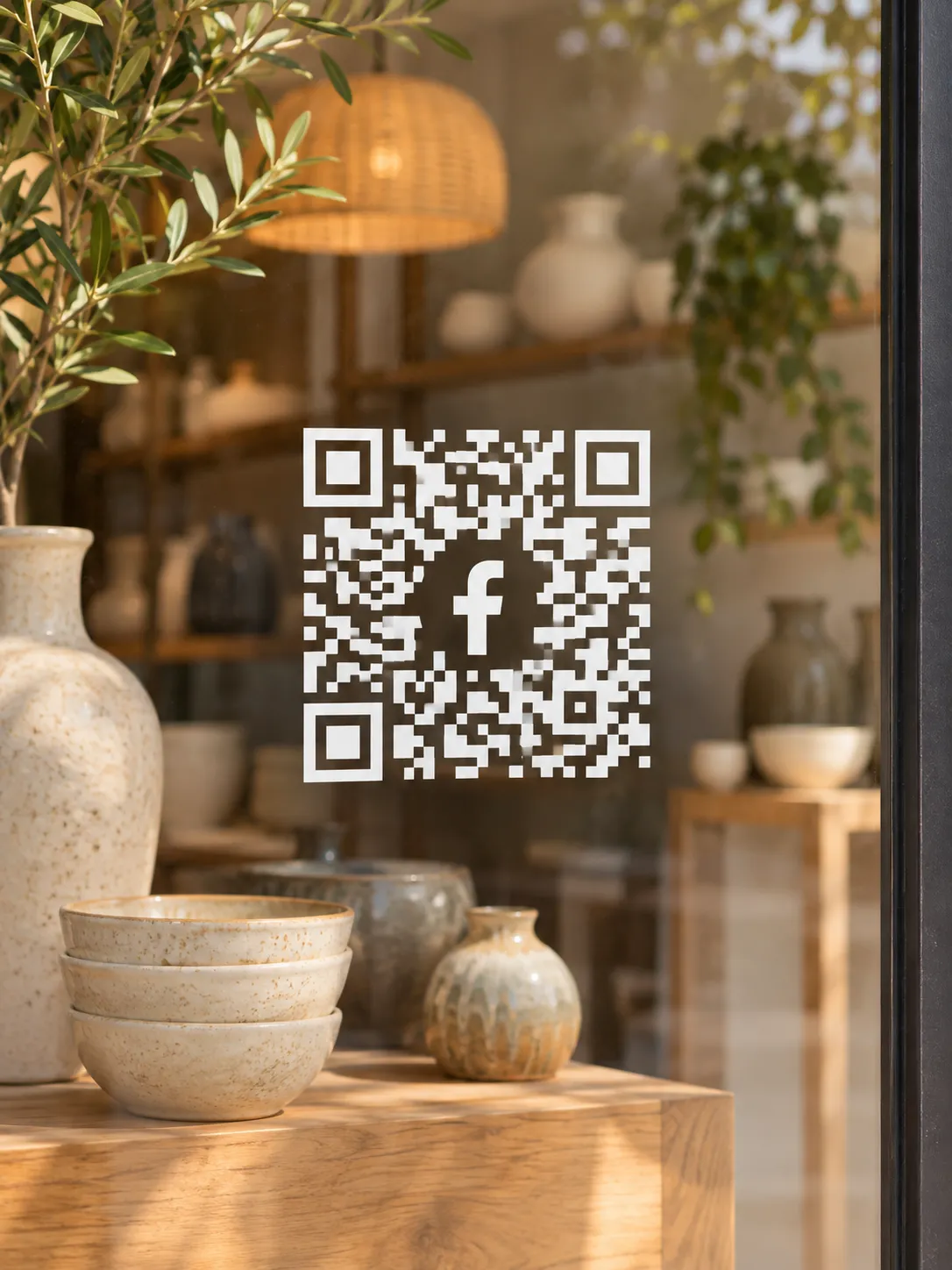
Put the QR code on your counter or in the window so people can check out your latest news and leave a review.

Add the code to your packages to invite customers to join your community.
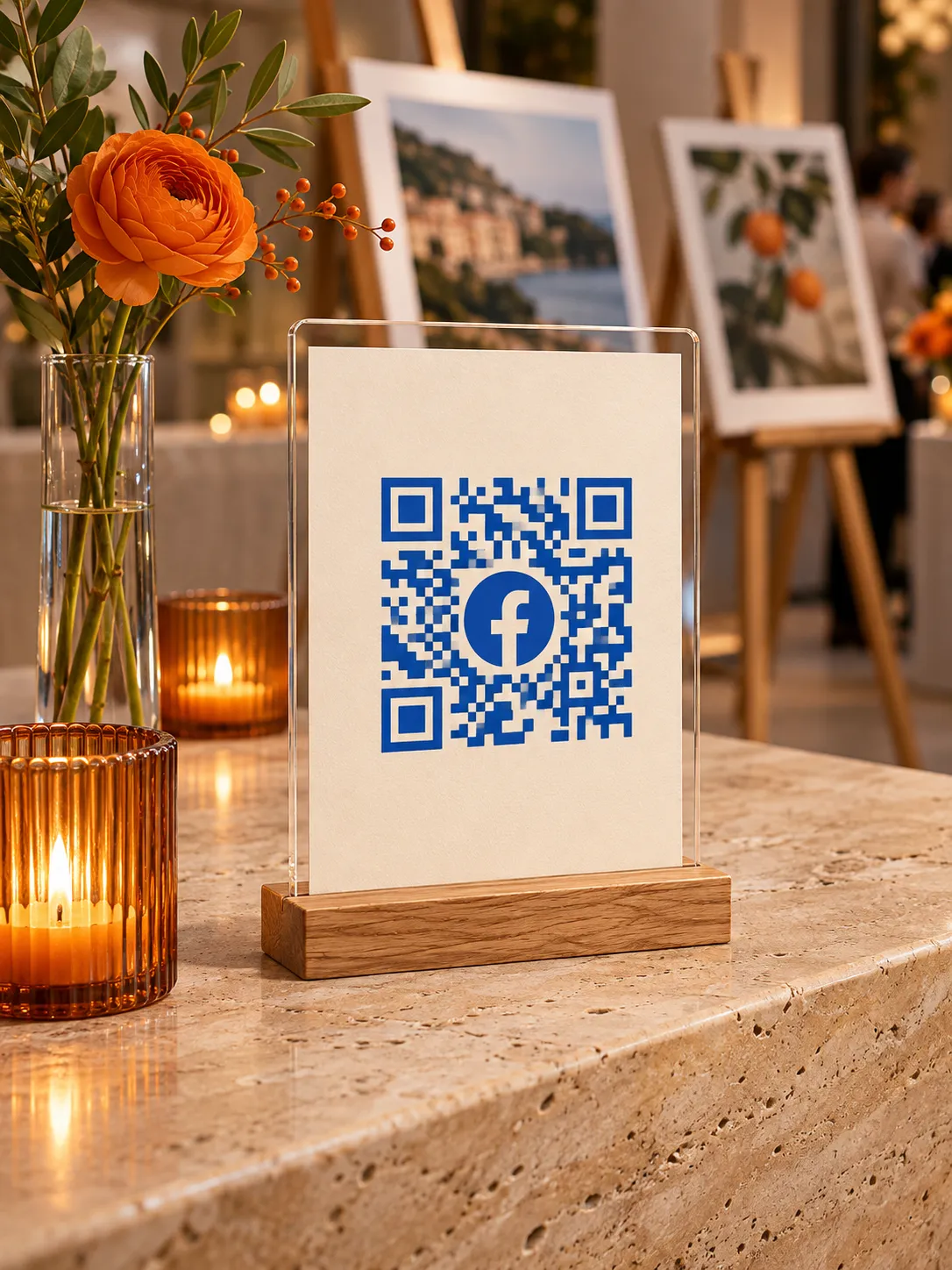
Share your page at talks or trade shows so attendees can connect with you on the spot.
A link that goes with your brand
Take customers to your Facebook page, post, or event. With a dynamic code, you can update the link from your dashboard without replacing printed materials, depending on your plan.
See more QR code types
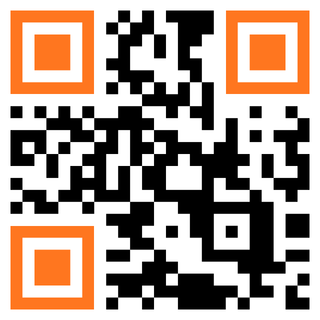

QR code design and customization
Customize it with your brand colors, look, and visual style. Make it fit right in with your storefront, packaging, cards, and digital displays.
PNG for sharing · SVG for print at any size
Create a custom QR codeReal-time metrics
See how many people scanned your code, which devices they used, and when activity peaks so you can get more from your posts.
See plans and analyticsFrequently asked questions
Copy the link to your page or profile into Trakelino, then customize the design in seconds.
Yes! Choose a dynamic QR code to update its destination from your dashboard without replacing or reprinting your code.
Yes. You can link to Facebook profiles, pages, and groups. Access still follows each destination’s privacy settings.
No extra QR code reader is needed. Any modern phone can scan the code with its built-in camera.
Absolutely. Add your logo in the center and choose the colors you like.
Paid plans have no scan limits. Your customers can scan the code as often as they need.
Try it free and start connecting, updating, and measuring with ease.