Details always at hand
Show the date, time, address, and everything your guests need to know before they arrive.
QR code for events
Share the date, time, and exact location on a page you can update whenever you need. Guests can add the event to Google Calendar with one tap and open the route in Google Maps.
Create an event page and share it with a dynamic QR code.
 DEC5 Your event, in one QR code.
DIGITAL INVITATION
Event name
Dec 5, 2026 · 7:00–11:00 PM
More than a name and a number
Show the date, time, address, and everything your guests need to know before they arrive.
With one tap on their phone, guests can save the event to Google Calendar or open the exact route in Google Maps.
If the time or venue changes at the last minute, update your event page right away and keep using the same dynamic QR code.
From scan to calendar
Enter the event name, date, time, address, and a cover photo that captures it.
Choose colors for your digital invitation and design your QR code with shapes, colors, and your own logo.
Add it to printed invitations, posters, or social media so guests can see everything on their phones.
A clear invitation, at a glance
A look at the event page: an introduction, details, and quick links that help guests make their plans.
DIGITAL INVITATION
Event name
Introduce the event and make the date easy to spot.
Bring together the time, address, and information your guests need.
The Google Maps link opens directions to the venue.
Two quick links to save the event and open the map.
Illustrative layout · The cover and details are tailored to each event.
Share your event anywhere
Share your QR code on the channels and social networks your guests already use to make it easier to attend.
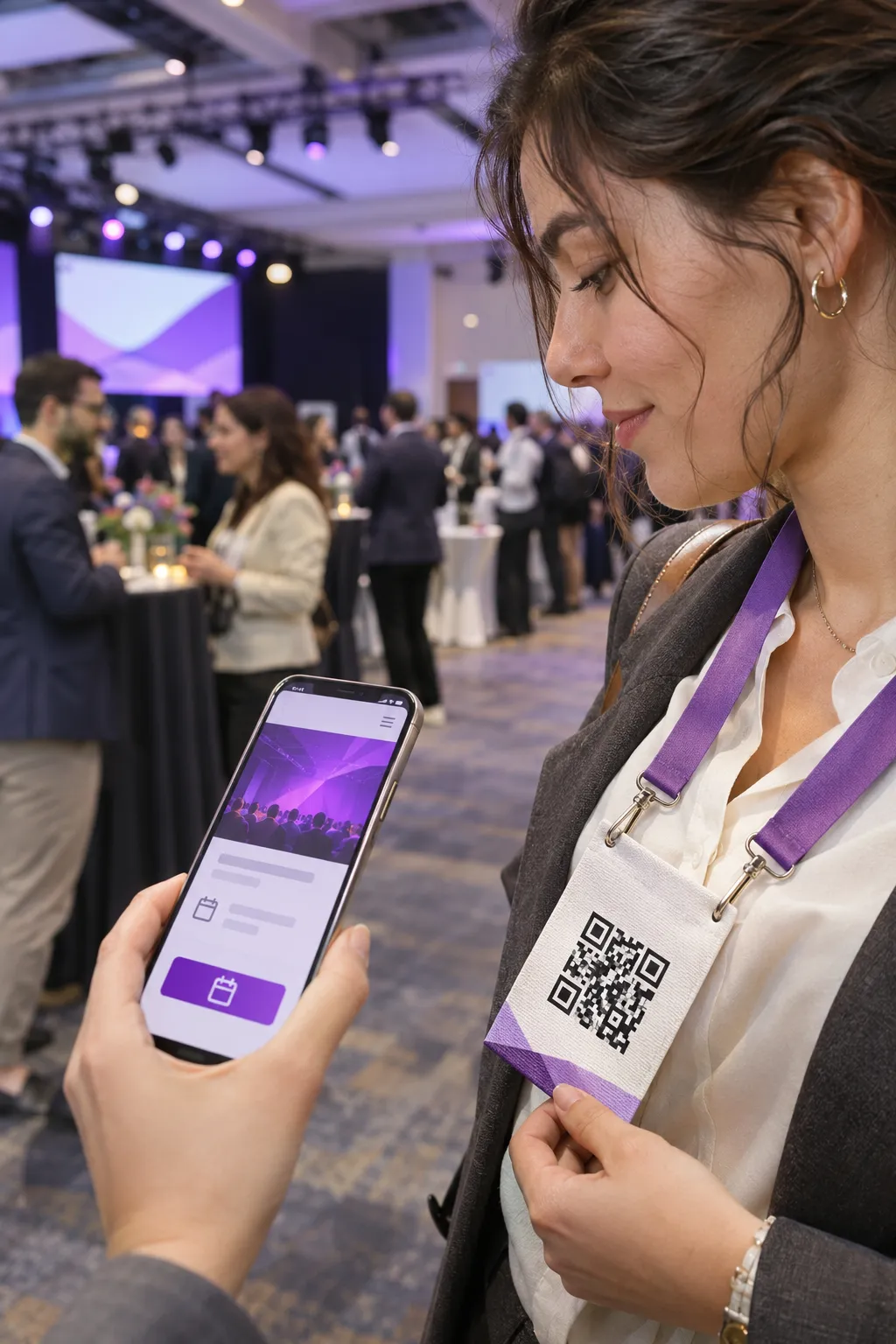
Share the schedule, map, and calendar link in one scan to avoid confusion about the time.
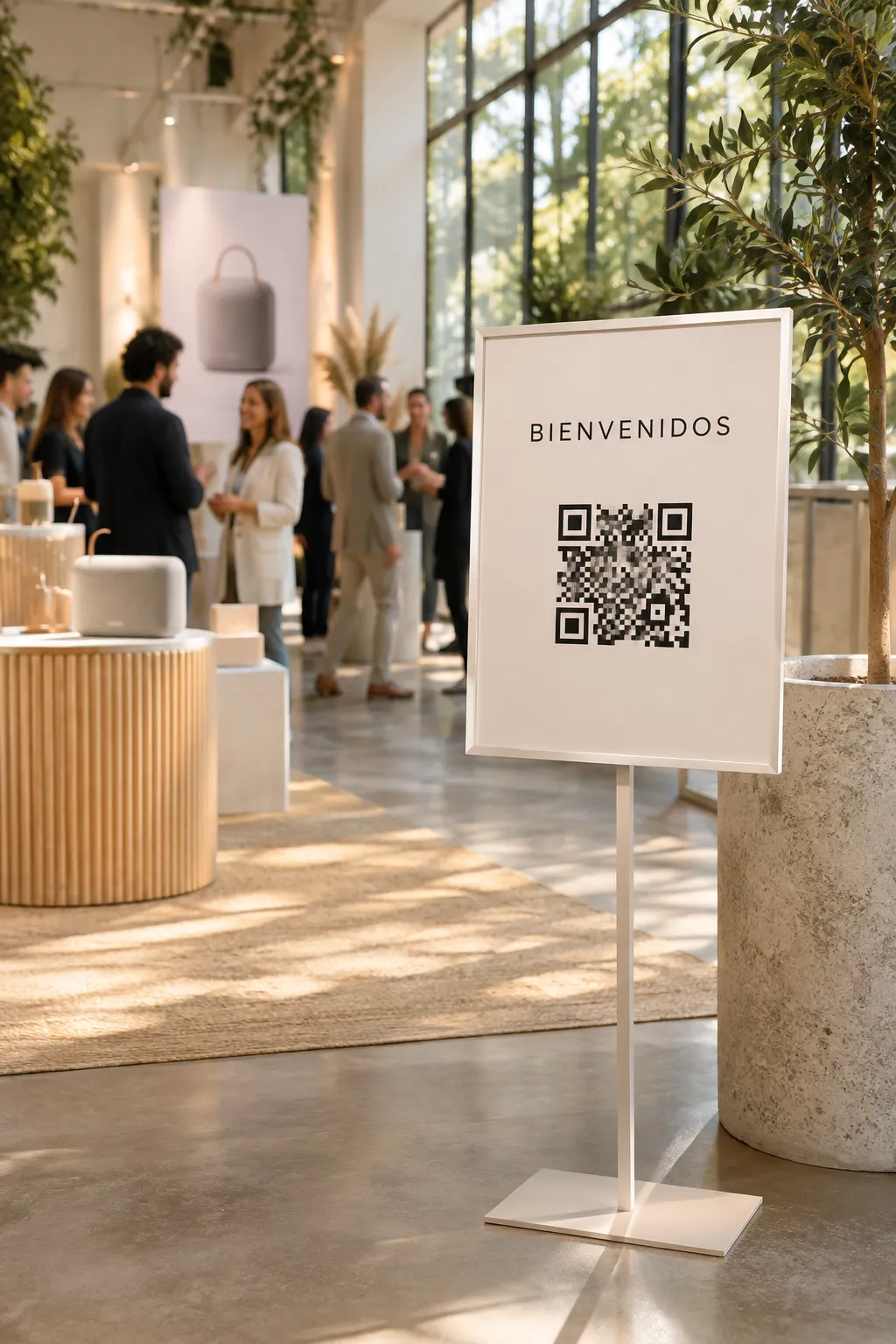
Create branded digital invitations with the exact address and all the details guests need.
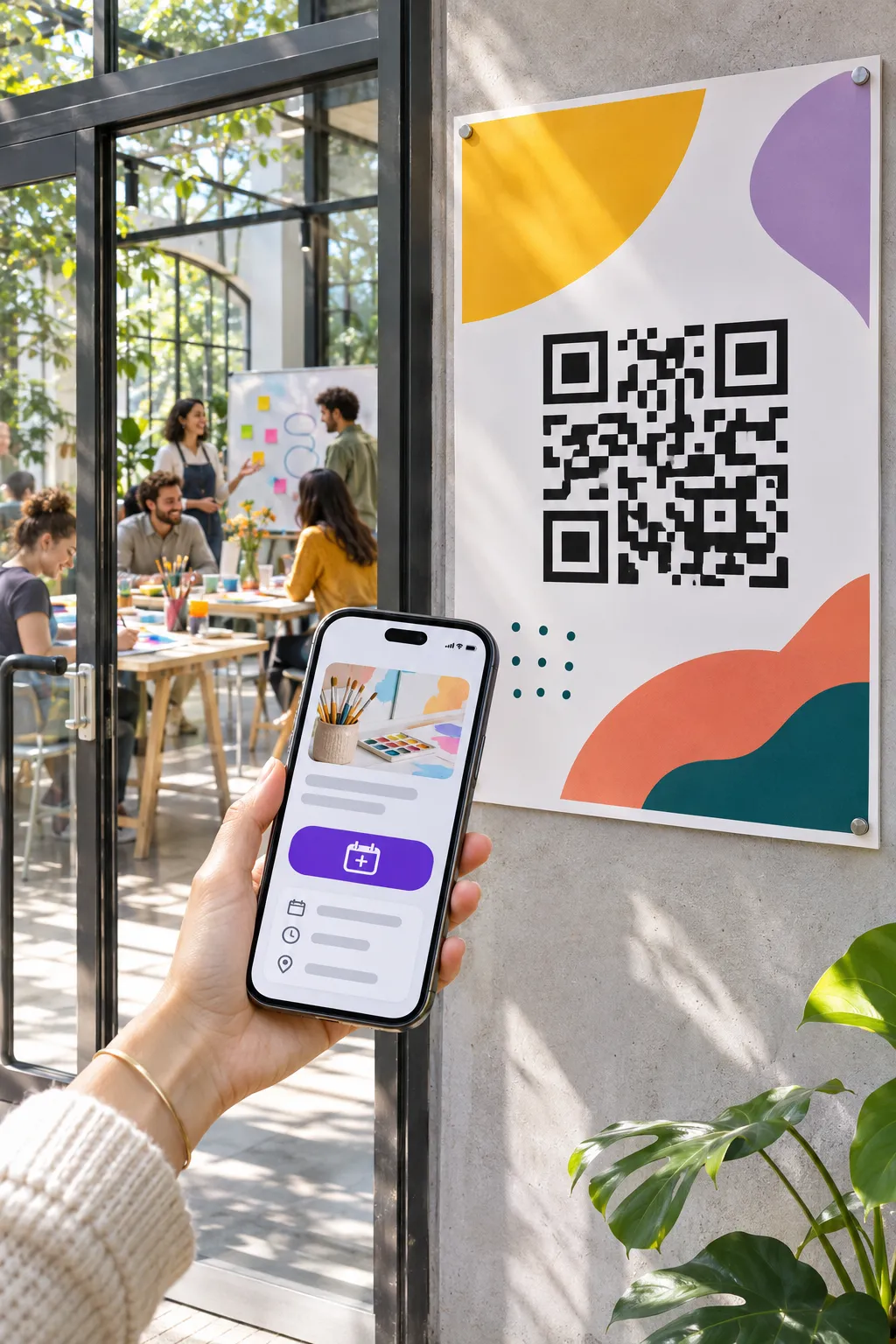
Help attendees save a reminder on their phones and find their way to the venue.
Change a detail, keep the QR code
If the time or venue changes, update the page and keep the same dynamic QR code on your invitations.
Create my event QR code Same QR code
QR code design and customization
Choose colors and shapes, and add your logo so the code fits your brand. Your event page and QR code can both reflect its colors and identity.
PNG for sharing · SVG for print at any size
Create a custom QR codeSee how far your invitation reaches
See how many times guests scan your event QR code and understand how far your invitations reach.
Scans and clicks are different metrics. Available details depend on your plan.
See plans and analyticsFrequently asked questions
It’s a digital solution that brings all your event information together on a page designed for phones. When guests scan the code with their phone camera, they can see the date, times, exact location, and quick links to help them plan, without downloading an app.
Include everything your guests need to know: the event name, start and end date and time, full address with an interactive map, a cover photo, special instructions such as a dress code, and direct links to their calendars.
Yes. Because it’s a dynamic QR code, you can update your event details from your dashboard whenever you need. The code printed on your invitations or posters stays the same, so there’s no need to pay for reprints.
Yes. Your event page includes a quick link. With one tap, guests can save the date, time, and event details to Google Calendar so they don’t forget.
Yes. The QR code links to your web page rather than fixed text, so you can change the address or update the time at the last minute. When guests scan it again, they’ll see the latest information.
Yes. Match the digital invitation to your event by choosing colors and uploading a cover image. You can also customize the QR code with different styles and colors, and add your logo to match your cards or posters.
Share a digital invitation with the date, time, and exact location so your guests arrive ready and know what to expect.