
Fewer steps
No typos and no copying long email addresses. One scan opens the mail app with your address already filled in.

Email QR code
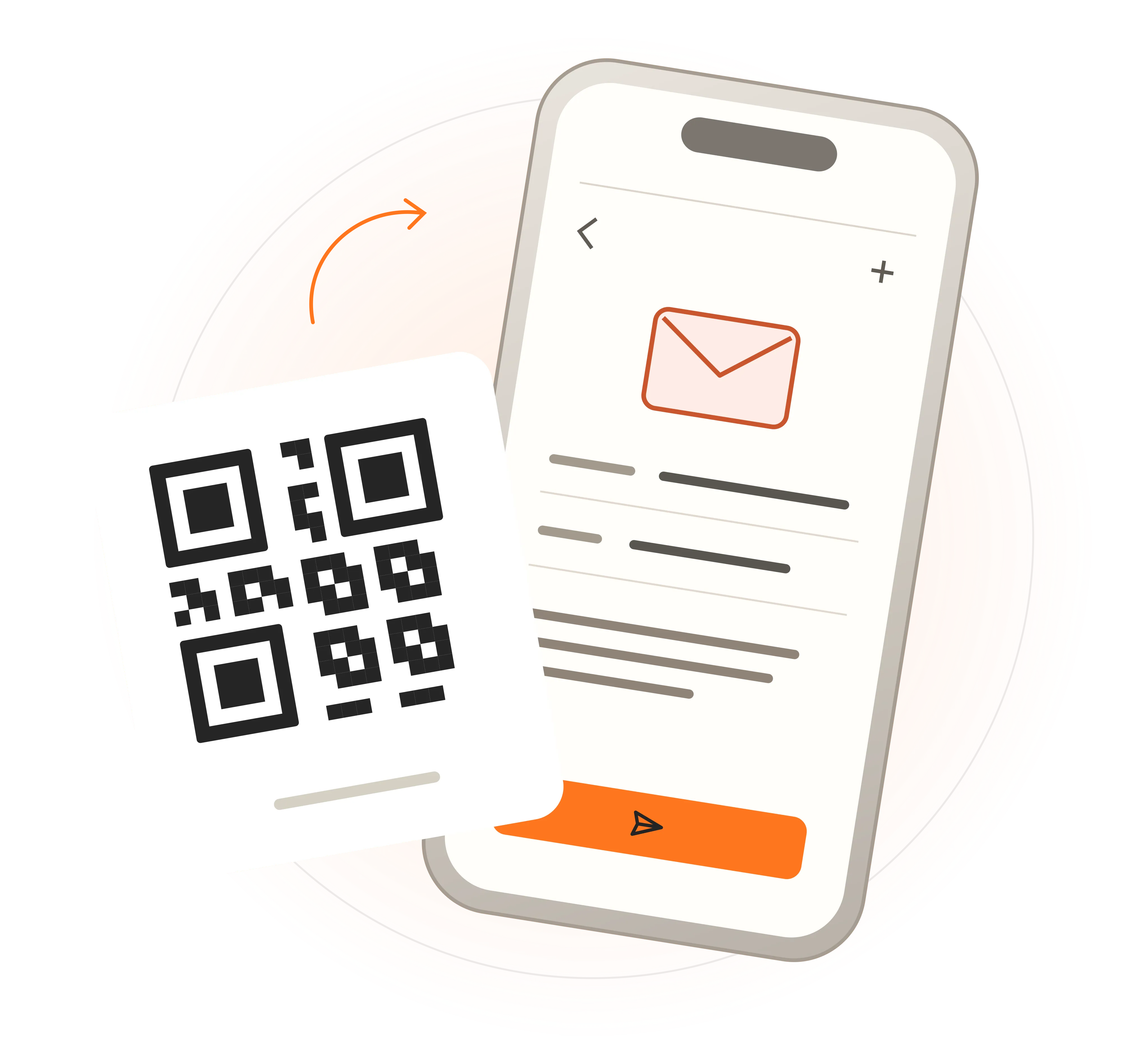
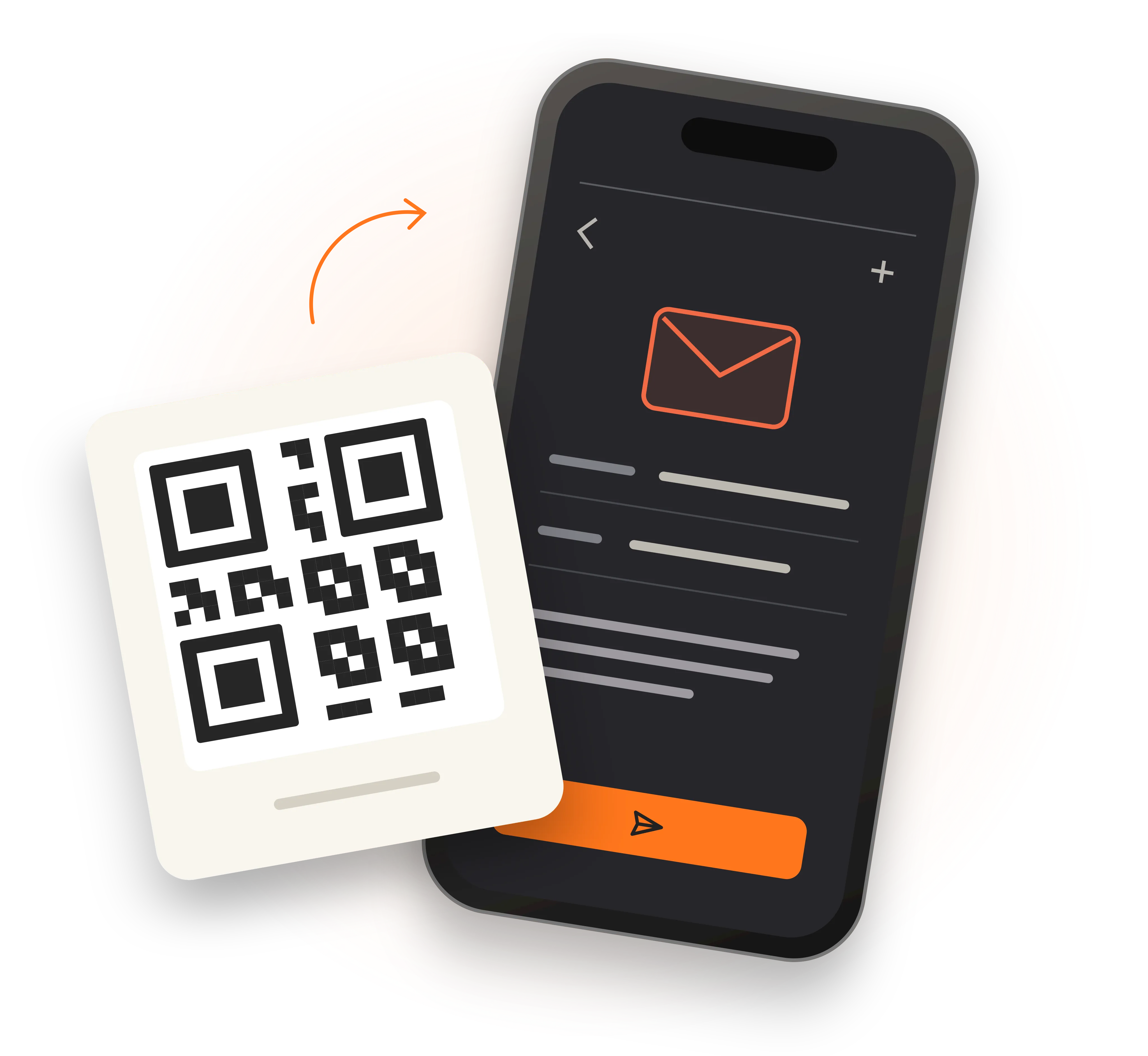
Connect printed materials directly to your inbox. When someone scans your code, their email app opens with your address, a subject, and a message ready to send.
The email opens in the user’s default app. They confirm sending from that app.
Email without the extra steps
Turn any printed material into a direct link to your inbox and make it quick and easy for people to write to you.
No typos and no copying long email addresses. One scan opens the mail app with your address already filled in.
Pre-fill a subject and a starter message to make quote requests, questions, or information requests easier.
Add your code to business cards, packaging, or brochures to make emailing you effortless.
Set it up in three steps
Enter your email address and add a subject and starter message so customers only have to write and send.
Customize it with your brand colors and download a high-quality version from Trakelino.
Add it to business cards, brochures, or packaging. One scan opens the customer’s mail app so they can write to you right away.
Your email, wherever your brand appears
Add your email QR code to printed materials and make it easy for customers to write to your inbox.
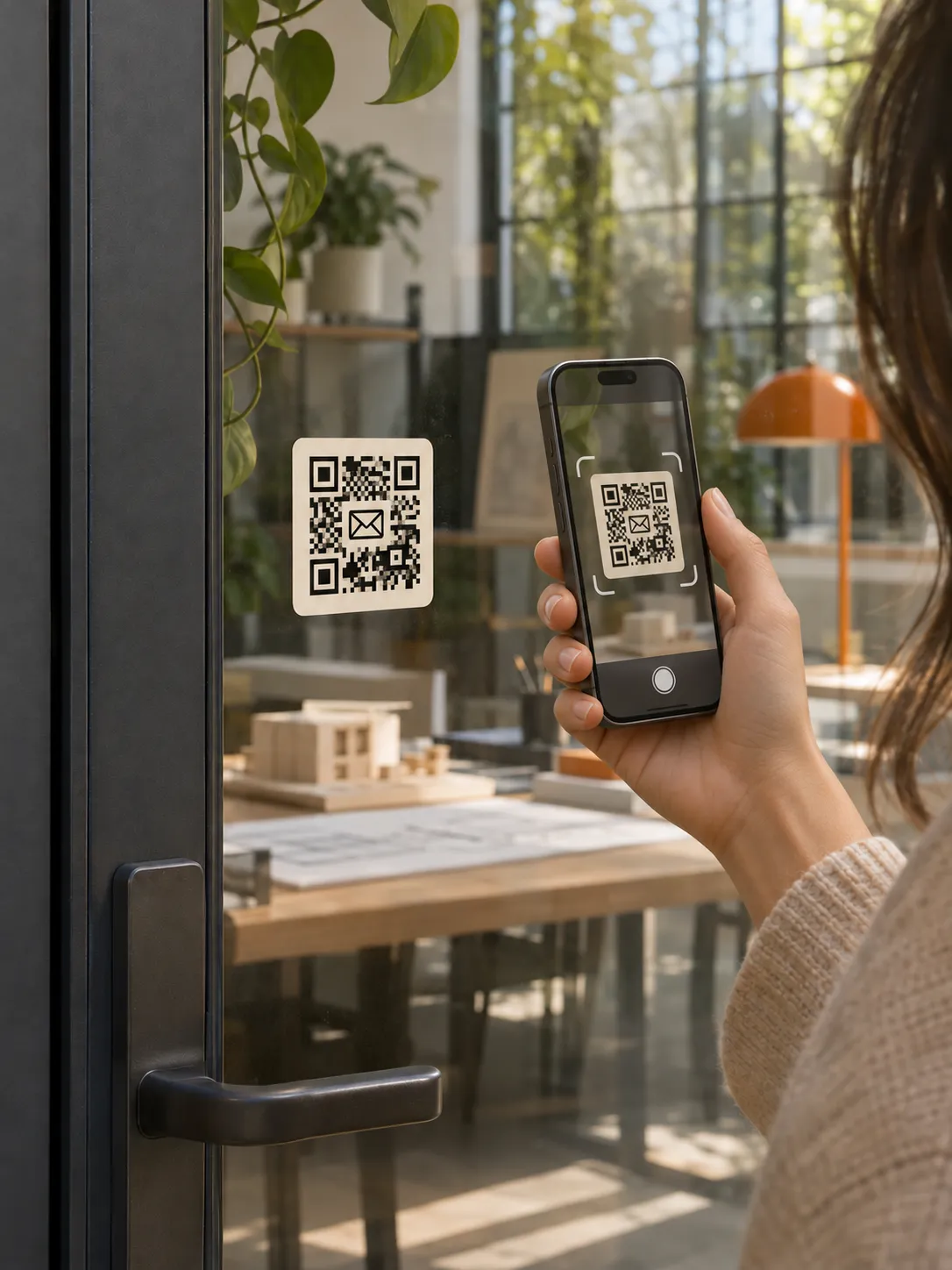
Put it on the counter or by the entrance so customers can ask about services, hours, or quotes right away.
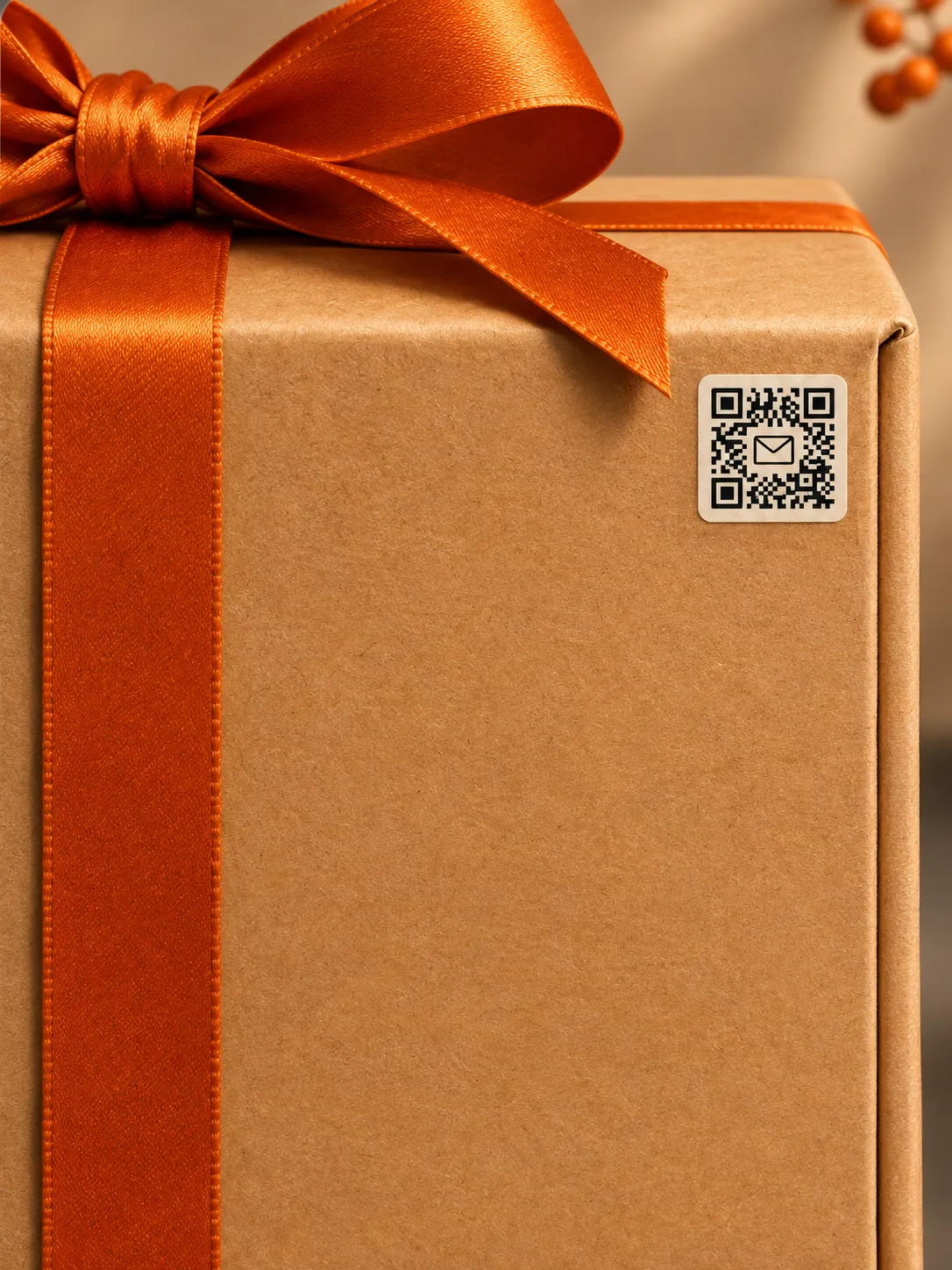
Add it to boxes, labels, or shipping envelopes to make support and post-purchase questions easier.
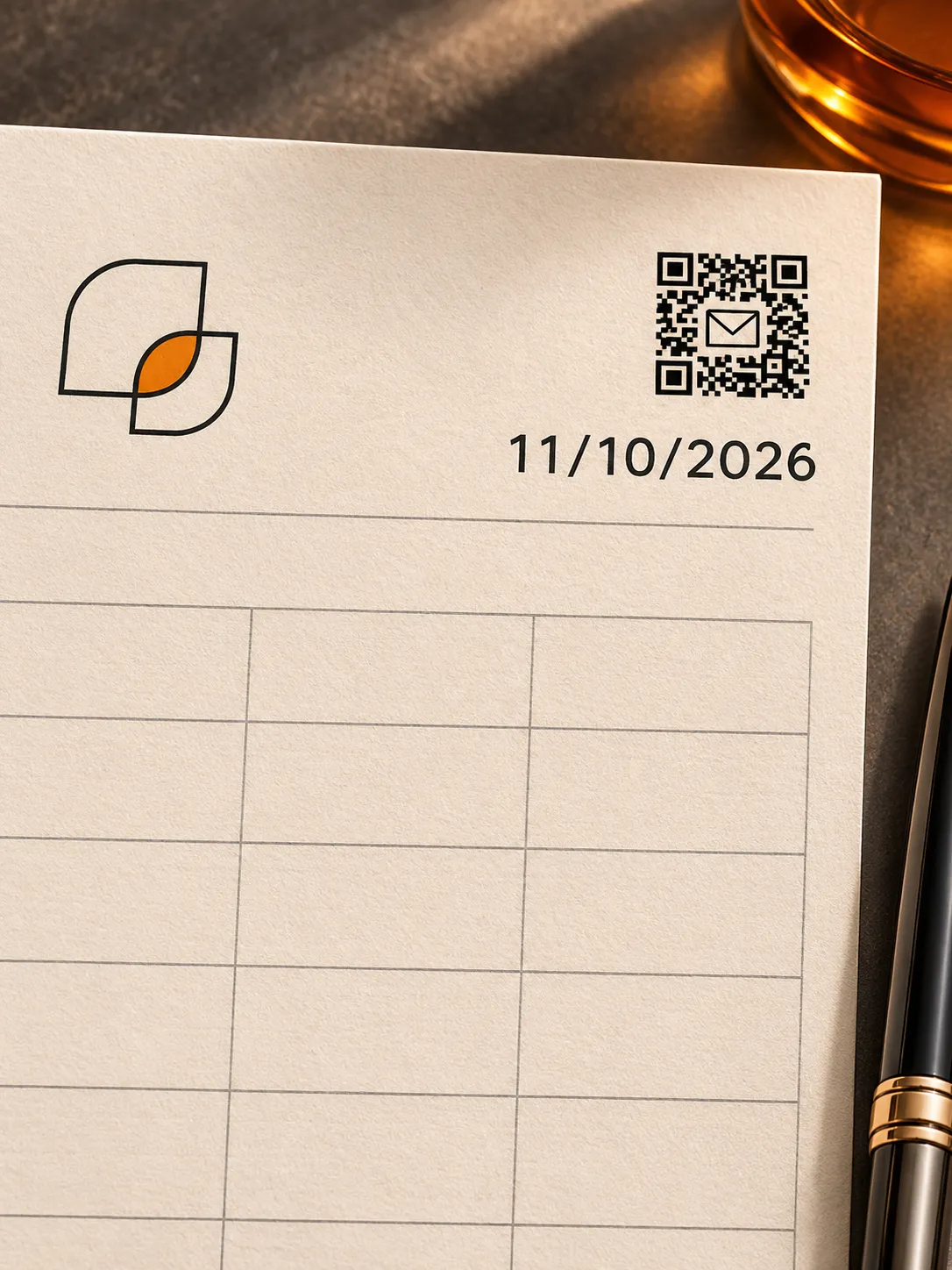
Add it to business cards, quotes, invoices, or manuals to create a direct link to your inbox.
Your email, ready for first contact
When someone scans the code, the email app on their phone opens with your address already filled in. You can also add a subject and starter message to help guide their inquiry.
With a static code, the information is fixed from the start. If you change your email address or message, you’ll need to create a new code. With a dynamic code, you can update the destination in your dashboard at any time without reprinting your materials.
See more QR code types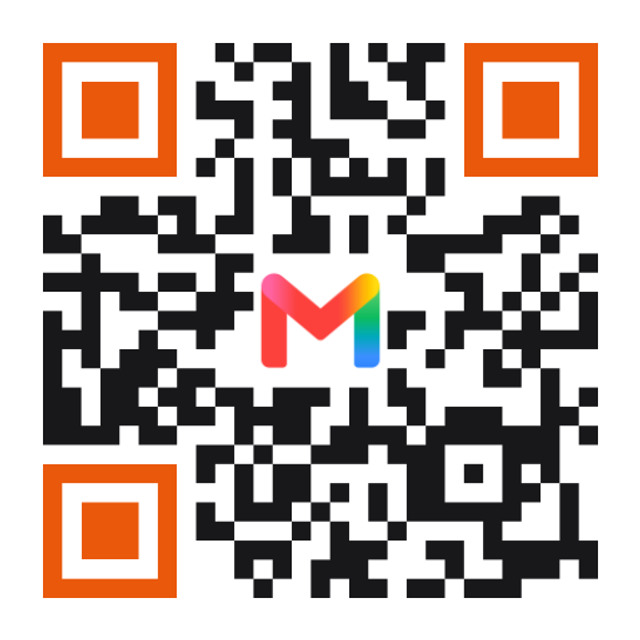

QR code design and customization
Give your email QR code your brand colors, style, and look. Make it fit right in with your business cards, packaging, and printed materials.
PNG for sharing · SVG for print at any size
Create a custom QR codeCampaign metrics
Choose a dynamic email QR code to see scan counts, locations, and devices in your dashboard and find out which printed materials get the most interest.
See plans and analyticsFrequently asked questions
It’s a shortcut you can print. When someone scans it with their phone camera, their email app opens with your address already filled in, so they can write to you without typing it.
No. Scanning prepares the message on the user’s device, but they press Send themselves in their email app.
Yes. When you create your code in Trakelino, you can pre-fill a subject and starter message to make it easier for customers to ask about specific topics.
Yes. The code uses the standard email protocol, so it opens the default email app set up on the user’s phone, such as Gmail, Outlook, or Apple Mail.
It depends on the code type. Dynamic QR codes let you update the destination and view scan statistics at any time. Static codes keep the original address.
Absolutely. With Trakelino, you can add your logo, choose colors and shapes, and explore different styles. Create a distinctive QR code that fits your brand and is ready to print or share.
Try it free and start connecting, updating, and measuring with ease.